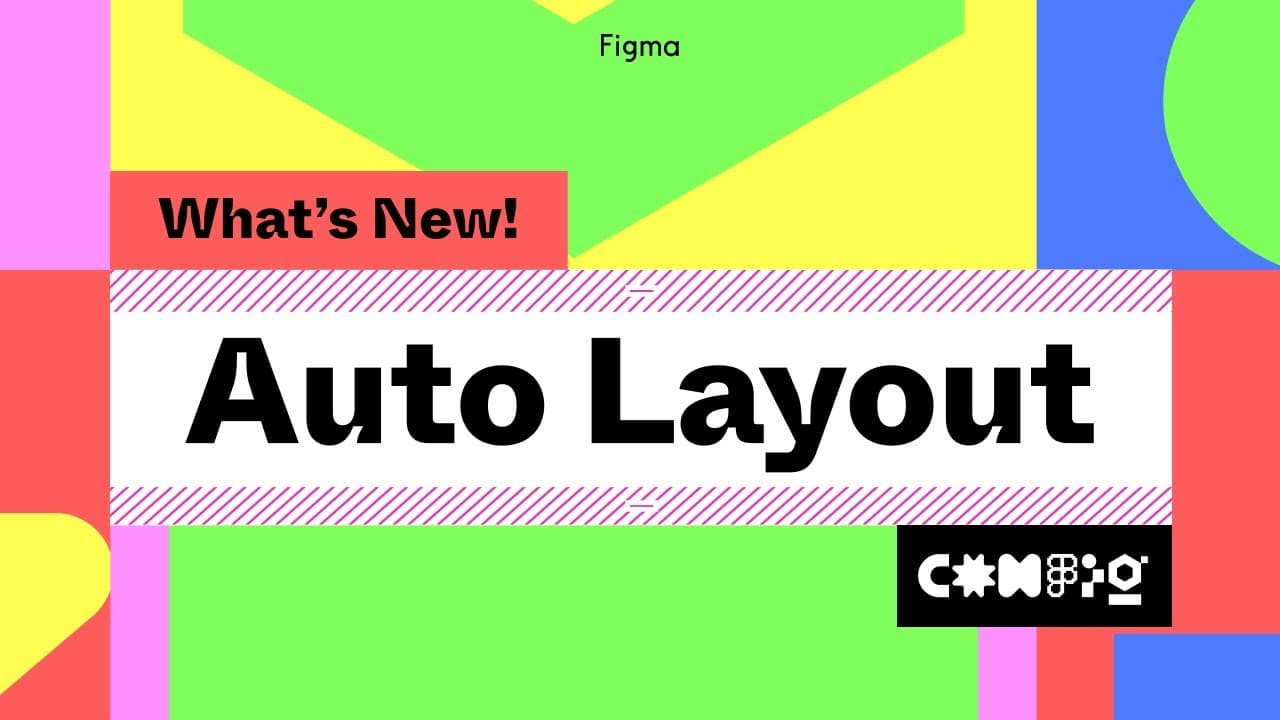
What Are the New Features in Figma's Auto Layout?
TL;DR
Figma's Auto Layout now includes features like negative spacing, absolute positioning, text baseline alignment, and enhanced canvas controls, greatly improving design responsiveness and flexibility. These updates streamline organization and allow for more precise control in creating responsive layouts, making it easier to design components for apps and other interfaces.
Transcript
auto layout is a powerful and flexible feature in figma that allows you to create designs that respond to content changes and layout size we're excited to announce that auto layout is even more powerful than before with new capabilities like negative spacing absolute positioning text baseline alignment canvas controls and more we've also freshened ... Read More
Key Insights
- ✊ Auto Layout in Figma has new features like negative spacing, absolute positioning, and text baseline alignment that enhance its flexibility and power.
- 👻 The new canvas controls allow designers to adjust padding and spacing directly on the canvas, making the design process faster and more efficient.
- 🗯️ The updated layer ordering in the right sidebar improves organization and navigation, making it easier to manage complex designs.
- 😀 Auto Layout can be used to create responsive designs for various interfaces, including mobile app interfaces.
- 🚗 The concept of auto layout remains the same despite the updates, so designers can still apply the principles learned in previous tutorials.
- 👶 The new features in Auto Layout, such as absolute positioning and canvas stacking order, provide more control and flexibility in design layouts.
- 💯 Text baseline alignment is a useful feature for achieving pixel-perfect designs, especially when using different font sizes.
Install to Summarize YouTube Videos and Get Transcripts
Explore YouTube Video Summarizer or Get YouTube Transcript Extractor
Questions & Answers
Q: How does Auto Layout in Figma make designs responsive to content changes?
Auto Layout in Figma allows designers to create designs that respond to content changes by automatically adjusting the layout based on the content's size and changes.
Q: What are the new features introduced in Auto Layout in Figma?
The new features in Auto Layout in Figma include negative spacing, absolute positioning, text baseline alignment, and canvas controls.
Q: How does negative spacing work in Auto Layout?
Negative spacing in Auto Layout allows designers to overlap elements within an auto layout frame, creating unique design layouts.
Q: How does absolute positioning work in Auto Layout?
Absolute positioning in Auto Layout allows designers to remove an object from the auto layout flow, allowing it to be positioned independently within the auto layout frame.
Q: What is the purpose of text baseline alignment in Auto Layout?
Text baseline alignment in Auto Layout ensures that text layers align properly, especially when using varying font sizes to indicate the priority of information.
Q: How do the new canvas controls in Auto Layout help designers?
The new canvas controls in Auto Layout allow designers to easily adjust the padding and spacing of elements within an auto layout frame directly on the canvas.
Q: How does the new layer ordering in the right sidebar improve organization and navigation in Auto Layout?
The new layer ordering in the right sidebar matches what is shown on the canvas, making it easier for designers to organize and navigate their designs.
Q: Can Auto Layout be used for creating mobile app interfaces?
Yes, Auto Layout in Figma can be used to create responsive designs for mobile app interfaces by setting the appropriate resizing properties for the elements.
Key Insights:
- Auto Layout in Figma has new features like negative spacing, absolute positioning, and text baseline alignment that enhance its flexibility and power.
- The new canvas controls allow designers to adjust padding and spacing directly on the canvas, making the design process faster and more efficient.
- The updated layer ordering in the right sidebar improves organization and navigation, making it easier to manage complex designs.
- Auto Layout can be used to create responsive designs for various interfaces, including mobile app interfaces.
- The concept of auto layout remains the same despite the updates, so designers can still apply the principles learned in previous tutorials.
- The new features in Auto Layout, such as absolute positioning and canvas stacking order, provide more control and flexibility in design layouts.
- Text baseline alignment is a useful feature for achieving pixel-perfect designs, especially when using different font sizes.
- Auto Layout in Figma continues to evolve, and it is recommended to stay updated with the latest product and community news to make the most of its capabilities.
Summary & Key Takeaways
-
Auto Layout in Figma has become even more powerful with new features like negative spacing, absolute positioning, and text baseline alignment.
-
The layer ordering in the right sidebar has been updated to match what is shown on the canvas, making organization and navigation easier.
-
This video tutorial demonstrates how to use the new features to create a card component for a task management app.
Read in Other Languages (beta)
Share This Summary 📚
Summarize YouTube Videos and Get Video Transcripts with 1-Click
Try YouTube Summary with ChatGPT & Claude or YouTube Transcript Generator
Explore More Summaries from Figma 📚

![How to Create a Responsive Button in Figma, Figma Design for Beginners [6 of 13] thumbnail](/_next/image?url=https%3A%2F%2Fi.ytimg.com%2Fvi%2FPZaBmmI0s4M%2Fhqdefault.jpg&w=750&q=75)



Summarize YouTube Videos and Get Video Transcripts with 1-Click
Try YouTube Summary with ChatGPT & Claude or YouTube Transcript Generator