How Does Figma Bring Code Onto the Canvas?
TL;DR
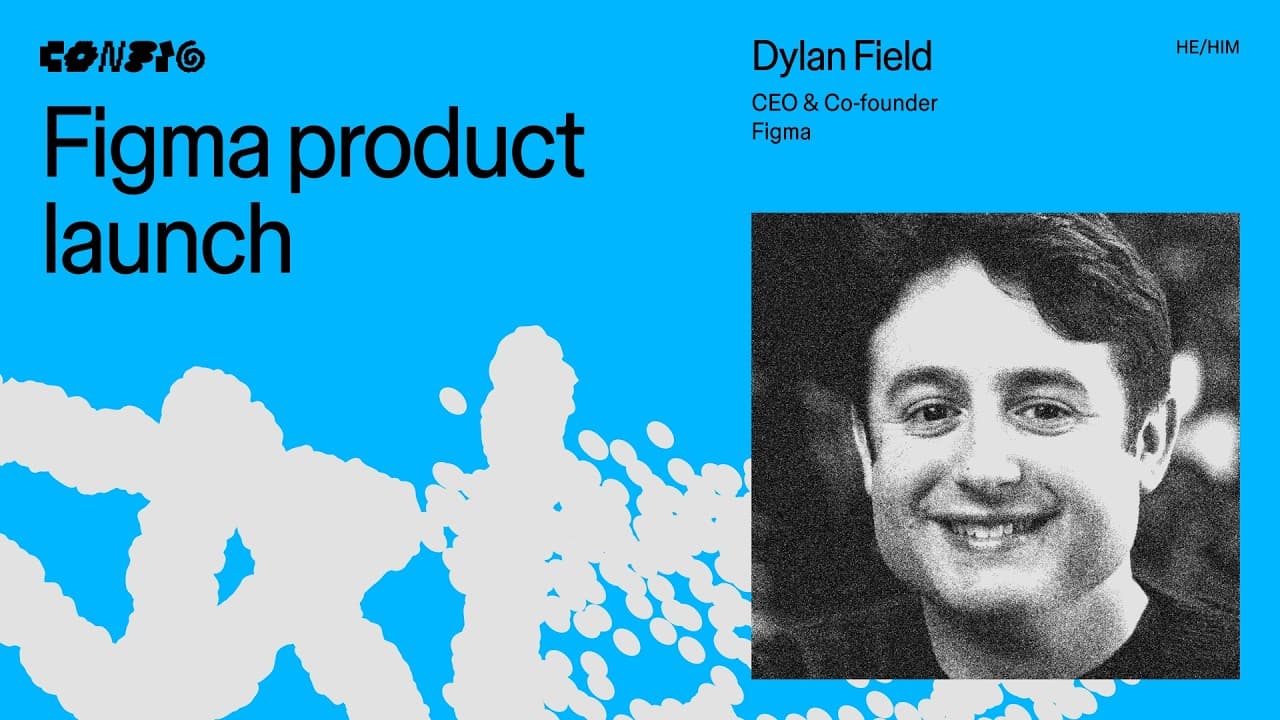
Figma is bringing code directly onto its collaborative canvas through code layers, treating code as a material for design rather than its opposite. Designers can generate code from designs, import repositories or local folders, run multiple code bases side by side, share agent conversations, duplicate explorations, and extract interactive flows for broader visual comparison.
Transcript
It's you. It's you. It's you. Heat. Hey. Hey. Hey. Hello. Hello. >> [applause] >> We grew up in a world that told us the future belonged to those who could code. Knowing how something should look and feel wasn't enough. You had to [music] know how to build it, too. But now everything's shifted. Code is a material as shapable as texture or color. An... Read More
Key Insights
- Code is presented as a material for design, not as the opposite of design. Figma argues that tools should no longer force creators to choose between visual design and coded experiences when both can contribute to exploring and shaping a product.
- AI has lowered the floor for creating software, but its ability to raise the creative ceiling remains uncertain. Dylan Field attributes that higher ceiling to designers who use new capabilities for creativity, risk-taking, bold expression, and deeper exploration rather than speed alone.
- Collaborative code exploration is limited by siloed agent workflows. Team members can become hundreds of prompts deep in separate sessions, then exchange prototype recordings without sharing the reasoning, experiments, or conversational history that produced each coded result.
- Code layers place executable code directly on the Figma canvas. Users can zoom into a layer, move it, interact with its interface, and keep coded prototypes in the same spatial environment used for visual design and collaborative exploration.
- Code layers can be created from existing design layers or started with a dedicated code tool. A user can select a design and request that it be built with code, or create a new code layer and begin prompting from there.
- Existing code bases can enter the proposed canvas workflow through GitHub repository imports or local folder uploads. The presentation describes these capabilities as planned features, and the accompanying disclaimer says functionality, launch dates, and designs may change.
- Side-by-side comparison helps teams move beyond a single deep exploration. Multiple separate code bases can run simultaneously on the canvas, allowing collaborators to interact with different approaches, compare their behavior, discard weaker ideas, and identify more promising directions.
- Shared chats preserve the history behind code-layer decisions. Collaborators can review previous prompts and agent explanations, understand how colleagues created an interaction, duplicate a layer by dragging it with the option key, and continue with a new variation.
Install to Summarize YouTube Videos and Get Transcripts
Explore YouTube Video Summarizer or Get YouTube Transcript Extractor
Questions & Answers
Q: What are Figma code layers?
Figma code layers are executable coded experiences placed directly on the Figma canvas. They can be moved and explored like other canvas content while retaining interactive behavior. The presentation shows users zooming into these layers, interacting with interfaces, and running several separate code bases at once, making code part of a spatial, collaborative design workflow.
Q: How can designers create a code layer in Figma?
Designers can create a code layer in two demonstrated ways. They can select an existing design layer and choose the command to build it with code, or use the new code tool in the toolbar to create a code layer and begin prompting. Both approaches connect code generation with the canvas where the design work already exists.
Q: Why does Figma describe code as a design material?
Figma describes code as a design material because it can shape how an experience looks, feels, and behaves, much like vectors, graphics, texture, or color. Dylan Field calls the design-versus-code debate false and argues that tools should not force creators to choose between the two when developing and exploring product ideas.
Q: How do code layers support collaborative exploration?
Code layers support collaborative exploration by placing different coded approaches side by side on a shared canvas. Teams can run multiple code bases simultaneously, interact with each result, review shared chat history, and understand how colleagues used agents to create particular behaviors. This makes both the output and the process behind it visible to collaborators.
Q: Can existing code bases be imported into the Figma canvas?
The presentation says Figma plans to let users import repositories from GitHub or upload local folders directly onto the canvas. This is intended to support teams that already have code bases or prototype playgrounds. The description also cautions that features under development, their designs, and estimated launch dates remain subject to change.
Q: How can teams compare several coded prototypes in Figma?
Teams can place several code-layer explorations next to one another, select them together, and run their separate code bases simultaneously. Each result can then be inspected and used interactively on the canvas. The approach gives collaborators enough spatial context to compare behaviors and visual directions instead of reviewing one isolated prototype at a time.
Q: How do designers create a variation of a code layer?
A designer can create a variation by holding the option key and dragging the existing code layer. The duplicated layer becomes a branch for another exploration, using an interaction already familiar to Figma users. The presenter then demonstrates prompting the new variation to change the background color according to the card currently in focus.
Q: Why are shared agent chats important for code design?
Shared agent chats let collaborators see the prompts, questions, changes, and explanations associated with a code layer. In the demonstration, the presenter reviews a colleague's earlier question and the agent's explanation of an S-curve. This context helps team members catch up, understand one another's methods, and continue an exploration without relying only on prototype recordings.
Summary & Key Takeaways
-
Dylan Field frames AI-driven product development as a shift from asking whether something can be built to deciding what deserves to be built. He argues that AI has lowered the floor for creation, while raising the creative ceiling still depends on designers taking risks, exploring boldly, and collaborating with their community.
-
Figma rejects the traditional design-versus-code debate and instead presents code as another design material. Its proposed workflow places executable code layers on the familiar canvas, where teams can move, inspect, interact with, and compare coded experiences alongside other design work without giving up the spatial environment they already use.
-
Code layers can be created from an existing design or through a dedicated code tool. Figma also plans to support GitHub repository imports and local folder uploads. Teams can run several separate code bases simultaneously, inspect shared agent chats, duplicate a layer to create a new exploration, and record flows for design extraction.
Read in Other Languages (beta)
Share This Summary 📚
Summarize YouTube Videos and Get Video Transcripts with 1-Click
Try YouTube Summary with ChatGPT & Claude or YouTube Transcript Generator
Explore More Summaries from Figma 📚

Summarize YouTube Videos and Get Video Transcripts with 1-Click
Try YouTube Summary with ChatGPT & Claude or YouTube Transcript Generator