How to Improve AI Code Generation with Figma
TL;DR
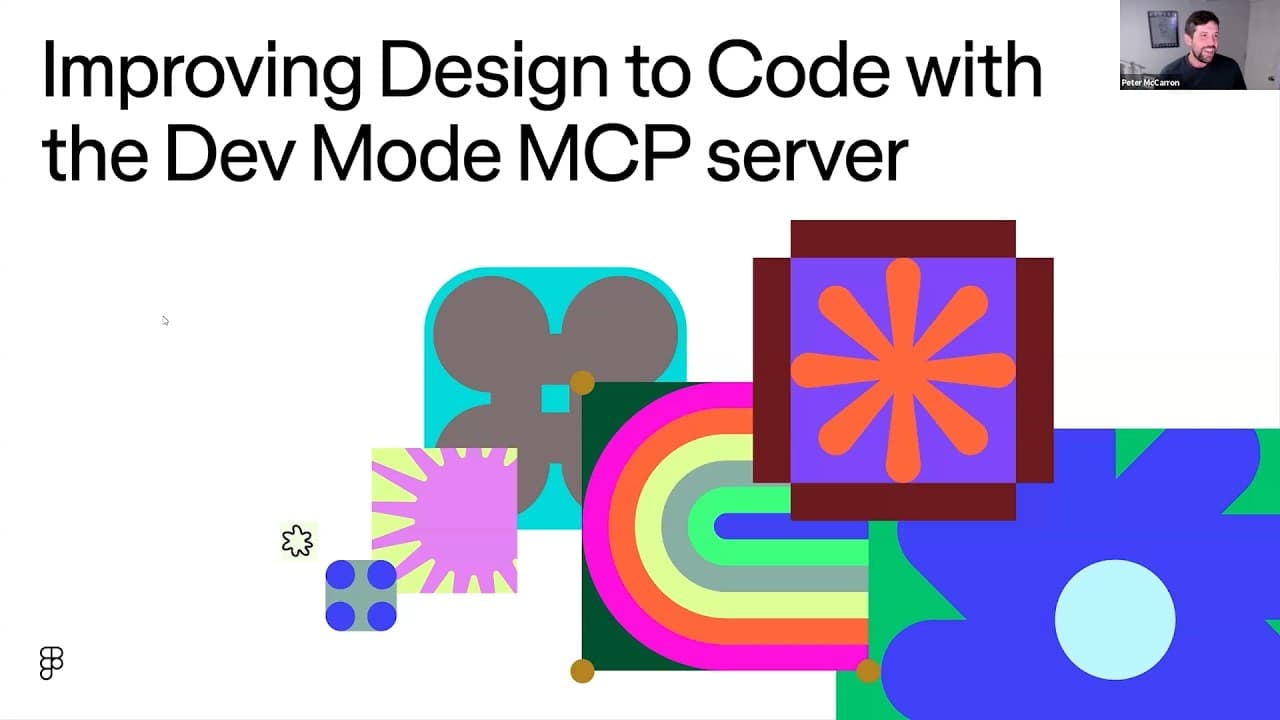
Use Figma’s Dev Mode MCP server to deliver design context directly to AI coding agents, reducing manual inspection and helping generated code match the intended design and existing codebase. Better results come from preparing information in Dev Mode, structuring design files clearly, and supplying variables, annotations, component mappings, layouts, spacing, colors, and assets as explicit guardrails.
Transcript
And with that, we'll go ahead and dive into it if I am selecting the right screen. All right, so real quick, as I said, my name is Peter McCarron. I'm on the product marketing team here at Figma. I cover our DevTools products. So, that includes our MCP server as well as Dev Mode. And Yarden, I'll let you do a quick introduction for yourself. Hey, I... Read More
Key Insights
- MCP stands for Model Context Protocol, and an MCP server simplifies the connection between an AI agent and an external data source. Figma’s server makes information stored in the Figma application available to coding agents for design-informed code generation.
- Figma’s Dev Mode MCP server is designed to preserve developer focus by bringing design information into the code editor. Developers can retrieve context through their agent instead of repeatedly moving between Figma and the editor to inspect and implement individual elements.
- Dev Mode is the foundation for design-informed implementation because it aggregates information needed during developer handoff. Its available context includes layouts, spacing, variables, colors, assets, annotations, and components connected to code through Code Connect.
- The MCP workflow can expose Dev Mode information to an AI agent in one tool call. In the demonstrated variables workflow, the agent retrieves variables from a Figma file and aligns them with a stylesheet without requiring each line to be copied, pasted, and verified separately.
- Design context is essential because a text prompt can satisfy literal requirements without reproducing the intended result. Supplying ingredients, structure, mappings, and expected outcomes helps the agent interpret design intent instead of relying only on the wording of a request.
- AI-generated code can create challenges involving code quality and design fidelity. Dev Mode information, annotations, explicit mappings, and codebase rules act as guardrails that help generated outputs correspond more closely to both the design and the existing implementation.
- A configured design system represents the strongest workflow described in the webinar when combined with Dev Mode and MCP. This setup gives the coding agent more explicit relationships between design elements, reusable components, variables, and their corresponding codebase concepts.
- Figma’s own MCP server provides a source built and maintained by the same platform that stores the design context. Figma positions this as a trusted solution while acknowledging that MCP is new technology with potential attack vectors involving prompts passed into servers.
Install to Summarize YouTube Videos and Get Transcripts
Explore YouTube Video Summarizer or Get YouTube Transcript Extractor
Questions & Answers
Q: What is Figma’s Dev Mode MCP server?
Figma’s Dev Mode MCP server is a Model Context Protocol server that connects design information in Figma with AI agents used for code generation. It exposes context already available in Dev Mode, including layouts, spacing, variables, colors, assets, annotations, and connected components. The agent can use that information while working within the code editor to produce design-informed code.
Q: How does the MCP server improve design-to-code work?
The MCP server improves design-to-code work by delivering relevant Figma context directly to an AI coding agent. Developers no longer need to inspect and copy every design property manually while switching between Figma and their editor. The additional context also provides guardrails for generated code, helping it reflect the intended design and align more closely with the existing codebase.
Q: What design information can Figma MCP send to an AI agent?
Figma MCP can send information that is available through Dev Mode, including layout details, spacing, variables, colors, assets, annotations, and connected code components. The webinar also describes explicit mappings and design system context as useful guidance. Together, these details communicate more than a screenshot or text prompt because they give the agent structured information about how the design should be implemented.
Q: Why is design context important for AI code generation?
Design context is important because an AI agent can follow the literal words of a prompt while still producing an outcome that differs from the designer’s intention. The webinar illustrates this with poorly assembled sandwiches that technically contain the requested ingredients. Detailed context defines the ingredients, structure, and expected outcome, helping generated code achieve stronger design fidelity and better codebase alignment.
Q: How can Figma variables be aligned with a stylesheet using MCP?
An AI agent can call the Figma MCP server to retrieve variables from a Figma file and compare or align them with variables in a stylesheet. In the demonstrated workflow, the server fetches the available data and brings it into the development environment automatically. This replaces the need to copy, paste, and verify every variable individually across the design and codebase.
Q: What role does Dev Mode play before adopting MCP?
Dev Mode provides a starting point for teams that want to improve developer handoff even if they are not ready to use AI coding tools. It aggregates implementation information from designs in forms developers can inspect and use. Once AI tools are adopted, the same prepared information can be exposed through the MCP server and supplied to agents for code generation.
Q: How can teams optimize outputs from Figma’s MCP server?
Teams can optimize MCP outputs by structuring Figma files clearly and preparing useful implementation context in Dev Mode. Annotations, explicit mappings, variables, Code Connect relationships, and codebase rules can give the agent stronger guardrails. Combining Dev Mode, MCP, and a configured design system offers the most complete workflow described, because the agent receives clearer guidance about design intent and implementation conventions.
Q: Why did Figma build and maintain its own MCP server?
Figma built its MCP server to let developers retrieve design context while staying in their preferred code editor, improve AI-generated code with information from Dev Mode, and provide a solution maintained by the platform that stores the designs. Figma also notes that MCP is new technology with possible attack vectors, including prompts passed into servers, making trust and ongoing maintenance important considerations.
Summary & Key Takeaways
-
The Model Context Protocol simplifies the connection between an AI coding agent and an external data source. Figma’s MCP server exposes design information from Dev Mode directly to agents operating inside code editors, allowing developers to retrieve relevant context without repeatedly switching between their design files and development environment.
-
Dev Mode contains implementation details such as layouts, spacing, variables, assets, colors, annotations, and components connected through Code Connect. The MCP server can deliver this information to an AI agent in a tool call, replacing repetitive copying and inspection while giving generated code stronger guidance about design intent and codebase alignment.
-
Figma presents a progression from Dev Mode alone, to Dev Mode with AI tools and MCP, and finally to Dev Mode, MCP, and a configured design system. Clear file structure, explicit mappings, annotations, and rules provide guardrails that can improve design fidelity and reduce the refactoring required after AI code generation.
Read in Other Languages (beta)
Share This Summary 📚
Summarize YouTube Videos and Get Video Transcripts with 1-Click
Try YouTube Summary with ChatGPT & Claude or YouTube Transcript Generator
Explore More Summaries from Figma 📚


Summarize YouTube Videos and Get Video Transcripts with 1-Click
Try YouTube Summary with ChatGPT & Claude or YouTube Transcript Generator