How to design frontends with OpenAI Codex multimodal
TL;DR
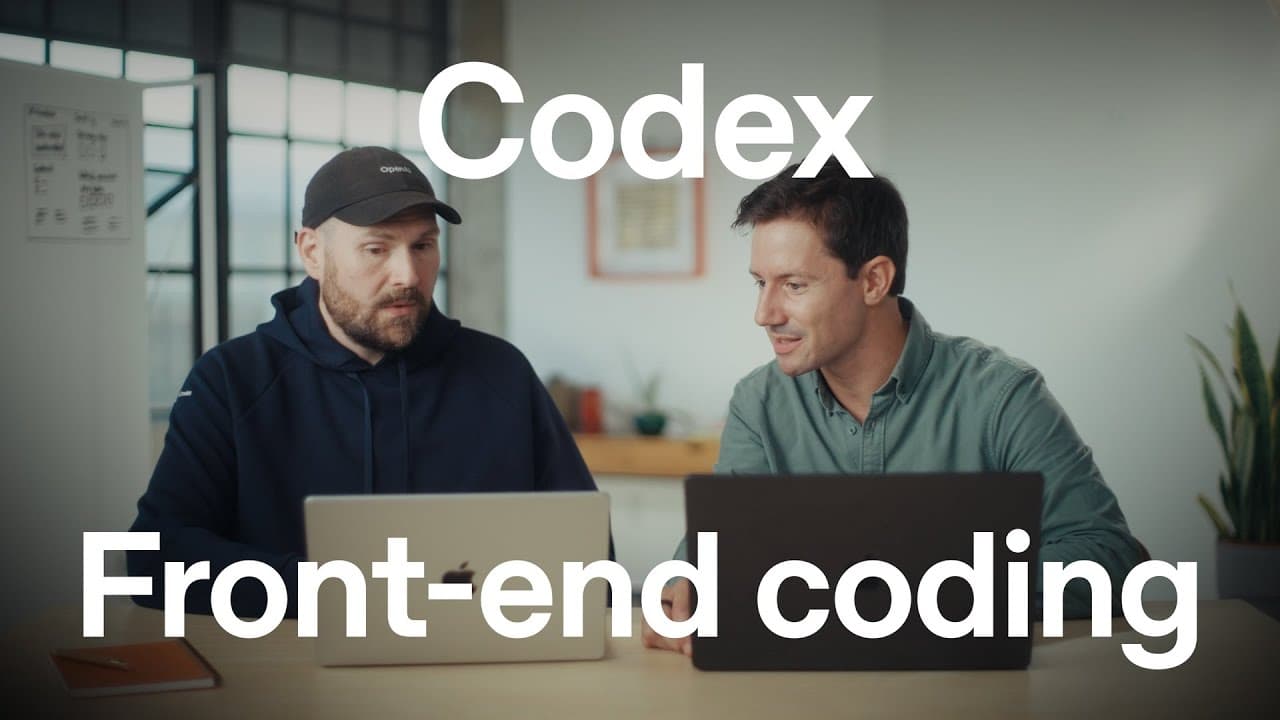
Codex multimodal helps designers and engineers iterate on UI by visualizing ideas, creating tasks from sketches or photos, and checking work through prompts and logs. It enables building features like a 3D globe, destination details, and travel dashboards while ensuring responsiveness and consistency across devices.
Transcript
Hey everyone, I'm Roman. Codex is your AI teammate that you can pay with everywhere you code. Whether it's on your computer with Codex CLI or the ID extension or Codex cloud that you can send tasks to anytime from the web or your mobile phone. But one superpower we really wanted to zoom in today is its multimodal capabilities. But it's even more ma... Read More
Key Insights
- Codex multimodal acts as an AI teammate that can accept tasks from a photo or sketch and describe the design to implement.
- Codex cloud and local tools provide a tight loop for frontend iteration, including the ability to open a PR and run a dev server to preview changes.
- A 3D globe design example demonstrates how the model can generate complex UI elements with animations and tooltips that respond to user input.
- Multimodal capabilities extend to checking visual output by taking screenshots and validating layout across desktop and mobile views.
- The workflow supports exporting and reviewing components via logs, then applying changes through a PR, streamlining collaboration.
- Design prompts can specify navigation details like left and right arrows mapping to keyboard controls for accessibility.
- The system emphasizes consistency and responsiveness, with the model producing mobile-friendly views to ensure a good user experience on various devices.
- There is a clear emphasis on using visual data to guide frontend development, such as turning data into dashboards and charts for presentations.
- More videos from this channel:
- More from this channel: OpenAI
Install to Summarize YouTube Videos and Get Transcripts
Explore YouTube Video Summarizer or Get YouTube Transcript Extractor
Questions & Answers
Q: What is Codex multimodal used for in frontend design?
Codex multimodal serves as an AI teammate that can take design prompts from sketches or photos, generate code tasks, and implement frontend features. It can describe what you want, create a task in Codex, and produce UI elements such as a 3D globe with interactive details. It also helps check visuals by rendering across devices and collecting feedback.
Q: How can you start a frontend task with Codex cloud or CLI?
You can start by taking a quick photo or sketch of the app, then feed that image into Codex via a chat prompt to describe the desired redesign. Codex will generate tasks in the cloud or locally, and you can wire those tasks to a PR and run a dev server to preview the changes in real time.
Q: What UI example is used to illustrate Codex multimodal capabilities?
The example redesigns a home screen to show a 3D spinning globe on the left and destination details on the right, with the user able to navigate the globe fluidsly and click pens to view destinations. This demonstrates multimodal generation, animation, and interactive behavior.
Q: How does Codex help with mobile responsiveness?
Codex can generate multiple screenshots for different viewports, including desktop and mobile, to ensure the design looks correct across sizes. It supports checking for issues like overlaps or misalignments and can adapt the UI to be responsive on mobile devices.
Q: What role do logs and PRs play in the Codex workflow?
Logs show the model's work, including generated components and their behavior, while PRs allow you to view, test, and merge changes. This creates a verifiable workflow where design ideas become code through a traceable, reviewable process.
Q: Can Codex describe design from a photo to a developer?
Yes, Codex can take a photo of a design, interpret it, and turn that description into a code task. The developer can then implement the described UI, and Codex can assist by generating variations, screenshots, and iterations to refine the design.
Q: What kinds of UI elements can Codex generate in the example?
The example shows a 3D globe, left panel with navigation, right panel with destination details, tooltips, and interactive elements that respond to user input. It also demonstrates mapping keyboard controls and ensuring the design remains consistent with the existing app.
Q: How does Codex check its own work in the frontend workflow?
Codex can take screenshots of the implemented UI, compare them to the intended design, and feed those visuals back into prompts for refinement. This loop allows the model to validate appearance, layout, and behavior before finalizing changes.
Summary & Key Takeaways
-
A quick tour shows Codex multimodal helping to redesign a home screen with a 3D spinning globe and destination details on the right, while enabling keyboard navigation and responsive layouts for mobile. The process includes generating tasks from a photo, running them in Codex cloud, and reviewing the resulting UI changes.
-
The speakers discuss using Codex to create dashboards and check visuals by taking screenshots, then feeding them back into the model to refine components and ensure the app looks right in different modes and sizes.
-
The video emphasizes a tight feedback loop where the model can check its own work, generate variations, and validate designs across platforms, encouraging a practical workflow for frontend development with multimodal capabilities.
Read in Other Languages (beta)
Share This Summary 📚
Summarize YouTube Videos and Get Video Transcripts with 1-Click
Try YouTube Summary with ChatGPT & Claude or YouTube Transcript Generator
Explore More Summaries from OpenAI 📚




Summarize YouTube Videos and Get Video Transcripts with 1-Click
Try YouTube Summary with ChatGPT & Claude or YouTube Transcript Generator