How to create a workflow to support your research and knowledge creation efforts (Obsidian app)
TL;DR
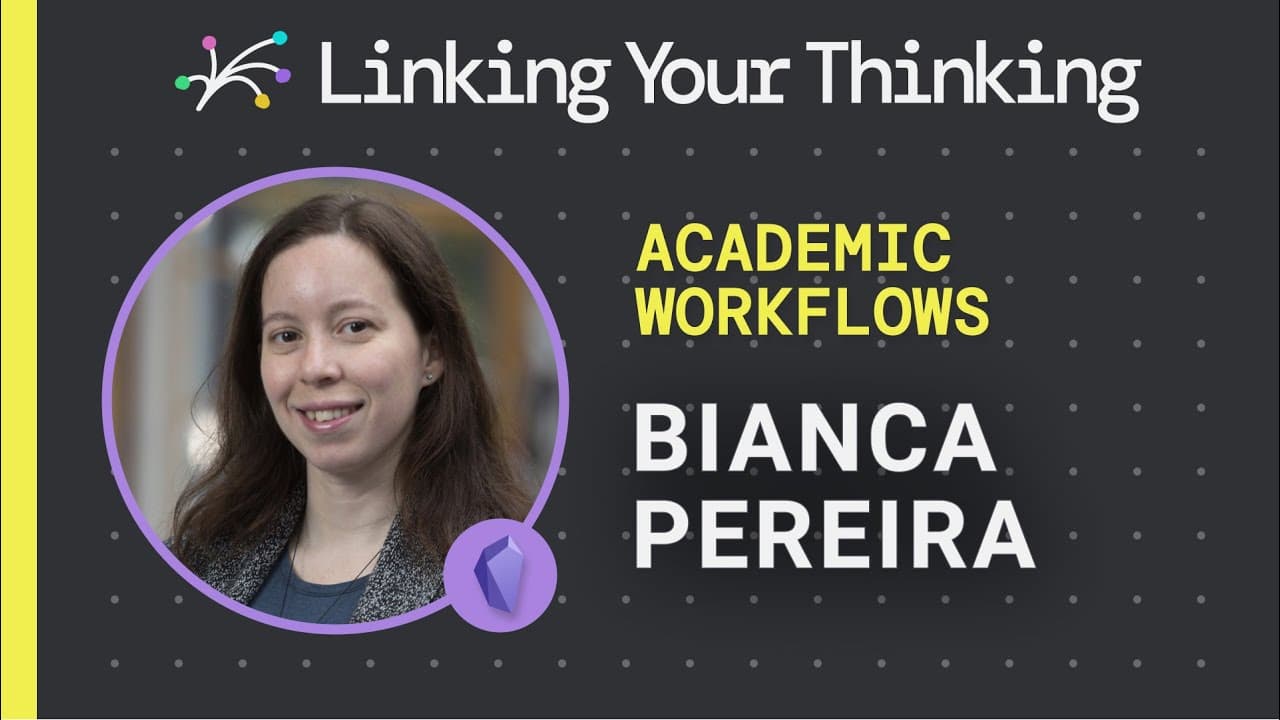
Bianca Pereira showcases her academic workflow using Obsidian, emphasizing the importance of maintaining a balance between note taking and note making.
Transcript
are you an academic or researcher struggling to balance what you read versus what you write how do you strike the right balance between note taking and note making in the following showcase bianca pereira shows away bianca is a researcher in computer science with an interest in knowledge graphs data semantics and engaged research during her phd stu... Read More
Key Insights
- 💯 Obsidian can be a powerful tool for researchers to manage and create knowledge, using plain text files as the core.
- 👨🔬 Capturing and organizing research sources is crucial for maintaining a structured workflow.
- 🤩 An academic workflow should include the extraction of key information, development of a knowledge base, and efficient writing process.
- 💭 Keeping a history of thoughts and analysis is essential for research that involves data analysis and inductive perspectives.
- 🎵 Balancing note taking and note making helps researchers cultivate a healthy research process.
Install to Summarize YouTube Videos and Get Transcripts
Explore YouTube Video Summarizer or Get YouTube Transcript Extractor
Questions & Answers
Q: What is the difference between the library and interlibrary in Bianca's academic workflow?
In Bianca's workflow, the library consists of processed sources with notes, while the interlibrary contains sources she intends to study but hasn't read yet. The interlibrary serves as an inbox for potential research material.
Q: How does Bianca capture and organize her research sources?
Bianca uses Evernote and Pocket to capture sources and create an inbox. After processing the sources, she moves them into Obsidian, organizing them in her library by creating folders for different types of files.
Q: How does Bianca extract information and take notes in Obsidian?
Bianca highlights important parts of PDF documents and extracts key information into notes in Obsidian. She includes bibliographic information, summary, analysis, and embedded queries to track backlinks and connections between notes.
Q: How does Bianca use Obsidian for writing papers?
Bianca transfers her notes and sections of the paper from Obsidian to Overleaf, a LaTeX editor. By importing her markdown files, she can easily format and compile her research papers in LaTeX.
Summary & Key Takeaways
-
Bianca Pereira shares her process of creating a complete academic workflow using Obsidian.
-
She discusses the importance of capturing and organizing research sources, dividing them into a library and an interlibrary.
-
Bianca demonstrates how she extracts key information, develops her knowledge base, and uses Obsidian for writing papers.
Read in Other Languages (beta)
Share This Summary 📚
Summarize YouTube Videos and Get Video Transcripts with 1-Click
Try YouTube Summary with ChatGPT & Claude or YouTube Transcript Generator
Explore More Summaries from Linking Your Thinking with Nick Milo 📚


Summarize YouTube Videos and Get Video Transcripts with 1-Click
Try YouTube Summary with ChatGPT & Claude or YouTube Transcript Generator