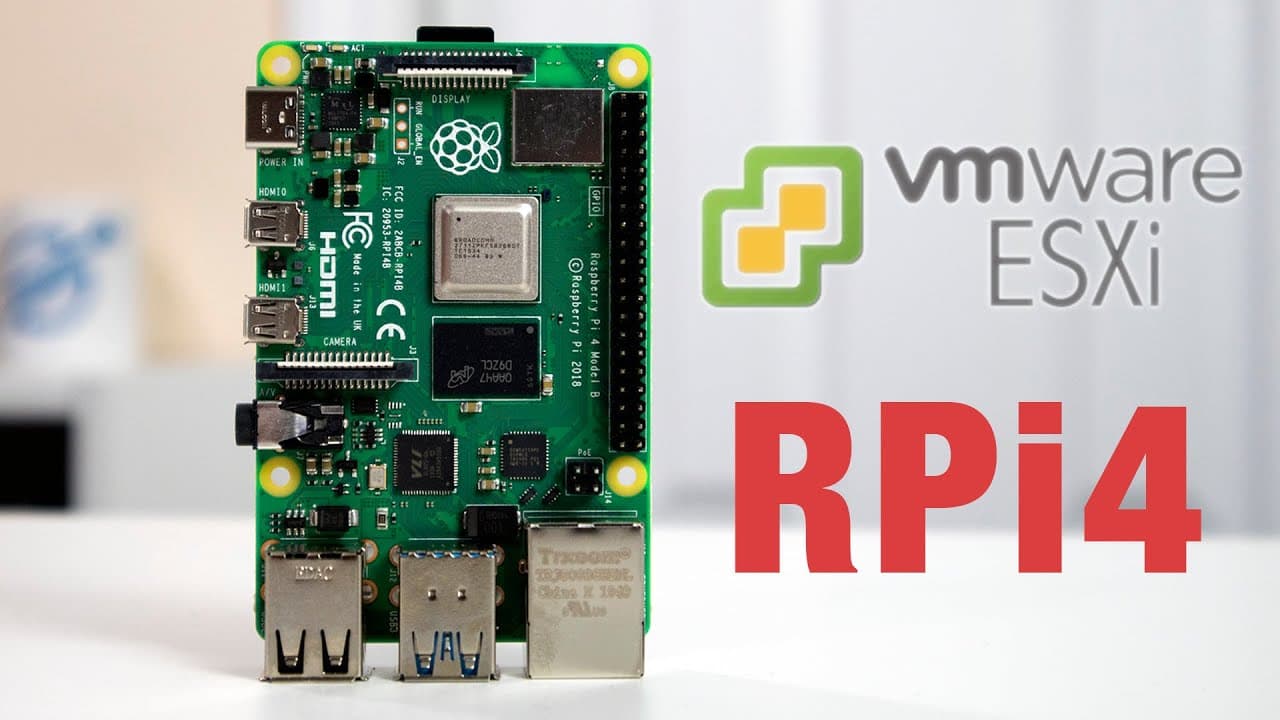
Installing ESXI on Raspberry Pi Review / First Impressions
TL;DR
Learn how to install ESXi on a Raspberry Pi for educational purposes.
Transcript
hey guys what's going on it's don here from nova spur tech and welcome back to the channel and today we are going to be installing esxi on the raspberry pi so let's get started now i am super excited that this is actually available for arm and also on the raspberry pi but let's be honest the raspberry pi is not a great emulation or virtual machine ... Read More
Key Insights
- 💯 ESXi is increasingly relevant as ARM servers become more powerful with many core options, suggesting a future demand for virtualization on these platforms.
- 🤗 Arm-based virtualization opens learning pathways for individuals interested in cloud environments and server management.
- 😒 The installation process has shifted to being more accessible, with tools available to facilitate the use of hypervisors on consumer-grade hardware.
- 💄 A proper understanding of ESXi can be beneficial for careers in IT and systems administration, making Raspberry Pi a useful learning platform.
- 😫 The importance of thorough documentation cannot be overstated, as the author found existing guides to be unclear for setting up ESXi.
- 👋 The video highlights the need for good firmware that enables UEFI boot capabilities on devices like the Raspberry Pi.
- 👤 Users are encouraged to experiment with virtualization concepts, such as creating a cluster or managing virtual machines, to deepen their understanding.
Install to Summarize YouTube Videos and Get Transcripts
Explore YouTube Video Summarizer or Get YouTube Transcript Extractor
Questions & Answers
Q: What is ESXi and why is it significant for virtualization?
ESXi is a type 1 hypervisor developed by VMware that allows multiple virtual machines to run on a single physical server. This is significant because it enables efficient resource utilization, allowing different operating systems to operate simultaneously on the same hardware, which is particularly valuable in data centers and educational settings.
Q: Why is a Raspberry Pi not an ideal server for running ESXi?
While a Raspberry Pi can technically run ESXi, it is not designed for heavy server workloads. The hardware limitations, such as limited processing power and memory, restrict its performance for emulation or virtualization. However, it can still be a useful tool for learning and testing virtualization concepts in a low-stakes environment.
Q: What are the prerequisites for installing ESXi on a Raspberry Pi?
Before installation, users need a Raspberry Pi (preferably with 8GB of RAM), a properly formatted microSD card for boot files, a USB drive with the ESXi installer, and a USB device for data storage. Users must also ensure they have the correct firmware and follow specific setup instructions for effective installation.
Q: What was the author's main motivation for installing ESXi on a Raspberry Pi?
The author aimed to use the Raspberry Pi installation of ESXi as an educational opportunity to learn about tasks such as VMotion and VSAN, concepts they had not fully grasped before. This installation provided a platform to gain hands-on experience with virtualization technologies in a simplified manner.
Q: What issues did the author encounter when attempting to install Windows 10?
The author faced challenges while trying to boot the Windows 10 installer on the Raspberry Pi, noting that the installation was unsuccessful despite using the correct firmware. This highlights the limitations of running heavier operating systems on less powerful hardware like the Raspberry Pi.
Q: How does the author describe the performance of virtual machines on the Raspberry Pi?
The author mentions that running virtual machines like Ubuntu and Debian on the Raspberry Pi is surprisingly responsive, allowing for smooth operation even with limited resources. The setup demonstrated how one could still explore virtualization effectively without needing high-end hardware.
Summary & Key Takeaways
-
The content demonstrates the step-by-step process of installing ESXi, a type 1 hypervisor, on a Raspberry Pi, highlighting its potential for learning and experimentation.
-
The author emphasizes that while Raspberry Pi may not function optimally as a virtual machine server, it serves as a valuable educational tool for understanding virtualization technologies.
-
The video outlines essential setup steps, necessary equipment, and shares personal insights on the installation experience, ensuring viewers can replicate the process successfully.
Read in Other Languages (beta)
Share This Summary 📚
Summarize YouTube Videos and Get Video Transcripts with 1-Click
Try YouTube Summary with ChatGPT & Claude or YouTube Transcript Generator
Explore More Summaries from Novaspirit Tech 📚






Summarize YouTube Videos and Get Video Transcripts with 1-Click
Try YouTube Summary with ChatGPT & Claude or YouTube Transcript Generator