How to Install Hyperland Tiling Window Manager on Arch Linux
TL;DR
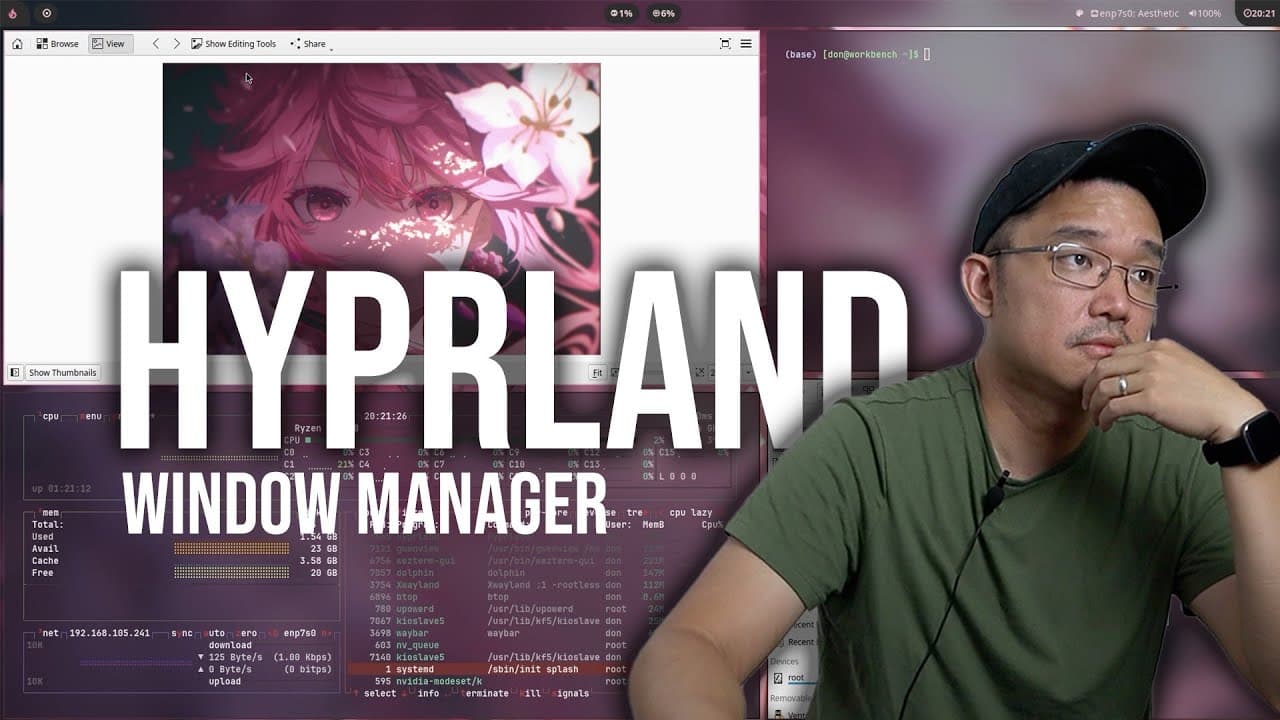
To install the Hyperland tiling window manager on Arch Linux with an Nvidia GPU, use the AUR package management tool like yay to install Hyperland and ensure that Wayland support is enabled. Configure necessary settings to avoid issues with mouse functionality and optimize customization for a better user experience.
Transcript
hey guys what's going on it's Don here from Nova Spirit Tech and welcome back to the channel and today we're going to be checking out a new window manager called hyperlens so let's get started now I've seen this window manager pop up on my radar quite some time now and I wanted to check it out it's called hyperland and it's based off Wayland that g... Read More
Key Insights
- 👤 Hyperland leverages Wayland's capabilities to provide a better user experience, resolving issues commonly found in X11 environments.
- ❓ The software development community actively supports Hyperland, frequently releasing updates to improve functionality and stability.
- 😀 Installation methods for Hyperland vary, and users might face issues if prerequisites like Wayland and proprietary drivers are not met.
- 🤩 Configuration of Hyperland is essential for optimizing usability; users must familiarize themselves with key bindings and settings for effective operation.
- 👻 The user interface and theming capabilities of Hyperland allow for extensive customization, appealing to those interested in aesthetics and functionality.
- 💄 Hyperland's performance, such as reduced screen tearing and enhanced fluidity, makes it particularly suitable for gamers and creative professionals.
- 🖐️ The documentation and community resources available for Hyperland play a crucial role in aiding users during installation and troubleshooting processes.
Install to Summarize YouTube Videos and Get Transcripts
Explore YouTube Video Summarizer or Get YouTube Transcript Extractor
Questions & Answers
Q: What is Hyperland, and why is it significant?
Hyperland is a new tiling window manager built on the Wayland protocol, designed to enhance user experience through improved performance and efficiency. Wayland addresses many shortcomings of the traditional X11 system, such as screen tearing and better memory management. The significance lies in its modern architecture that allows better resource utilization and a smoother desktop experience.
Q: How does one install Hyperland on a Manjaro KDE system?
To install Hyperland on a Manjaro KDE system, first ensure that Wayland is installed. Users can utilize GUI package managers like Pamac or terminal commands to install Hyperland through the AUR. Additionally, ensure to enable proprietary video drivers for compatibility. Following installation, users set their session manager to select Hyperland during login.
Q: What challenges did the narrator face while installing Hyperland?
The narrator encountered issues related to missing Wayland support, which prevented them from using Hyperland. They initially installed Hyperland without ensuring that the Wayland protocol was available. This oversight required installing additional packages and configuring settings to enable Wayland before successfully logging into the Hyperland environment.
Q: How does Hyperland compare to other tiling window managers?
Hyperland is comparable to traditional tiling window managers like i3 but offers enhancements due to its foundation in Wayland. Users familiar with i3 will find Hyperland's keyboard shortcuts and configuration structure similar. However, Hyperland provides additional features, such as better visual effects and smoother performance, making it an attractive option for users seeking a modern window manager.
Summary & Key Takeaways
-
Hyperland is a recently developed tiling window manager that operates on the Wayland protocol, addressing common issues associated with X11, such as screen tearing and low performance.
-
The content features a tutorial on installing Hyperland on Manjaro KDE, along with troubleshooting steps related to missing Wayland support and configuration.
-
The narrator shares their first impressions of Hyperland's usability, including interface details, configuration challenges, and overall aesthetics, showcasing its potential for customization.
Read in Other Languages (beta)
Share This Summary 📚
Summarize YouTube Videos and Get Video Transcripts with 1-Click
Try YouTube Summary with ChatGPT & Claude or YouTube Transcript Generator
Explore More Summaries from Novaspirit Tech 📚






Summarize YouTube Videos and Get Video Transcripts with 1-Click
Try YouTube Summary with ChatGPT & Claude or YouTube Transcript Generator