How to use prompting 2.0 for Claude Code
TL;DR
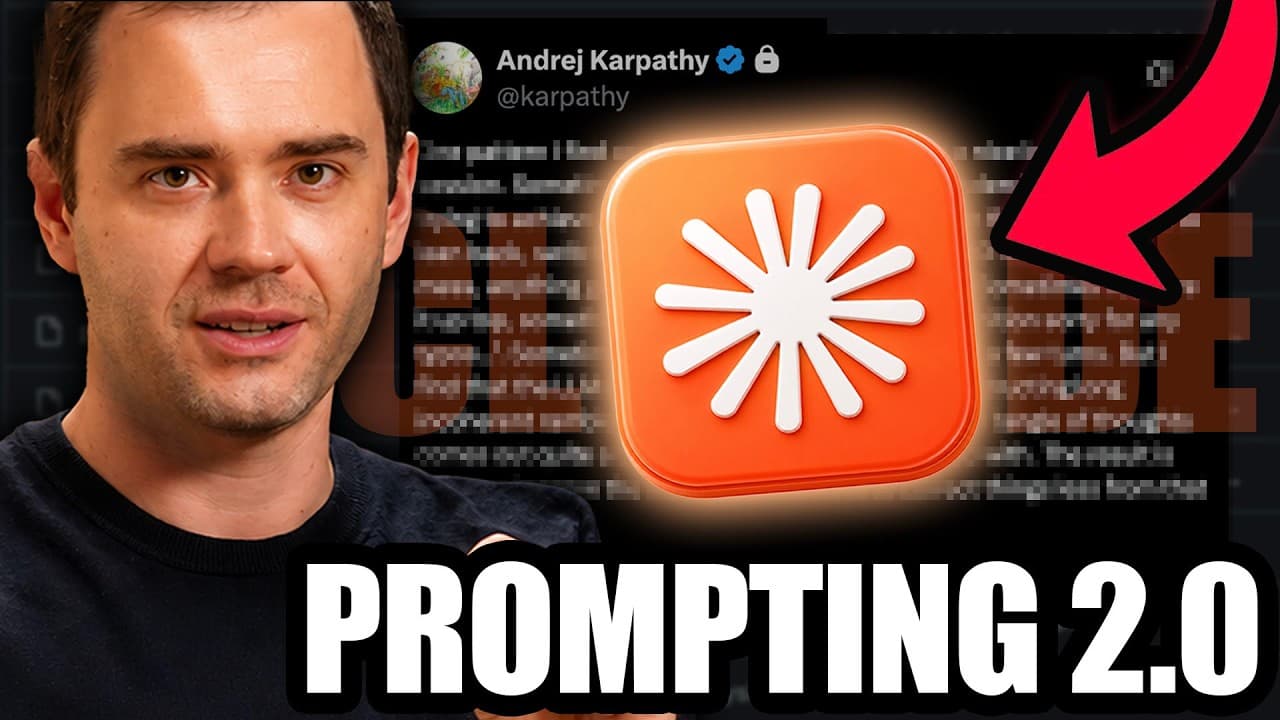
Prompting 2.0 uses a long ramble and voice mode to give AI more context, often yielding cleaner outputs with less back and forth. The video compares a 10 minute ramble approach to a traditional short prompt and demonstrates how the technique can improve dashboard results and speed up content engineering tasks.
Transcript
Andre Kapathy, the godfather of modern AI, just revealed he's made a massive change to the way he personally prompts Claude code. And his ridiculously simple new technique is so powerful that he went viral on Twitter, getting over 4 million views on his post. And strangely, Kapathy's prompting 2.0 technique is kind of the opposite of everything tha... Read More
Key Insights
- Prompting 2.0 relies on a long ramble to give the AI richer context.
- Declaring the style up top helps align the AI with the user’s intended approach.
- Switching to voice mode enables spoken input and can speed up data collection.
- Leaning back during the ramble reduces cognitive pressure and improves fluency.
- A 10 minute stream of consciousness can yield more cohesive AI outputs.
- Prompting 1.0 uses short prompts and iterative edits rather than rambling.
- A live comparison tests both prompting styles side by side.
- The goal is to enhance output quality while potentially reducing overall working time.
Install to Summarize YouTube Videos and Get Transcripts
Explore YouTube Video Summarizer or Get YouTube Transcript Extractor
Questions & Answers
Q: How does prompting 2.0 change the way you start a session with Claude Code
Prompting 2.0 changes the session by starting with a declared intention to ramble for a set duration in voice mode, which frames the interaction as a free flowing stream of consciousness. This initial context allows the AI to reconstruct user goals, preferences, and constraints from the user’s spoken discourse, often producing clearer and more usable results than a brief prompt. The approach emphasizes minimal upfront planning and relies on the AI to infer structure from the extended input, potentially reducing the need for repeated clarifications later.
Q: What are the four rules Kapathy mentions for prompting 2.0
The four rules outlined for prompting 2.0 are: declare the style up top so the AI understands the intended mode and constraints; switch to voice mode to enable spoken input; lean back to create a relaxed, rambling flow that captures more context; conduct a longer ramble that covers the project details, then review and refine as needed. These steps guide users to produce a richer context for the AI to work from and encourage more accurate interpretations and outputs.
Q: Why is a 10 minute ramble used in prompting 2.0
A 10 minute ramble is used to provide deep context about a project or task in a way that short prompts cannot. The ramble reveals nuances, goals, and assumptions that the AI can reconstruct into a coherent plan or solution. This approach aims to reduce misinterpretation and the number of edits required later by giving the AI a broader, less filtered view of the user’s intent.
Q: How does the video illustrate the difference between prompting 1.0 and 2.0
The video presents a live test where prompting 1.0 uses a short prompt, followed by iterative edits, and prompting 2.0 uses a 10 minute ramble in voice mode. It then compares the two outputs side by side, focusing on design quality, data dashboards, and the speed of obtaining a usable result. The contrast highlights how early context can influence final outcomes.
Q: What is the goal of the live test in the video
The goal of the live test is to compare the outputs produced by prompting 1.0 and prompting 2.0 on the same project. By running the same task through both prompting styles, the video evaluates differences in output quality, richness of context, and time-to-result, providing practical evidence on whether the longer ramble approach yields superior dashboards and insights.
Q: What role does voice mode play in prompting 2.0
Voice mode serves as the input mechanism for prompting 2.0, enabling the user to capture a long stream of consciousness without typing. This mode allows the user to dictate thoughts, aims, and constraints into the AI, creating a continuous narrative that the AI can interpret and restructure. It is a key enabler of the ramble strategy and helps maintain flow.
Q: What potential trade-offs are discussed with prompting 2.0
The video notes potential trade-offs including higher initial input time and the requirement to maintain focus during a long ramble. While the upfront effort may be larger, the approach can reduce later back and forth edits and produce more comprehensive AI responses. The discussion acknowledges that results may vary by task and model.
Q: How does the video describe the use of ramble transcripts in improving outputs
Ramble transcripts capture the user’s full thought process, including context, constraints, and evolving goals. The AI can reconstruct a more complete understanding from this raw input, leading to outputs that better align with user expectations. The transcripted ramble acts as a guide to shape task framing, data collection, and decision criteria.
Summary & Key Takeaways
-
The video explains prompting 2.0 as a method that starts with a long ramble to provide context, followed by structured refinements, and shows how this can impact Claude Code outputs. It contrasts this with prompting 1.0’s shorter prompts and iterative edits, highlighting efficiency and output quality differences.
-
A live test is conducted where a 10 minute ramble is compared to a short prompt, illustrating how context depth affects the AI-generated dashboard. The results are discussed in terms of design and data accuracy, emphasizing time saved despite higher initial input.
-
The content outlines four rules for prompting 2.0, including declaring style up front, switching to voice mode, leaning back during rambling, and allowing for subsequent edits or clarifications to improve the final result.
Read in Other Languages (beta)
Share This Summary 📚
Summarize YouTube Videos and Get Video Transcripts with 1-Click
Try YouTube Summary with ChatGPT & Claude or YouTube Transcript Generator
Explore More Summaries from Dream Labs AI 📚

Summarize YouTube Videos and Get Video Transcripts with 1-Click
Try YouTube Summary with ChatGPT & Claude or YouTube Transcript Generator