How to Build an Omnipresent AI Team Member
TL;DR
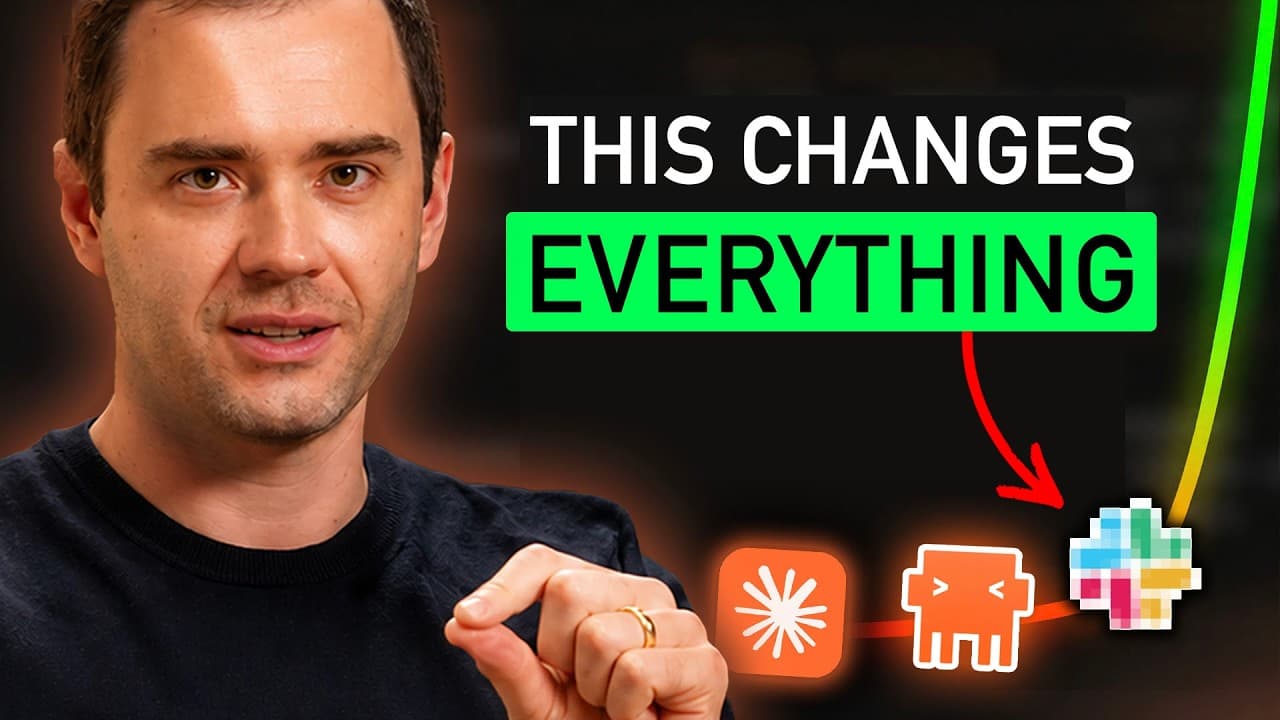
An omnipresent AI can operate as a shared team member by connecting one persistent agent to company conversations, files, tools, data, and compute environments. The described setup uses a messaging platform as the team interface, stores conversation history, answers simple requests directly, and launches specialized agents when a task requires additional work.
Transcript
Andre Karpathy, the man who co-founded OpenAI, he was the director of AI at Tesla, and he's now one of Anthropic's top AI engineers, just tweeted something earth-shattering. Karpathy revealed that there has been a third major shift in the way that he personally uses AI. It's not a new prompt, it's not a slightly better chatbot. It is, in his words,... Read More
Key Insights
- The third AI interface is a persistent, asynchronous entity that shares organization-wide tools and context with a human team. Unlike a personal chatbot or desktop agent, it participates in common conversations and can be addressed by multiple employees through the same collaborative environment.
- The first AI interface is a website where each person chats with an isolated model and manually transfers useful outputs to colleagues. Collaboration occurs only after an answer or artifact has been generated, creating separate contexts for every user rather than a shared organizational workspace.
- The second AI interface is a locally installed agent with access to a user's files, applications, skills, style guides, backend systems, and instruction files. It can take actions on the computer, but each employee still operates a distinct setup with separate context and outputs.
- Claude Tag works by adding Claude to selected Slack channels as an application and connecting it to an authorized account. Team members can then collaborate with the same assistant, while administrators determine which channels and business resources it is permitted to access.
- The central concept is an omnipresent business agent, not a particular Slack feature. The transcript describes an AI connected across internal systems, conversations, documents, tools, analytics, and compute environments so that it can understand shared work and perform varied assignments.
- A production implementation requires engineering across integrations, compute environments, memory, and security. Simply placing a chatbot in a messaging channel does not create the described workflow because the agent must reliably access context, use tools, preserve history, and execute requested tasks.
- The Telegram alternative uses a bot created with Bot Father and a small AWS server that listens to group conversations. The server stores messages and decides whether to return a quick response or launch an agent capable of completing a more substantial assignment.
- The shared agent can connect to email, YouTube analytics, competitor activity, Figma, meeting transcripts, Stripe, GitHub, calendars, Drive, local MacBooks, and product systems. These connections let authorized team members query information and request actions from one common conversational interface.
Install to Summarize YouTube Videos and Get Transcripts
Explore YouTube Video Summarizer or Get YouTube Transcript Extractor
Questions & Answers
Q: What is the third major AI interface described by Andrej Karpathy?
The third interface is described as a self-contained, persistent, asynchronous AI entity that works alongside a team and has access to organization-wide tools and context. Instead of serving one person through an isolated browser or desktop installation, the same agent participates in shared conversations, remembers relevant work, and handles requests from multiple team members.
Q: How does an omnipresent AI differ from a standard chatbot?
A standard chatbot usually serves one user in a separate browser conversation, produces an answer, and relies on that person to share the result with colleagues. The omnipresent model is shared across the team, connected to approved company systems, aware of common conversations, and able to perform work through integrated tools rather than only returning text responses.
Q: How is a desktop AI agent different from a shared team agent?
A desktop AI agent can access one user's computer, files, applications, style guides, backend data, skills, and instruction files. However, each employee still has a separate configuration and context. A shared team agent instead operates from a common environment, allowing multiple people to use the same organizational knowledge, tool connections, conversation history, and ongoing work context.
Q: How does Claude Tag work inside Slack?
Claude Tag is installed in Slack like another application, after which a user connects an account and selects the channels Claude may access. Team members can tag the assistant in those channels, ask questions, and collaborate with it. The broader implementation also requires tools, integrations, compute environments, memory, and security to support reliable organizational work.
Q: Why is the proposed AI workflow not limited to Slack?
Slack is presented as the initial communication hub for Claude Tag, not as the essential breakthrough. The underlying idea is a cloud-based AI connected across the scope of a business. The transcript says a team can reproduce the model through Telegram, WhatsApp, or another messaging application if the agent can access conversations, company context, tools, and authorized systems.
Q: How can a team create the described Telegram AI setup?
The described setup begins by creating a Telegram bot with Bot Father and adding it to the team's group. A small server on AWS then listens to Telegram and stores the conversation. For each request, the server determines whether it should provide a quick answer or launch an agent to complete a larger job using connected business tools.
Q: What business systems can the shared AI agent connect to?
The example agent connects to local MacBooks, email clients, YouTube analytics, competitor activity, Figma, meeting transcripts, Stripe, GitHub, calendars, Drive, product systems, style guides, previous videos, tweets, and other business data. These integrations allow it to retrieve information, preserve institutional context, build alongside the team, and perform authorized actions from shared conversations.
Q: What barriers make Claude Tag difficult for some teams to adopt?
The transcript identifies three main barriers: Claude Tag is initially limited to enterprise-level Claude users, it assumes that Slack is a central part of the team's workflow, and usage is billed through API credits rather than only a monthly payment. Teams must also complete engineering work for integrations, compute environments, memory, permissions, and security before the system works reliably.
Summary & Key Takeaways
-
The proposed third AI interface replaces isolated personal assistants with one persistent, shared agent that works alongside an entire organization. Team members communicate with the same Claude instance through a messaging hub, allowing the agent to retain common context, access approved business resources, and participate in workflows across departments.
-
Claude Tag brings this model to Slack for enterprise users, but implementation requires integrations, compute environments, memory, and security controls. The transcript says Anthropic uses an internal version extensively and reports that it creates 65% of product teams' code, illustrating how deeply the shared agent can participate in company work.
-
The presented alternative uses a Telegram bot connected to a small AWS server. The server listens to team messages, stores conversations, provides quick responses when appropriate, and launches an agent for larger assignments. Connected services can include email, analytics, Figma, meeting transcripts, Stripe, GitHub, calendars, local computers, and Drive.
Read in Other Languages (beta)
Share This Summary 📚
Summarize YouTube Videos and Get Video Transcripts with 1-Click
Try YouTube Summary with ChatGPT & Claude or YouTube Transcript Generator
Explore More Summaries from Dream Labs AI 📚
Summarize YouTube Videos and Get Video Transcripts with 1-Click
Try YouTube Summary with ChatGPT & Claude or YouTube Transcript Generator