How to Learn Java Programming in 15 Minutes
TL;DR
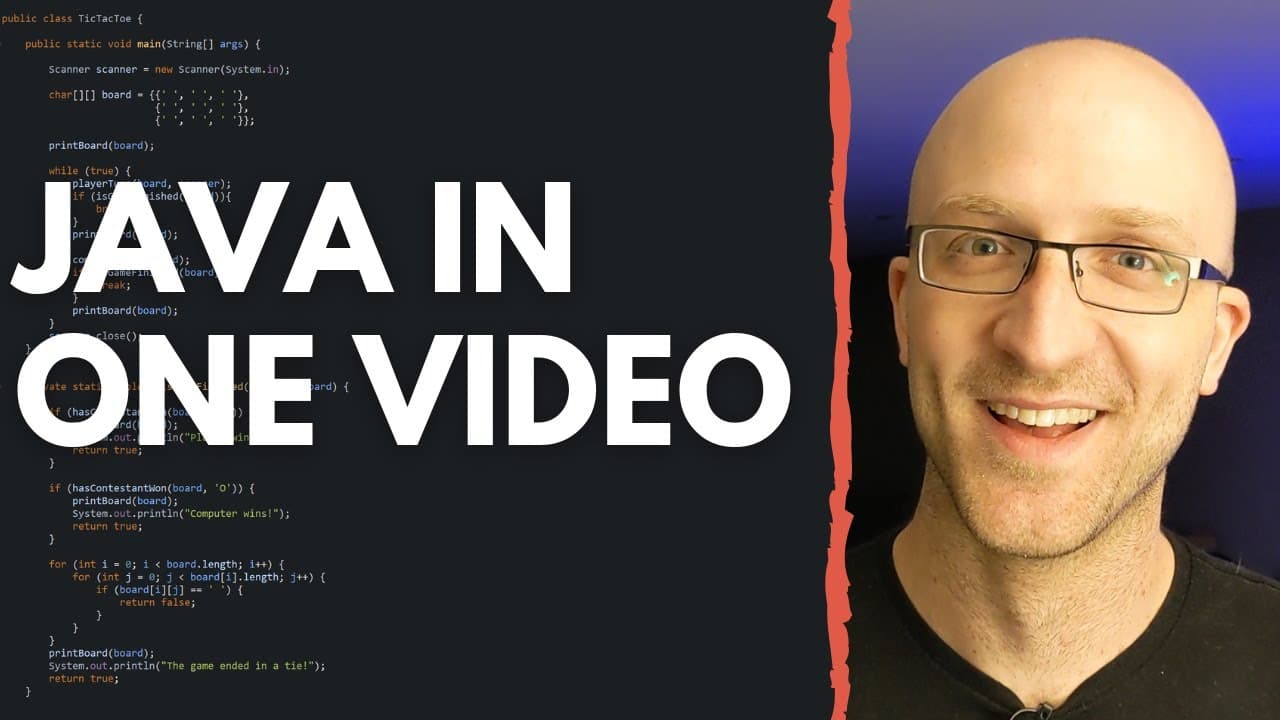
You can learn Java programming in a short time by installing an Integrated Development Environment (IDE) like Eclipse, creating a new Java project, and understanding key concepts like variables, data types, methods, and object-oriented programming. This crash course equips you with the basics needed to start writing effective Java programs.
Transcript
if you're struggling learning java i understand how you're feeling it can feel like everyone around you is some kind of programming genius who just gets everything with no problem at all and you feel like you must be the only one having trouble with it you're absolutely not alone and you're in the right place i remember in my first java class in co... Read More
Key Insights
- 🆘 Learning Java programming can be challenging, but it is a common struggle, and there are resources available to help.
- 👨💻 Eclipse IDE is a popular tool for Java programming, providing a user-friendly environment for writing and running code.
- 🏪 Variables are essential in Java, as they store and manipulate data.
- 🅰️ Java supports different data types, both primitive and non-primitive, to handle various types of data.
- 💐 Understanding conditional statements and loops is crucial for controlling the flow of a program.
- 🏛️ Java is an object-oriented programming language, enabling the creation of classes and objects for more complex programs.
- 🤙 Static methods can be called without creating an object, while non-static methods require an object instance.
Install to Summarize YouTube Videos and Get Transcripts
Explore YouTube Video Summarizer or Get YouTube Transcript Extractor
Questions & Answers
Q: What is an IDE in Java programming?
An IDE stands for Integrated Development Environment, which is a software tool that provides a convenient interface for writing, editing, and testing code. It helps developers to streamline the programming process.
Q: How do you create a Java project using Eclipse?
To create a Java project in Eclipse, right-click in the package explorer area, select "New Java Project," give it a name, and click finish. This will create the project structure for you to start coding.
Q: What are variables in Java?
Variables in Java are used to store data. They have a name, type, and value. They can store different types of data such as numbers, characters, and text, and their values can be accessed and manipulated throughout the program.
Q: What is the difference between a primitive type and a non-primitive type in Java?
Primitive types are the basic data types in Java, such as integers and characters. They are stored in memory and have a specific range of values. Non-primitive types, like strings, are built on top of primitive types and provide more functionality and flexibility.
Key Insights:
- Learning Java programming can be challenging, but it is a common struggle, and there are resources available to help.
- Eclipse IDE is a popular tool for Java programming, providing a user-friendly environment for writing and running code.
- Variables are essential in Java, as they store and manipulate data.
- Java supports different data types, both primitive and non-primitive, to handle various types of data.
- Understanding conditional statements and loops is crucial for controlling the flow of a program.
- Java is an object-oriented programming language, enabling the creation of classes and objects for more complex programs.
- Static methods can be called without creating an object, while non-static methods require an object instance.
- The content provides a comprehensive introduction to Java programming, but there are more advanced topics to explore for further learning.
Summary & Key Takeaways
-
The content provides an introduction to Java programming and explains the installation process.
-
It demonstrates how to create a Java project and write a basic Java program using Eclipse IDE.
-
It covers topics such as variables, data types, methods, conditional statements, loops, and object-oriented programming.
Read in Other Languages (beta)
Share This Summary 📚
Summarize YouTube Videos and Get Video Transcripts with 1-Click
Try YouTube Summary with ChatGPT & Claude or YouTube Transcript Generator
Explore More Summaries from Coding with John 📚
Summarize YouTube Videos and Get Video Transcripts with 1-Click
Try YouTube Summary with ChatGPT & Claude or YouTube Transcript Generator