How Does Sana A. Ahmed Create a Personal Knowledge Management System?
TL;DR
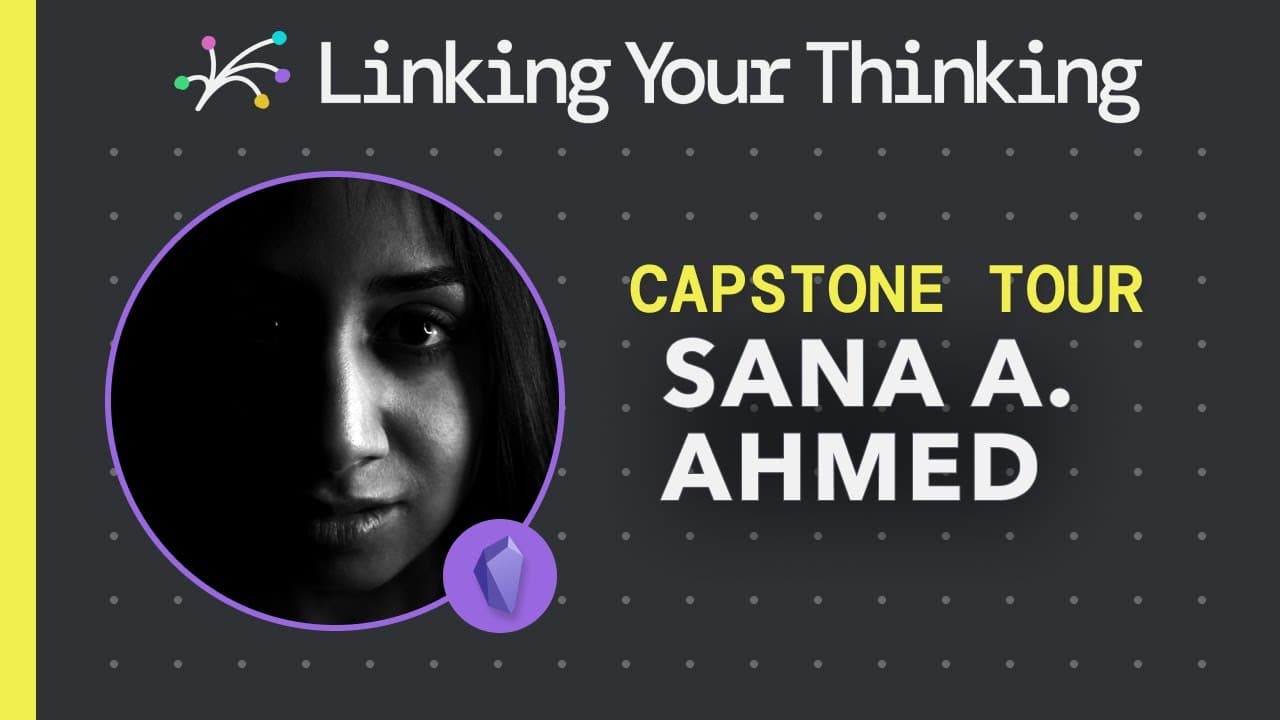
Sana A. Ahmed's 'The Brain Forest' is a personal knowledge management system designed for fluid idea processing and effective organization. Utilizing Obsidian, she combines visual hierarchy, emojis, and intentional design to navigate her notes, enhancing both creativity and functionality. Her system prioritizes clarity and fun, making knowledge management an enjoyable experience.
Transcript
get ready for another fascinating tour on the linking your thinking channel where i'm pleased to introduce the thinking of sunnah a ahmed sana's presentation made us all lean forward as we admired her intentional use of colors fonts and as you'll see emojis in the following sona gives us a captivating capstone tour into how she looks at and manages... Read More
Key Insights
- 🎵 Visual hierarchy and the graph feature in Obsidian help Sana visualize the connections and relationships between her notes and projects.
- 📁 File structuring based on status or category allows Sana to find and organize her files more efficiently.
- 🍄 Emojis add a fun and expressive element to "The Brain Forest" while also providing a ranking system.
Install to Summarize YouTube Videos and Get Transcripts
Explore YouTube Video Summarizer or Get YouTube Transcript Extractor
Questions & Answers
Q: How does Sana use the graph feature in Obsidian to organize her notes and projects?
Sana customizes the graph feature in Obsidian to visualize the visual hierarchy and relationships of her notes and projects. This allows her to see the connections between different ideas and navigate her personal knowledge management system more effectively.
Q: How does Sana approach file structuring in her personal knowledge management system?
Sana's file structure might be considered rigid by some, but she finds delight in seeing everything in its place. She arranges files based on their status or category, making it easier for her to find what she needs without endless scrolling.
Q: What role do emojis play in "The Brain Forest"?
Sana uses emojis as part of her world-building approach within her personal knowledge management system. Emojis provide a ranking system and add a fun and expressive element to her project.
Q: How does Sana incorporate intention into her personal knowledge management system?
Sana emphasizes the importance of intention in creating a fluid and future-proof personal knowledge management system. She wanted her system to make sense to her, reflect her desires, and be easy to navigate and publish. She aimed for a balance between functionality for herself and functionality for others.
Summary & Key Takeaways
-
Sana introduces her capstone project, "The Brain Forest," which aims to help her process ideas, organize notes, and create content more fluidly.
-
She discusses the features of Obsidian, including the graph feature, which allows her to visualize the hierarchy and relationships of her notes and projects.
-
Sana explains her approach to file structuring, the use of emojis, and the importance of intention in creating a personal knowledge management system.
Read in Other Languages (beta)
Share This Summary 📚
Summarize YouTube Videos and Get Video Transcripts with 1-Click
Try YouTube Summary with ChatGPT & Claude or YouTube Transcript Generator
Explore More Summaries from Linking Your Thinking with Nick Milo 📚


Summarize YouTube Videos and Get Video Transcripts with 1-Click
Try YouTube Summary with ChatGPT & Claude or YouTube Transcript Generator