How to Experience Retro Operating Systems Online
TL;DR
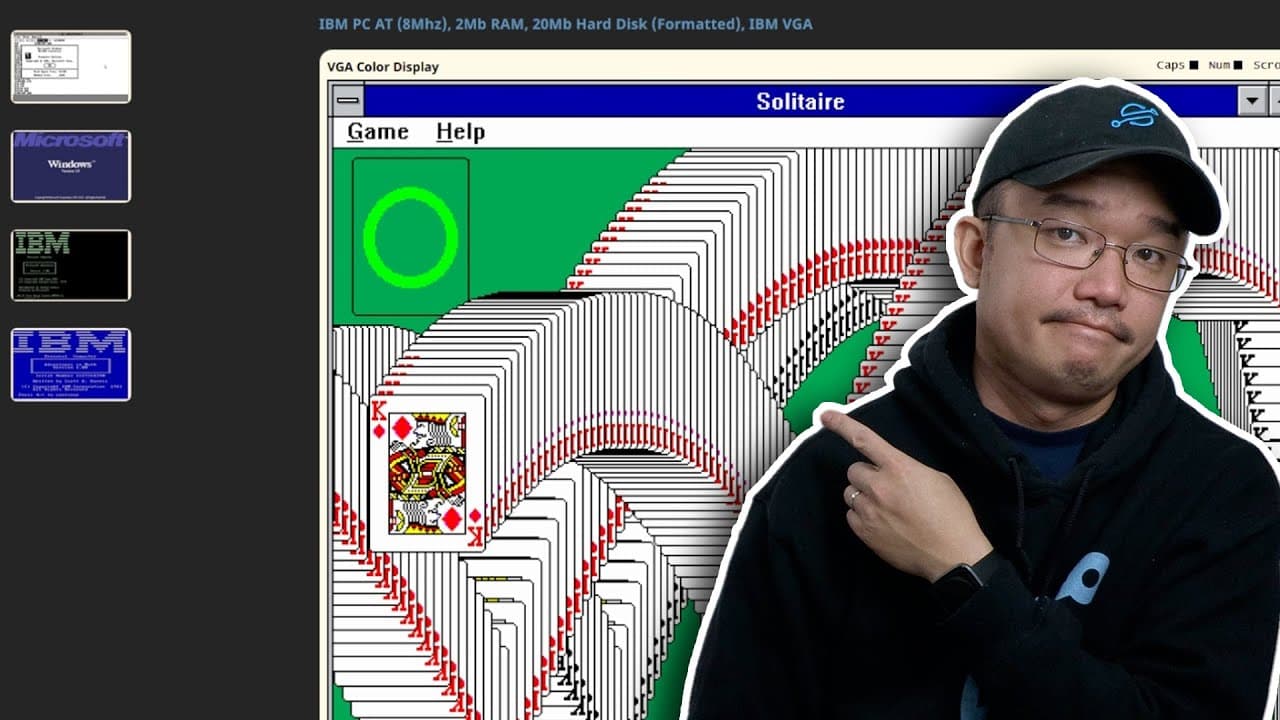
You can experience retro operating systems like Windows 3.1 and Mac 7.0 online using emulation websites such as pcjs.org. These platforms allow users to relive nostalgic computing experiences, play classic games like Solitaire and SimCity 2000, and explore the unique challenges of older technology, all from within a modern browser.
Transcript
hey guys what's going on it's Don here from Nova Spirit Tech and today we're going to be checking out some retro emulations so let's get started now this video is actually heavily inspired by explaining computers I saw his video the other day and I thought I just had to jump in and try it out myself so here we are with this video now I'm not going ... Read More
Key Insights
- 😄 Emulating retro operating systems online enables modern users to experience and relive nostalgic computing moments with ease.
- 🥶 Personal experiences with older systems reveal unique challenges, such as memory limitations and reliance on DOS commands, shaping today’s technology interactions.
- 👾 A variety of classic games not only represent historical software but also offer enduring entertainment value that appeals to modern gamers seeking nostalgia.
- 👻 Emulators like pcjs.org serve as critical tools in bridging generations of technology, allowing a new audience to discover vintage computing.
- 🥶 The aesthetic evolution from older operating systems to current designs illustrates significant advancements in user interface and experience.
- 🥺 The sense of nostalgia can encourage tech enthusiasts to explore their interests further, possibly leading to projects themed around vintage technology.
- 👾 Nostalgic experiences can foster community engagement, prompting viewers to share their memories and programs related to retro computing.
Install to Summarize YouTube Videos and Get Transcripts
Explore YouTube Video Summarizer or Get YouTube Transcript Extractor
Questions & Answers
Q: What inspired the creation of this video?
The video was inspired by a previous content creator, "Explaining Computers," whose exploration of retro operating systems encouraged Don from Nova Spirit Tech to share his own experiences and insights about nostalgia tied to older systems.
Q: What emulation website is primarily highlighted in the video?
The main website featured is pcjs.org, which allows users to run various retro operating systems directly in their web browsers. This site provides a range of systems to explore, offering an accessible way to interact with older software without needing physical hardware.
Q: How does the speaker describe their early experiences with Windows operating systems?
Don recounts his early encounters mostly with Windows 3.1 and 2.0, explaining how he initially interacted with computers using DOS rather than the GUI provided by Windows. His learning was shaped around managing conventional memory limitations and simple applications prevalent during that era.
Q: What was notable about the performance of Windows 95 in emulation?
Windows 95 took considerable time to load in the emulation environment because it ran on a virtual system mimicking a 386 processor with only 4MB of RAM. This starkly contrasts with modern standards, highlighting how users had to wait much longer for operating systems to boot in earlier computing times.
Q: What games does the speaker play during the video?
During the exploration, Don revisits classic games such as Solitaire and SimCity 2000. He reminisces about the joy of victory in Solitaire and the creativity involved in building cities in SimCity, emphasizing how these experiences sparked nostalgic feelings.
Q: Can files be uploaded in the emulation for Mac operating systems?
Unlike the Windows emulation, the Mac OS systems in the video do not allow file uploads. While there are pre-installed applications and games, users cannot transfer files in the same way, highlighting a limitation in the Mac emulation experience compared to Windows.
Q: What connection does the speaker make between retro computing and modern technology?
Don expresses a desire to build a retro gaming system using modern hardware like a Raspberry Pi, bridging past and present technologies. This illustrates his passion for revisiting classics while utilizing contemporary technology to facilitate those experiences.
Q: Why does the speaker find nostalgia important?
Nostalgia serves as a means of reflecting on simpler times associated with early computing experiences. It provides not only a sentimental connection to one's childhood but also a greater appreciation for how far technology has come since the days of DOS and early Windows interfaces.
Summary & Key Takeaways
-
The video showcases retro operating systems including Windows 3.1 and Mac 7.0, highlighting personal experiences and nostalgia associated with these platforms.
-
Viewers are introduced to various online emulation tools, particularly the pcjs.org website, which allows users to run older software in a browser.
-
The content reflects on gaming classics like Solitaire and SimCity 2000, allowing for a nostalgic experience while navigating these vintage systems.
Read in Other Languages (beta)
Share This Summary 📚
Summarize YouTube Videos and Get Video Transcripts with 1-Click
Try YouTube Summary with ChatGPT & Claude or YouTube Transcript Generator
Explore More Summaries from Novaspirit Tech 📚






Summarize YouTube Videos and Get Video Transcripts with 1-Click
Try YouTube Summary with ChatGPT & Claude or YouTube Transcript Generator