What Are the New Features in the Latest Raspberry Pi OS?
TL;DR
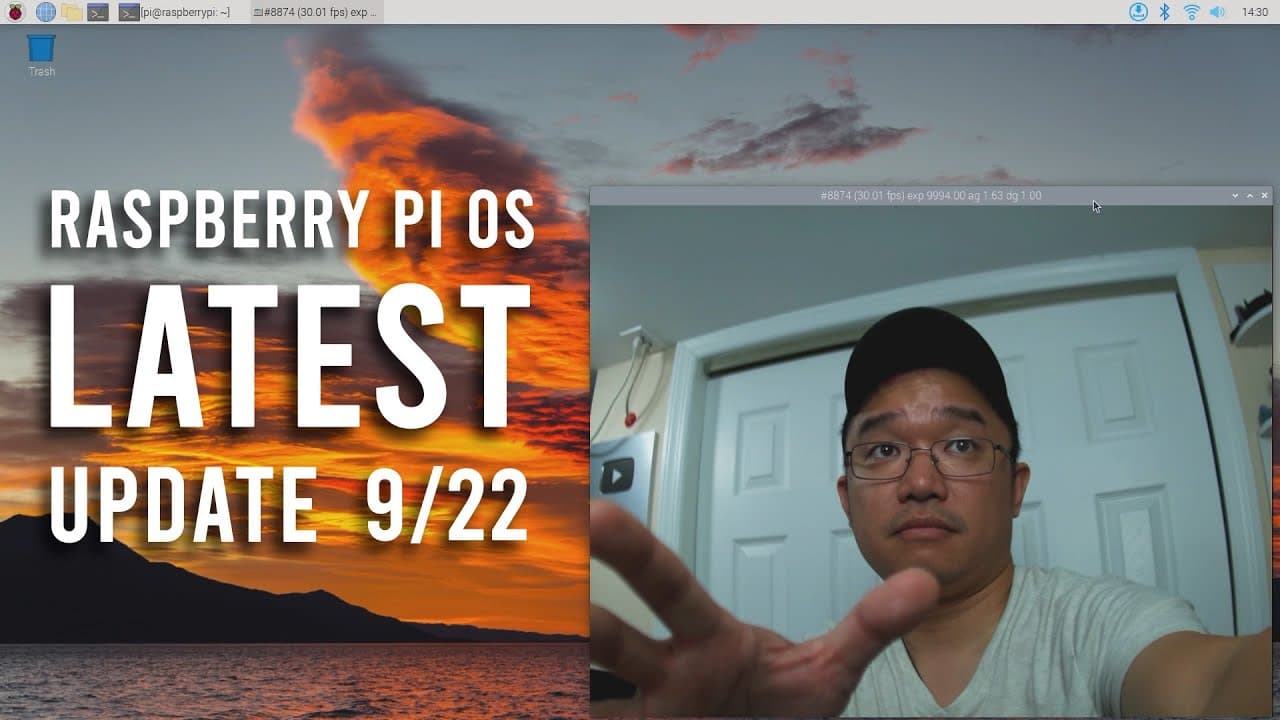
The latest Raspberry Pi OS update introduces an improved setup menu for easier initial configuration and enhanced user experience. Key features include a revamped network manager for better Wi-Fi and VPN management, advanced audio controls, and a search function in the application menu. Additionally, updated camera support with lib camera and Pi camera 2 compatibility further enhance multimedia capabilities.
Transcript
hey guys what's going on it's Don here from Nova Spirit Tech and welcome back to the channel and today we're going to be checking out the latest Raspberry Pi OS for the Raspberry Pi which I'm going to be testing on the pi 400 so let's get started now I love the fact that Raspberry Pi does the on and off thing where one year they do Hardware one yea... Read More
Key Insights
- 😚 Raspberry Pi OS adopts a biennial update schedule, alternating between hardware and software advancements, ensuring balanced progress.
- 👶 The setup menu assists new users by guiding them through crucial configurations, making initial setup less daunting.
- 😃 The network manager supports advanced features, including the ability to connect to hidden Wi-Fi networks and manage VPN settings effectively.
- 👻 Updated support for audio management allows users to have a more tailored audio experience with the new OS.
- 👨🔬 Improved search functions within the application menu facilitate quicker access to installed software, streamlining user productivity.
- 🎥 Camera support through the library lib camera enhances multimedia capabilities, making the Raspberry Pi more versatile for projects involving video and image processing.
- 👤 Issues encountered during upgrades underscore the importance of community resources for troubleshooting and shared learning within the Raspberry Pi user base.
Install to Summarize YouTube Videos and Get Transcripts
Explore YouTube Video Summarizer or Get YouTube Transcript Extractor
Questions & Answers
Q: What are the main enhancements in the new Raspberry Pi OS?
The new Raspberry Pi OS brings several key enhancements, including a new setup menu for a smoother first-time setup. Users now have a better audio control system and a more sophisticated network manager, facilitating easier connections to both Wi-Fi and VPNs. Additionally, the updated search feature in the application menu allows for a more efficient user experience.
Q: How does the new setup menu change the first boot experience?
The new setup menu improves the first boot experience by prompting users to configure key settings, such as language and keyboard layout, right away. Instead of simply booting into the desktop, the system guides users through essential configurations to ensure the Raspberry Pi is set up correctly for their preferences.
Q: Can you explain the new network management features?
The Raspberry Pi OS now has an advanced network manager that simplifies connecting to wireless networks and managing VPN settings. Users can choose from various VPN configurations like OpenVPN or PPTP. It allows connections to hidden networks and offers an intuitive interface for managing network settings, which enhances connectivity flexibility.
Q: Is there any special setup needed for using the Pi camera with the new OS?
To use the Pi camera with the updated OS, users may need to install additional software such as lib camera. This library provides enhanced functionality for the camera, allowing for smooth operation and a variety of features. Configuration may vary depending on the specific camera model used, but general installation follows straightforward instructions.
Q: What improvements can users expect regarding audio control?
The new Raspberry Pi OS provides better control over audio settings, allowing users to easily modify sound preferences from a dedicated menu. This gives users a range of options to manage audio output and input more effectively, enhancing the overall multimedia experience on their devices.
Q: How can users access the new searchable menu feature?
The searchable menu feature is available in the latest Raspberry Pi OS by simply typing the name of the application they want to access in the search bar. This function significantly reduces the time and effort needed to find apps, making navigation more intuitive for users.
Q: What are some issues users might face when upgrading from the previous version?
Users may encounter compatibility issues or bugs when upgrading from older versions of the Raspberry Pi OS. Discussions regarding these issues typically occur on platforms like Discord, where users can seek advice and solutions from the community about any challenges they face during the upgrade.
Summary & Key Takeaways
-
The latest update of Raspberry Pi OS introduces a new setup menu for streamlined configuration during first boot, allowing users to easily set up language, keyboard, and networking preferences.
-
Significant improvements include enhanced audio control, a revamped network manager that enables easier Wi-Fi and VPN management, and a search function in the application menu for quicker access.
-
New features like updated camera support with lib camera and compatibility with Pi camera 2 enhance the usability of Raspberry Pi for multimedia tasks, along with ongoing bug fixes.
Read in Other Languages (beta)
Share This Summary 📚
Summarize YouTube Videos and Get Video Transcripts with 1-Click
Try YouTube Summary with ChatGPT & Claude or YouTube Transcript Generator
Explore More Summaries from Novaspirit Tech 📚






Summarize YouTube Videos and Get Video Transcripts with 1-Click
Try YouTube Summary with ChatGPT & Claude or YouTube Transcript Generator