How to Build a Python API for LLM Access with FastAPI
TL;DR
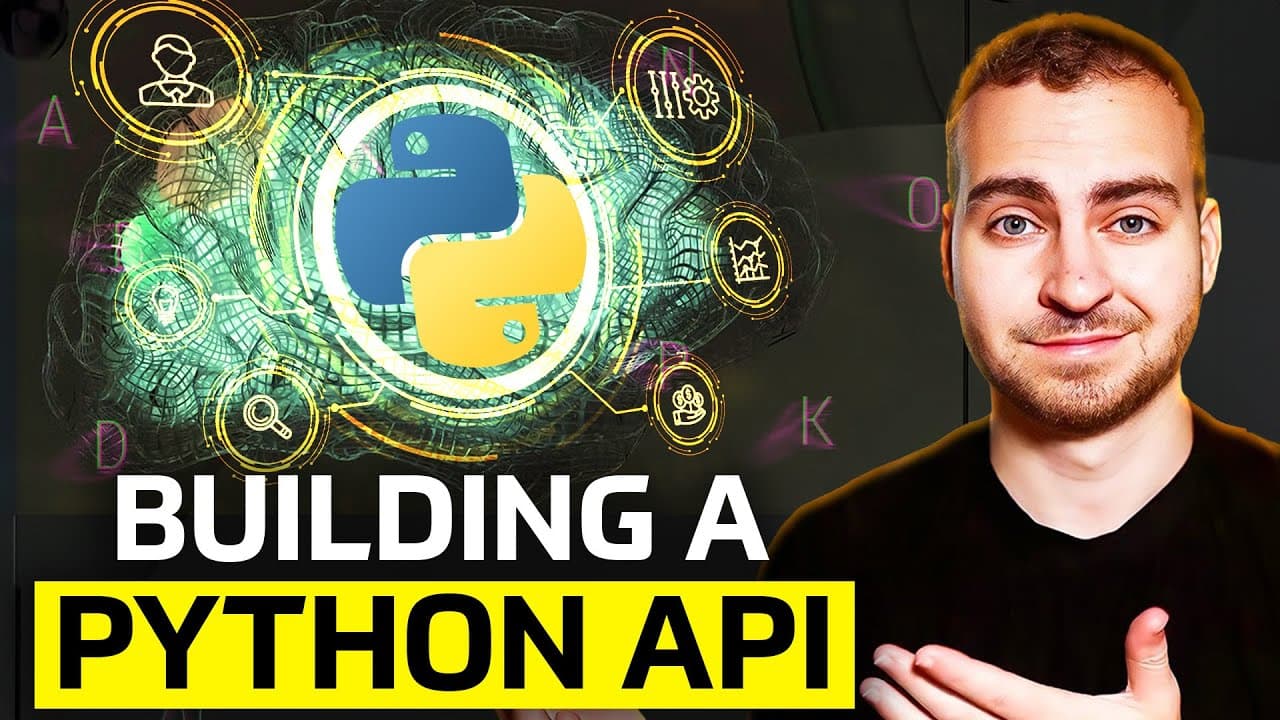
Never call an LLM directly from your front end, because anyone viewing your front-end code can steal the API key and rack up huge costs. Instead, route requests through a backend API you control, letting you decide which users can call the model and cap spending. This tutorial builds that layer with Python, FastAPI, and a locally-run Ollama model.
Transcript
AI models are powerful tools but in order to use them properly and securely you need to control them using an API so in today's video I'm going to show you how to write a very simple python API to control access to an llm or an AI model now first I want to explain why you actually need to do this you understand the security and the importance of se... Read More
Key Insights
- Calling an LLM straight from a front end is a major security risk because anyone with access to your front-end code can see and use the embedded API key, sending unlimited requests that cost you money.
- An API acts as a control layer: the front end sends a request to your backend, and the backend decides whether to forward it to the LLM, letting you manage cost and which users are allowed access.
- The credit systems common in AI apps (for example 10 free calls before payment) exist because every LLM request costs the provider money, so access must be metered through a controlled backend.
- Ollama is a free, open-source tool that runs LLM models locally on your own machine, avoiding cloud provider fees, though it still consumes your own compute time and resources.
- To use Ollama you download and install it, verify it in a terminal, then pull a model with 'ollama pull <model>' (such as mistral or llama 3) and chat with it using 'ollama run <model>'.
- The project depends on five Python packages listed in requirements.txt: fastapi for the API, uvicorn to run it, ollama to interface with the local model, python-dotenv for environment variables, and requests for testing.
- A FastAPI endpoint is defined with a decorator like @app.post('/generate') above a function that takes a prompt string as a query parameter, calls ollama.chat with the model and messages, and returns the message content.
- You launch the API with 'uvicorn main:app --reload', where main is the file name and app is the FastAPI instance; the --reload flag runs development mode so the server restarts on code changes, serving on port 8000.
Install to Summarize YouTube Videos and Get Transcripts
Explore YouTube Video Summarizer or Get YouTube Transcript Extractor
Questions & Answers
Q: Why shouldn't you call an LLM directly from your front end?
Because using an API key directly from a front end, such as a website or mobile application, introduces a huge security risk. Anyone who has access to your front-end code will be able to see and use that key. They could send all kinds of requests and cost you a ton of money, since every request to a cloud provider costs money, and even running locally costs compute time and resources.
Q: How does putting an API in front of an LLM improve security?
The API acts as a controlled backend server between your front end and the LLM. When someone using your front-end application makes a request, it goes to your own backend first. From there you can decide whether or not to forward the request to the LLM. This lets you control roughly how much it will cost and which of your users are allowed to use the model, rather than exposing a key to everyone.
Q: What is Ollama and why use it in this tutorial?
Ollama is a tool that lets you run LLM models locally on your own computer. It is completely free and open source, assuming you have good enough hardware. In the video it is used instead of a cloud provider like OpenAI or DeepSeek so you can run a model such as mistral locally. The important point of the tutorial is setting up and securing the API, which works with any LLM you choose.
Q: How do you install and run a model with Ollama?
First download and install Ollama, then open a terminal or command prompt and type ollama to confirm it works. To get a model, type 'ollama pull' followed by the model name, such as mistral or llama 3, and any open-source model listed on the Ollama website can be pulled if your hardware meets the requirements. To use it, type 'ollama run mistral' and start chatting, and type the exit command to leave.
Q: What Python dependencies are needed to build this API?
The requirements.txt file lists five dependencies. FastAPI is used for building the API, uvicorn is for running the FastAPI application, ollama is for interfacing with Ollama to use a local LLM, python-dotenv is for loading in an environment variable file, and requests is for sending requests when you later test your API. You install them with 'pip install -r requirements.txt', or 'pip3' if that command does not work.
Q: How do you define a FastAPI endpoint for the LLM?
You import FastAPI and ollama, create an app with app = FastAPI(), then define an endpoint using the @app.post('/generate') decorator above a function called generate. The function takes a prompt string as a query parameter. Inside, it calls ollama.chat, specifying the model such as mistral and a messages list containing a dictionary with role 'user' and content set to the prompt, then returns a dictionary with the message content.
Q: How do you run the FastAPI application?
Open a terminal in the same directory as your Python script and type 'uvicorn main:app --reload'. Here 'main' is the name of your file (main.py) and 'app' is the name of your FastAPI application, so adjust those if you named them differently. The --reload flag runs the server in development mode, meaning it reloads automatically anytime changes are made. Once running, it reports the port, which is 8000 on localhost.
Q: Why do AI applications use credit systems?
Credit systems are common practice across AI applications because every call to an LLM costs money to the provider. For example, you might get 10 credits allowing you to call the LLM 10 times, after which you need to pay the service provider to compensate them for how much the LLM is costing. This reflects the core idea of the video: controlling calls so you decide which users can call the model and prevent excessive costs.
Summary & Key Takeaways
-
The video argues that LLMs should never be invoked directly from a front end. If an API key lives in website or mobile app code, anyone can extract it and send costly requests. The fix is to place a backend API between the front end and the model so calls can be controlled.
-
For the model itself, the tutorial uses Ollama, a free open-source tool that runs models locally. After installing it, you verify it in a terminal, pull a model like mistral with 'ollama pull', and can chat directly via 'ollama run mistral', then exit and call it from Python code.
-
The API is built in PyCharm with FastAPI. A requirements.txt lists fastapi, uvicorn, ollama, python-dotenv, and requests, installed via pip. A single POST '/generate' endpoint takes a prompt, calls ollama.chat with the mistral model, and returns the response content. It runs with uvicorn on port 8000.
Read in Other Languages (beta)
Share This Summary 📚
Summarize YouTube Videos and Get Video Transcripts with 1-Click
Try YouTube Summary with ChatGPT & Claude or YouTube Transcript Generator
Explore More Summaries from Tech With Tim 📚
Summarize YouTube Videos and Get Video Transcripts with 1-Click
Try YouTube Summary with ChatGPT & Claude or YouTube Transcript Generator