How to expose a local n8n with a Cloudflare tunnel
TL;DR
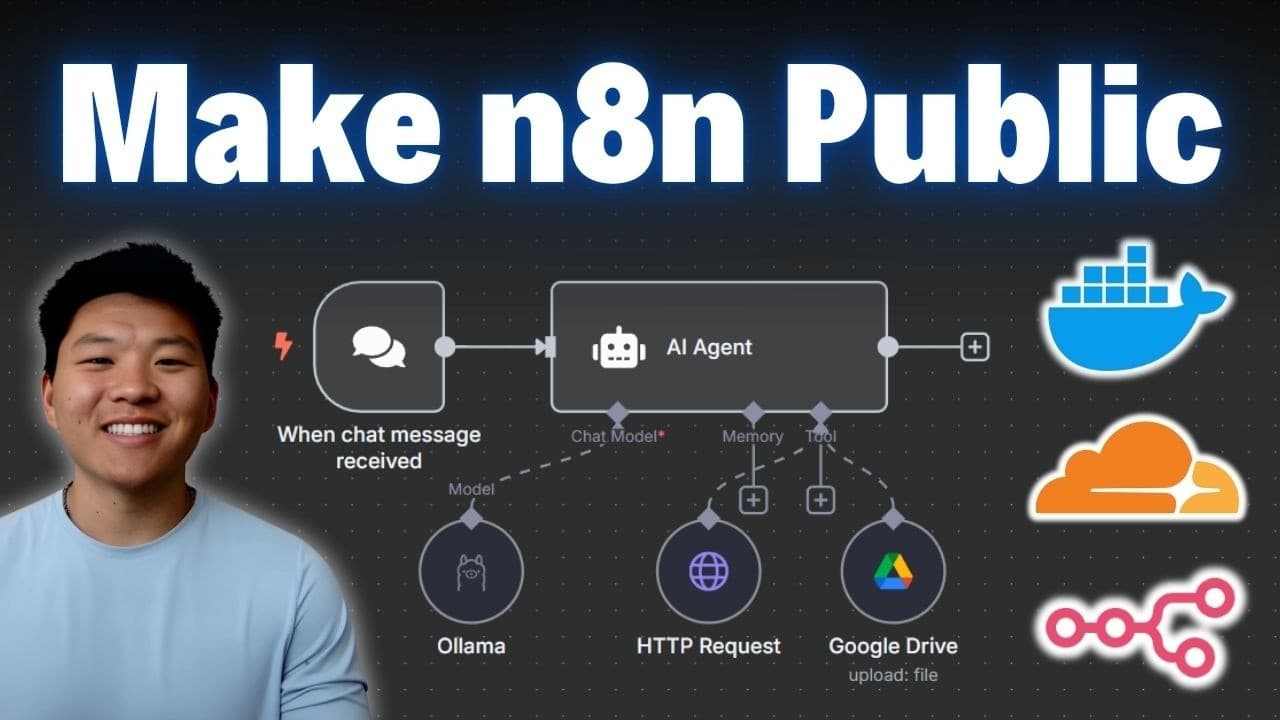
A Cloudflare tunnel is used to publicly expose a locally hosted n8n instance. First, create or use a domain in Cloudflare, then set up a tunnel, install the connector, and configure a public hostname. Finally, update webhook URLs in the Docker compose file and restart the container for the changes to take effect. This approach enables third party services to reach the local instance securely through a public domain.
Transcript
today i'm going to show you guys how we can take our locally hosted instance of naden and set up a cloudflare tunnel so that we can actually talk to thirdparty apps and services like google or telegram by the end of this video you'll have a better understanding of how the tunnels work and how to set it all up cuz i'm going to walk you through it st... Read More
Key Insights
- Cloudflare is used to create a public URL that points to a locally hosted n8n instance. The tunnel acts as a secure bridge for incoming requests to the local service.
- A tunnel is created and named, and a cloudflared connector is installed on the local machine to establish and maintain the tunnel connection.
- Public hostname configuration maps a domain subdomain to the tunnel, enabling external services to interact with the local instance over HTTPS.
- Docker compose must be updated to reflect the new webhook URL and protocol, ensuring external services can deliver webhook events to the local instance.
- Webhooks must be redirected from localhost to the public domain to allow external services to reach the local n8n instance.
- Restarting the Docker container applies the new environment variables, making the changes effective without altering the local services themselves.
- Access to the local instance from any device is achieved through the public domain, provided the tunnel health status remains healthy.
- The walkthrough emphasizes understanding the tunnel concept and the practical steps to implement it, including domain management, tunnel configuration, and webhook reconfiguration.
Install to Summarize YouTube Videos and Get Transcripts
Explore YouTube Video Summarizer or Get YouTube Transcript Extractor
Questions & Answers
Q: How to start exposing a local n8n with a Cloudflare tunnel?
To start exposing a local n8n, you first create or add a domain in Cloudflare, then go to Zero Trust, open Tunnels, and add a tunnel named for your setup. Install the cloudflared connector on your machine according to your OS, run it, and verify the tunnel shows as healthy. This establishes the public entry point for external services to reach your local instance.
Q: What is the role of the public hostname in this setup?
The public hostname acts as the public facing address that external services use to reach your local n8n through the Cloudflare tunnel. It binds your chosen subdomain to the tunnel so requests from Gmail, Telegram, or Google continue to route securely to your local instance, bypassing the local firewall restrictions.
Q: How do you configure the webhook URL for external services?
You must locate the Docker compose file used by your local n8n stack, then add environment variables for the webhook URL and protocol, using the public domain you created. After saving, restart the Docker stack to apply the new settings, which makes external services’ webhooks delivered to the public URL instead of localhost.
Q: Why is it important to set the protocol to HTTPS in this setup?
Using HTTPS ensures that data between external services and your local n8n is encrypted in transit, preserving confidentiality and integrity. This is critical when receiving webhooks or credentials from services like Google, and it aligns with how Cloudflare tunnels expose a secure public endpoint to the internet.
Q: What steps are needed to install and run the cloudflared connector?
You choose your environment (Windows, Mac, or Linux) in the Cloudflare dashboard and download the cloudflared connector. Then you run the connector to establish a tunnel, after which Cloudflare shows the tunnel as healthy. This step creates the secure link between the public URL and your local n8n instance.
Q: How do you map the local service port to the public hostname?
In the Cloudflare setup, you specify the local host and port (for example localhost:5678) as the service for the public hostname. This binding tells the tunnel where to forward incoming external requests, enabling external traffic to reach the local n8n service through the public domain.
Q: What is the purpose of updating the Docker compose file in this process?
Updating the Docker compose file sets the web hook URL and protocol to the public domain, ensuring that webhook requests from external services are directed to the public URL rather than the local localhost. This is essential for third party services to successfully communicate with the local n8n instance.
Q: What should you do after changing environment variables in Docker?
After editing environment variables, you must restart the Docker stack by bringing the containers down and then up again. This applies the new webhook and protocol settings, enabling the updated external routing to work without recreating the entire setup. Check that the tunnel and containers remain healthy after the restart.
Summary & Key Takeaways
-
The Cloudflare tunnel workflow starts with setting up a public domain and enabling the tunnel through Cloudflare Zero Trust. This creates a secure public endpoint that forwards traffic to the local n8n instance.
-
The setup requires installing and running the cloudflared connector locally, then binding a public hostname to the tunnel, which enables external services to reach the local service via HTTPS.
-
The final steps involve updating webhook URLs in the Docker compose file to use the public domain and restarting the Docker stack to apply changes, ensuring Google and Telegram integrations function properly.
Read in Other Languages (beta)
Share This Summary 📚
Summarize YouTube Videos and Get Video Transcripts with 1-Click
Try YouTube Summary with ChatGPT & Claude or YouTube Transcript Generator
Explore More Summaries from Nate Herk | AI Automation 📚






Summarize YouTube Videos and Get Video Transcripts with 1-Click
Try YouTube Summary with ChatGPT & Claude or YouTube Transcript Generator