Lecture 1: Getting started with SwiftUI
TL;DR
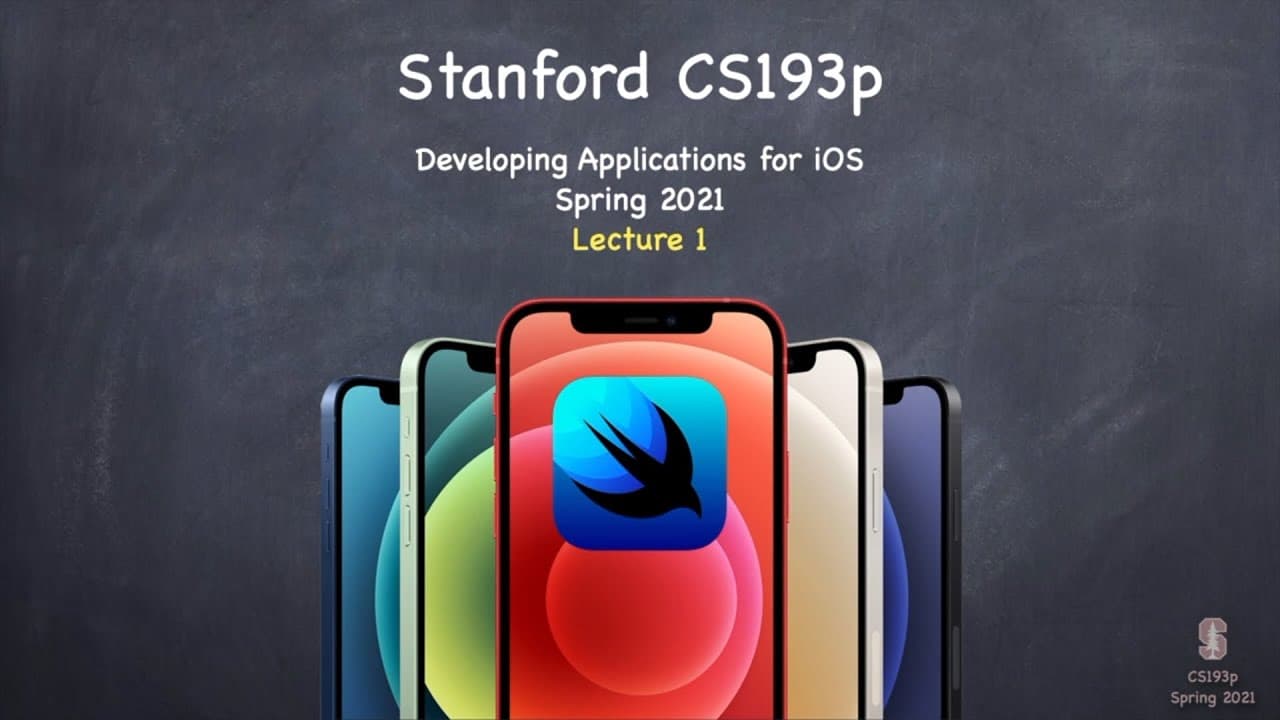
Getting started with SwiftUI in Stanford’s CS193p means following Paul Hegarty step by step as he builds iOS applications for iPhones and iPads. The spring 2021 course develops a card game and a drawing application while explaining both practical programming and how SwiftUI works. It assumes prior programming experience, but newcomers can still follow the first few lectures. Read on for prerequisites, course resources, and the role of simulators and homework.
Transcript
(upbeat music) - Stanford University. - Hello everyone and welcome to Stanford University's CS193p This is a course about developing applications for iOS devices like iPhones and iPads using the development environment called SwiftUI. This is a replay. This course was originally offered to my students at Stanford back in spring quarter of 2021. My ... Read More
Key Insights
- 👻 SwiftUI allows developers to create iOS applications using a declarative, object-oriented syntax.
- 🫵 The course focuses on teaching students the fundamentals of iOS app development, including struct, view, and view modifiers.
- 🧑🎓 Students are encouraged to actively participate in building applications alongside the instructor through homework assignments and guided projects.
Install to Summarize YouTube Videos and Get Transcripts
Explore YouTube Video Summarizer or Get YouTube Transcript Extractor
Questions & Answers
Q: What does Stanford’s CS193p Lecture 1 teach about getting started with SwiftUI?
Lecture 1 introduces developing applications for iOS devices such as iPhones and iPads with SwiftUI. Paul Hegarty begins step by step, shows what the class will build, and explains that the course covers both how to program applications and how SwiftUI works.
Q: Who teaches Stanford’s CS193p SwiftUI course?
Paul Hegarty teaches the course. At the time of this spring 2021 offering, he said he had taught CS193p in one form or another at Stanford for about 10 years.
Q: What applications are built during the CS193p course?
The instructor and students build two substantial applications: a card game and a drawing application. Lectures and demonstrations advance the projects, while homework assignments build on the material presented in class.
Q: What programming experience is recommended before taking CS193p?
Stanford students have completed at least three introductory computer science courses, with four recommended. They are expected to understand object-oriented programming concepts such as instances of data structures and encapsulation, even though SwiftUI itself does not use much object-oriented programming.
Q: Can a first-time programmer follow this SwiftUI course?
The course is not aimed at first-time programmers, and learning Swift as a first or second language adds a significant challenge. However, the instructor says beginners and even non-coders may find the first couple of weeks interesting because the course starts step by step without assuming prior Swift knowledge.
Q: What course materials are available for following along?
Homework write-ups and demonstration code are posted at cs193p.stanford.edu. Paul Hegarty calls these materials essential for getting the most out of the course and also recommends seeking help from the broader SwiftUI community online.
Q: Why is the CS193p course presented in a narrative format?
The narrative format lets the instructor and students build applications together over time. Hegarty tells part of the story through lectures and demonstrations, while students participate through homework that extends the lecture work.
Q: How are iPhone simulators used in Lecture 1?
The lecture shows an iPhone 11 simulator and an iPhone 8 simulator for running and checking the application on screen. These simulators reproduce much of the iPhone environment, including settings, contacts, and the calendar, while a physical iPhone or iPad can also be connected to a Mac for testing.
Summary
This video provides an overview of Stanford University's CS193p course, which focuses on developing applications for iOS devices using SwiftUI. The instructor, Paul Hegarty, explains the format of the course and the resources available to students. He also discusses the prerequisites for the course and provides an introduction to Xcode, the development environment for iOS apps.
Questions & Answers
Q: What is the format of the CS193p course at Stanford University?
The course is taught in a narrative format, with lectures, demonstrations, and homework assignments. Students work on building applications, such as a card game and a drawing application, while the instructor guides them through the process. The lectures and demo code are available on the course website for reference.
Q: What resources are available to non-Stanford students taking the CS193p course?
Non-Stanford students have access to the course videos and can take advantage of the pause and rewind feature to better understand the content. While they don't have access to the interactive class forums and TA support, there are numerous online resources and a vibrant SwiftUI community to seek help from.
Q: What is the focus of the CS193p course?
The course is not just a how-to course in iOS programming, but also a how-things-work course. It emphasizes systems design and understanding how SwiftUI works, rather than just turning knobs and following instructions. Prerequisites for the course include a background in introductory CS courses and familiarity with object-oriented programming concepts.
Q: What language is used in SwiftUI development?
SwiftUI requires knowledge of the Swift programming language, which is used to develop iOS apps. While previous experience with multiple programming languages is common among Stanford students, beginners or those with only one language experience may find learning Swift challenging.
Q: Is the CS193p course suitable for first-time programmers?
While the course is not aimed at first-time programmers, individuals who are just starting out or have no coding experience may still find the initial weeks of the course interesting. The course starts from the basics and gradually progresses, allowing beginners to follow along and decide how far they want to go.
Q: How are iOS app simulations performed in Xcode?
Xcode includes simulators that allow developers to simulate the behavior of iOS devices, such as iPhones and iPads. Simulators provide an environment similar to running the app on an actual device and also simulate the iPhone settings and other interactions, such as accessing the address book or calendar.
Q: What app is developed in the CS193p course?
The app developed in the course is called Memorize, which is a card matching game. The app allows users to match cards with emoji on them within a time limit. The UI includes features such as timers, themes, and animations, all of which students learn to build during the course.
Q: How is Xcode obtained?
Xcode, the development environment for iOS apps, can be downloaded for free from the Mac App Store. It is a Mac application and requires a Mac computer to run. There is also a beta version of Xcode available for those who want to try the latest features, but it is not necessary for this course.
Q: What are the essential files created when starting a new Xcode project?
When creating a new Xcode project, the essential files include Assets.xcassets for managing images and other assets, Info.plist for project settings, MemorizeApp.swift for the main program, and ContentView.swift for defining the UI appearance of the app.
Q: What is the function of struct ContentView in ContentView.swift?
The struct ContentView defines the UI appearance of the app. It is a data structure that behaves like a View, which is a rectangular area on the screen. The ContentView struct includes variables and functions that determine how the UI is displayed and interacted with.
Takeaways
The CS193p course at Stanford University focuses on developing iOS applications using SwiftUI. It is primarily aimed at students with a background in introductory CS courses and object-oriented programming. The course provides lectures, demonstrations, and hands-on assignments, allowing students to build real-world applications. While the course assumes some programming experience, beginners can still benefit from the initial weeks of the course. Xcode is the development environment used in the course, and it can be downloaded for free from the Mac App Store. The essential files in an Xcode project include Assets.xcassets, Info.plist, MemorizeApp.swift, and ContentView.swift. The ContentView.swift file defines the UI appearance of the app, and the struct ContentView behaves like a View, representing a rectangular area on the screen.
Summary & Key Takeaways
-
Stanford University offers a course on iOS development using SwiftUI, a development environment for iOS devices.
-
The course is designed for students with a wide variety of backgrounds and experience levels in programming.
-
It focuses on developing applications with SwiftUI, discussing concepts such as struct, view, and view modifiers.
-
The course uses a narrative format where students participate in building applications alongside the instructor's lectures and demonstrations.
Read in Other Languages (beta)
Share This Summary 📚
Summarize YouTube Videos and Get Video Transcripts with 1-Click
Try YouTube Summary with ChatGPT & Claude or YouTube Transcript Generator
Explore More Summaries from Stanford 📚




Summarize YouTube Videos and Get Video Transcripts with 1-Click
Try YouTube Summary with ChatGPT & Claude or YouTube Transcript Generator