How to Master ChatGPT From Beginner to Advanced Levels
TL;DR
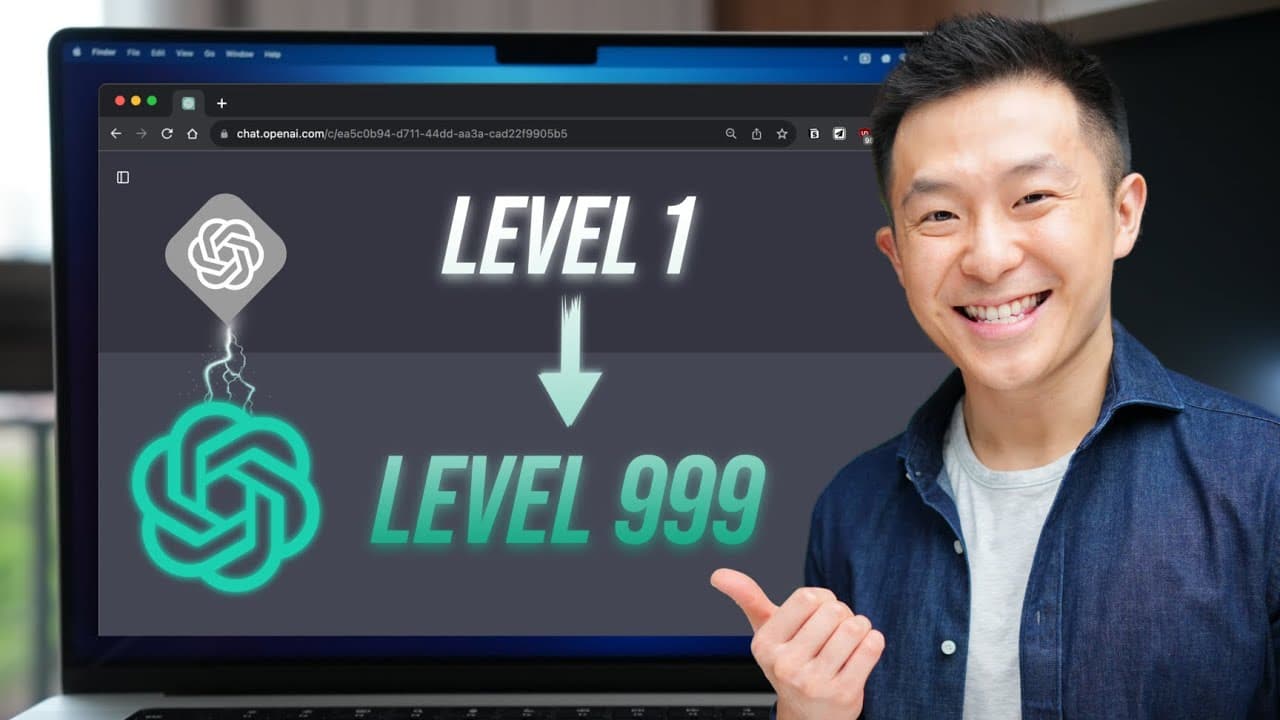
To master ChatGPT, follow a three-step journey: start by learning to write effective prompts, then apply them consistently in relevant tasks, and finally develop a system for continuous learning. Understanding the six key components of a strong prompt—task, context, exemplars, persona, format, and tone—is crucial for success at each level.
Transcript
there are three steps along the Journey of using AI tools like chat gbt and Google barge starting with first writing good prompts second building a habit of applying those prompts in relevant situations and third developing a learning plan that future proves Us in this AI driven era so if that sounds interesting to you let's get started hey friends... Read More
Key Insights
- 🎚️ The three levels of using AI tools like Chat GPT and Google Barge are beginner, intermediate, and advanced. Each level focuses on specific skills and knowledge.
- 💪 Understanding the six components of a strong prompt (task, context, exemplars, persona, format, and tone) is essential for generating effective prompts.
- 🏛️ Building a habit of applying prompts to everyday tasks and organizing them for easy access enhances the value of using AI tools.
- ❓ Continuous learning is crucial for staying updated with AI technology and improving prompt engineering skills.
- 👋 Consistency and focus on one course and newsletter yield better results than constantly searching for the best options.
- ❓ Resources like LearnPrompting.org and AI newsletters like The Rundown Prompts Daily provide valuable learning opportunities for prompt engineering.
- 👶 Custom instructions are a new feature in Chat GPT that prompts users to investigate and learn how to best utilize it.
Install to Summarize YouTube Videos and Get Transcripts
Explore YouTube Video Summarizer or Get YouTube Transcript Extractor
Questions & Answers
Q: How can I consistently generate good prompts for my use cases?
To consistently generate good prompts, you need to understand the six components of a strong prompt and their order of importance. Experiment and refine your prompts according to your specific use cases.
Q: What is the benefit of organizing prompts based on where they will be used?
Organizing prompts based on where they will be used minimizes the friction of accessing them. By storing prompts in the same location as your workflow, you can easily access and apply them without interruption.
Q: How can I continue learning about prompt engineering?
Dedicate regular time to take a free online course on prompt engineering. Additionally, subscribe to a newsletter that curates the latest news on AI to stay updated and inspired for further learning.
Q: Are there any recommended courses and newsletters for learning about prompt engineering?
LearnPrompting.org offers a user-friendly course on prompt engineering, and newsletters like The Rundown Prompts Daily and Big Brain provide valuable AI updates. Find the ones that resonate with you and stick with them consistently.
Summary & Key Takeaways
-
Beginners start by browsing Chat GPT content and saving useful prompts, but struggle to consistently replicate effective prompts for their own use.
-
Intermediate users learn the six components of a strong prompt: task, context, exemplars, persona, format, and tone. They refine prompts by understanding the order of importance and knowing when to omit certain components.
-
Advanced users focus on building a habit of applying prompts to everyday tasks by refining and organizing them for easy access. Continuous learning is emphasized through dedicated study time and reading AI newsletters.
Read in Other Languages (beta)
Share This Summary 📚
Summarize YouTube Videos and Get Video Transcripts with 1-Click
Try YouTube Summary with ChatGPT & Claude or YouTube Transcript Generator
Explore More Summaries from Jeff Su 📚





Summarize YouTube Videos and Get Video Transcripts with 1-Click
Try YouTube Summary with ChatGPT & Claude or YouTube Transcript Generator