How to Build an Agentic OS with GPT-6 Astra
TL;DR
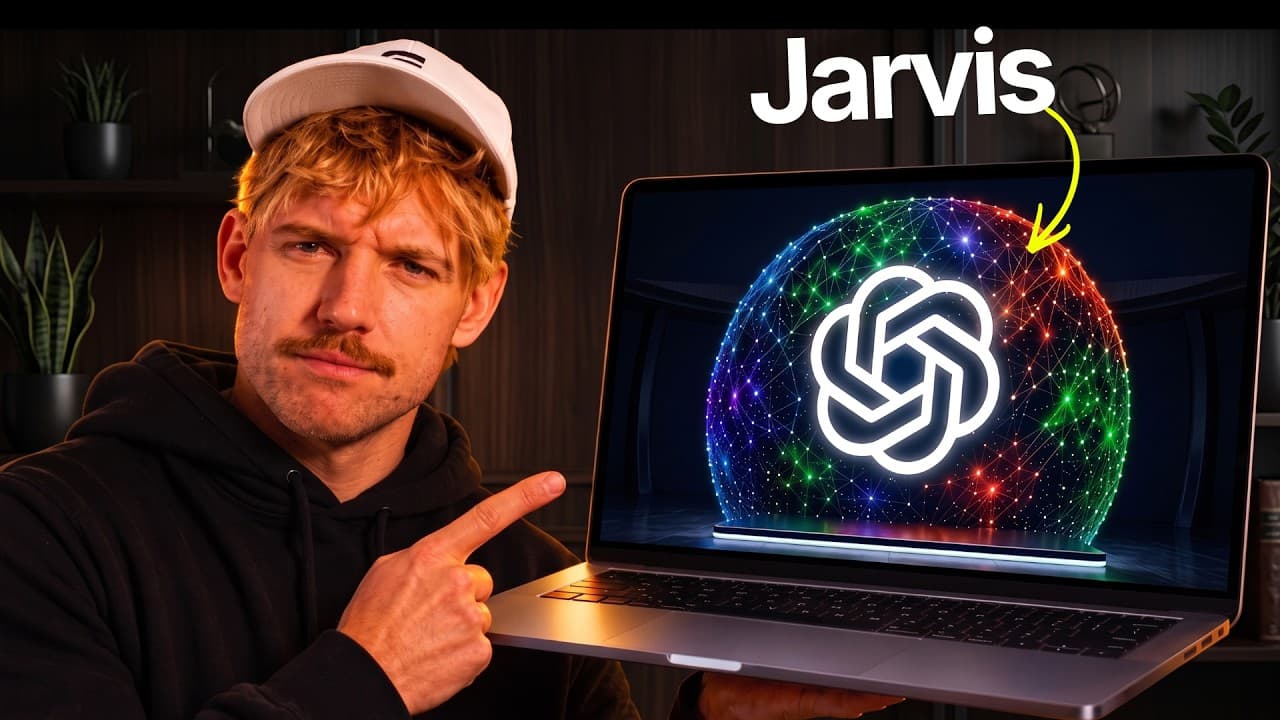
The video shows how to build an agentic OS that connects to your world, consolidates memory from tools like Claude and Codex, and uses a memory core to power a personal OS. It demonstrates goals, daily briefs, calendar actions, and media generation through Higgsfield API, all running locally.
Transcript
I just bought Jarvis with GPT6 Astra and the results are incredible. >> Good evening. I'm ready to assist. >> Hey there, Jarvis. Could we take me over to the memory section, please? >> We're now in the memory section. >> Create a new codec session and ask it how we can improve this entire Javus OS, please. >> The codec session is now running and wo... Read More
Key Insights
- The memory core is the central component that holds context from chats, emails, photos, and notes to power the OS.
- The OS aims to connect to your entire world, pulling data from tools like CLAUDE, Codex, Granola, Notion, Obsidian, Gmail, and more.
- One-click memory and data integration allows rapid setup without long manual configurations.
- The system can set goals and provide daily briefs tailored to ongoing objectives and calendars.
- Automation is extended to scheduling, with the OS capable of booking calendar events autonomously.
- A Higgsfield API integration enables in-OS generation of images and videos, expanding capabilities beyond text.
- The dashboard acts as a central hub for monitoring metrics, finances, and audience analytics.
- Starter kits and a design system are provided to help users replicate or customize the setup.
Install to Summarize YouTube Videos and Get Transcripts
Explore YouTube Video Summarizer or Get YouTube Transcript Extractor
Questions & Answers
Q: What is the Agentic OS and what does it connect to?
The Agentic OS is a full Jarvis-style agent capable of running locally and connecting to your existing tools. It pulls context from your chats, emails, photos, and business data, then uses this memory to power decisions and actions across your workflow. It integrates Claude, Codex, Granola, Notion, Obsidian, Gmail, Outlook, Slack, YouTube, and more to create a unified personal operating system.
Q: How does the memory core benefit the OS?
The memory core stores and organizes everything about you and your business, including contacts, preferences, meetings, and files. By maintaining this broad context, the OS can answer questions, retrieve prior information, and take informed actions with minimal user input, enabling more proactive and useful automation.
Q: What kind of actions can the OS perform automatically?
The OS can perform calendar actions, such as booking calls, and can automate tasks by using connected services. It can generate daily briefs, set goals, track progress, and even manage communications and memory updates in real time, using the integrated tools to execute tasks without manual steps.
Q: What is the Higgsfield API used for in this setup?
The Higgsfield API enables in-OS generation of images and videos. By connecting through the API, users can create visual content directly within the agentic OS instead of relying on external subscriptions, providing a seamless content creation workflow inside the dashboard.
Q: What role do goal setting and daily briefs play?
Goals guide the OS's focus by defining what success looks like for the user. Daily briefs synthesize data from memory, calendar, and financials to highlight priorities, progress, and next actions, helping users stay aligned with long-term objectives and adapt to changing circumstances.
Q: How does the OS handle data privacy and locality?
The OS runs locally on the user's computer and consolidates data from various connected sources. This setup emphasizes local operation and coherent context without needing cloud-only data silos, enabling faster access to information and potentially improved privacy by keeping processing closer to the data source.
Q: What kind of starter resources are provided?
The video promotes an Agentic OS Starter Kit and a design system, plus API links to Higgsfield, Zapier, ChatGPT, Claude, and OpenRouter. These resources help users replicate the setup, customize integrations, and start building their own OS with guided components and example configurations.
Q: Why is one-click setup emphasized in this OS?
One-click setup is emphasized to reduce setup friction and accelerate the path from concept to a working, integrated system. By auto-detecting connected tools and memory sources, the OS can start delivering contextually aware assistance and automated actions much faster than manual configuration would allow.
Summary & Key Takeaways
-
The video describes a memory-driven agentic OS that integrates multiple AI backends and personal data sources to form a context-rich system. It emphasizes one-click setup, seamless connections, and actionable outputs that go beyond chat to perform tasks.
-
It presents a dashboard that surfaces goals, progress, and daily briefs, enabling automated scheduling and financial overview while keeping everything local and privacy-focused.
-
It introduces a starter kit and a design system that enables image and video generation inside the OS using an external API, enabling end-to-end content creation within the personal OS environment.
Read in Other Languages (beta)
Share This Summary 📚
Summarize YouTube Videos and Get Video Transcripts with 1-Click
Try YouTube Summary with ChatGPT & Claude or YouTube Transcript Generator
Explore More Summaries from Jack Roberts 📚
Summarize YouTube Videos and Get Video Transcripts with 1-Click
Try YouTube Summary with ChatGPT & Claude or YouTube Transcript Generator