How to Build AI Systems with Google's AntiGravity
TL;DR
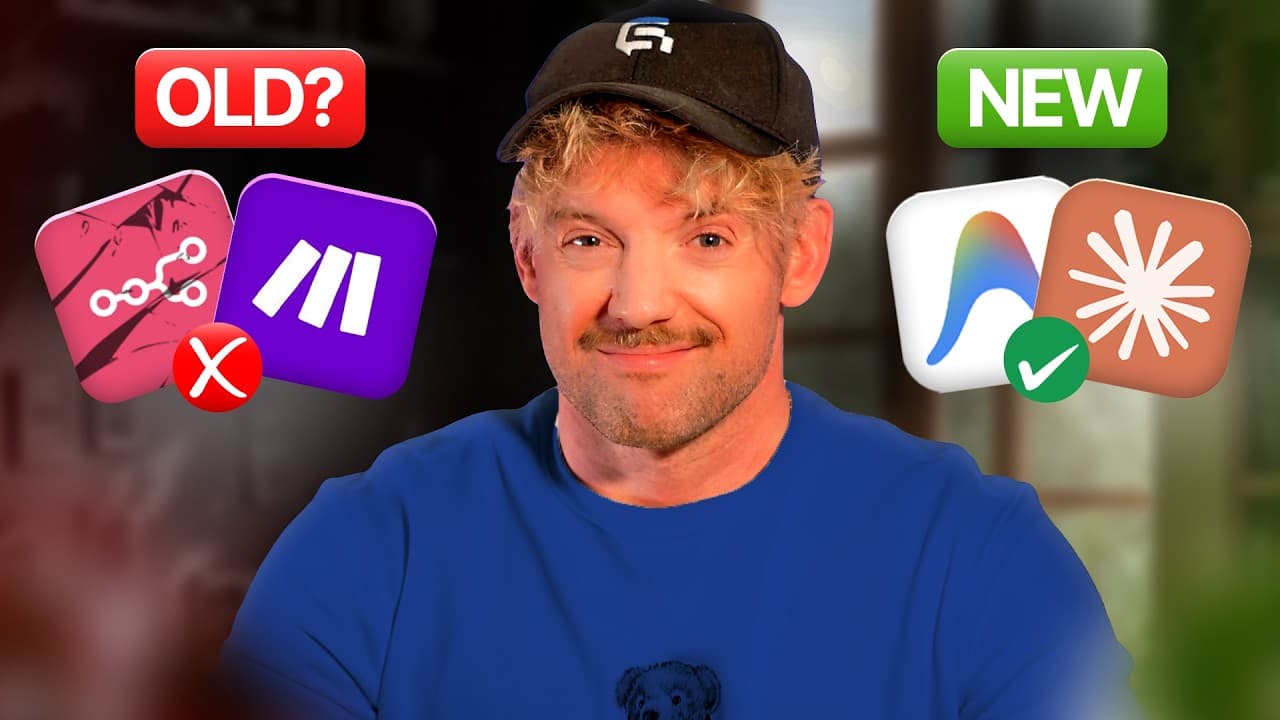
Google’s AntiGravity builds AI systems from instructions instead of requiring complicated node-by-node workflows. The five-step BLAST framework, Blueprint, Links, Architect, Style, and Trigger, structures the process, while MCP connects apps and parallel agents handle independent tasks simultaneously. The walkthrough applies this method to a meeting system that turns transcripts into actions in Notion, so read on for the framework and implementation details.
Transcript
or any10g.com dead because something just fundamentally changed. Google just released anti-gravity and it lets you build full AI systems in minutes instead of hours without the need to build very complicated workflows. I built and sold my last tech startup over 60,000 customers and I run a 7 figureure AI automation business and the way that I opera... Read More
Key Insights
- AntiGravity is a Google platform that simplifies building AI systems, eliminating the need for complex workflows.
- MCP, or Model Context Protocol, acts like a universal remote, connecting AntiGravity to various apps for seamless integration.
- AntiGravity supports parallel agents, allowing multiple tasks to be executed simultaneously, enhancing productivity.
- The BLAST framework is a five-step system to build AI systems in AntiGravity: Blueprint, Links, Architect, Style, and Trigger.
- Blueprint involves defining the vision and logic of the AI system, including integration and data flow.
- Links focus on connecting AntiGravity to necessary applications like Notion and Fireflies for data handling.
- Architect involves setting up technical SOPs to ensure the AI system operates deterministically and reliably.
- Style and Trigger ensure the AI system is visually appealing and can run autonomously, even when the user is offline.
Install to Summarize YouTube Videos and Get Transcripts
Explore YouTube Video Summarizer or Get YouTube Transcript Extractor
Questions & Answers
Q: How do you build AI systems with Google’s AntiGravity?
Start in planning mode and give AntiGravity the BLAST system prompt to establish a structured way of working. Then follow its five steps: Blueprint, Links, Architect, Style, and Trigger. The prompt directs AntiGravity to initialize a Gemini MD file containing the system protocols, operating principles, and file-reference structure.
Q: What is the BLAST framework in AntiGravity?
BLAST is a five-step framework for building apps, websites, dashboards, onboarding tools, and other AI systems in AntiGravity. Its steps are Blueprint, Links, Architect, Style, and Trigger. Together, they cover the system’s vision, connections, technical procedures, presentation, and autonomous operation.
Q: How does AntiGravity simplify AI system creation?
AntiGravity lets users describe what they want built instead of assembling a scenario node by node. It can connect with apps, think through the task, and accept conversational instructions. The speaker says this allows full AI systems to be built in minutes instead of hours without complicated workflows.
Q: What role does MCP play in Google’s AntiGravity?
MCP stands for Model Context Protocol and connects AntiGravity to external applications. The speaker compares it to a universal remote control because it lets the system work within a connected app. For example, AntiGravity can connect to Google Calendar and report what is happening there.
Q: How do parallel agents work in AntiGravity?
Parallel agents work on independent tasks at the same time rather than making one agent complete everything sequentially. The transcript describes five, six, seven, or eight agents operating simultaneously. This removes what the speaker calls a one-agent bottleneck.
Q: What AI system is built in the walkthrough?
The walkthrough builds an intelligence system for handling meeting information. An AI notetaker captures the meeting transcript, the system converts it into actions, and those actions are placed in a Notion database. The AI can also take action on those items if desired.
Q: Why does the BLAST method begin with a structured system prompt?
The speaker says AntiGravity is only as effective as the prompts used to steer it. The master prompt establishes a consistent protocol covering discovery, the North Star, integrations, the source of truth, connections, architecture, styling, triggers, and operating principles. This gives the system an objective and a defined way of working.
Q: What is the Architect step in the BLAST framework?
The Architect step creates technical standard operating procedures for the AI system. These procedures define elements such as goals, inputs, logic, and edge cases. Their purpose is to make operation more deterministic, consistent, and reliable.
Summary & Key Takeaways
-
Google's AntiGravity allows users to build AI systems quickly by connecting to various apps using MCP, enabling seamless integration and parallel task execution. The video introduces the BLAST framework, a five-step approach to creating efficient AI systems. This method is demonstrated by building an app that automates meeting notes and task management in Notion.
-
The BLAST framework includes Blueprint for defining the AI system's vision, Links for app integration, Architect for technical SOPs, Style for visual appeal, and Trigger for autonomous operation. AntiGravity's ability to connect with apps like Notion and Fireflies enhances productivity by executing multiple tasks simultaneously.
-
AntiGravity eliminates complex workflows by allowing users to instruct the AI system to perform tasks, making it a powerful tool for automating business processes. The video showcases the creation of an AI system that manages meeting notes and tasks, highlighting AntiGravity's potential to transform productivity and business operations.
Read in Other Languages (beta)
Share This Summary 📚
Summarize YouTube Videos and Get Video Transcripts with 1-Click
Try YouTube Summary with ChatGPT & Claude or YouTube Transcript Generator
Explore More Summaries from Jack Roberts 📚



Summarize YouTube Videos and Get Video Transcripts with 1-Click
Try YouTube Summary with ChatGPT & Claude or YouTube Transcript Generator