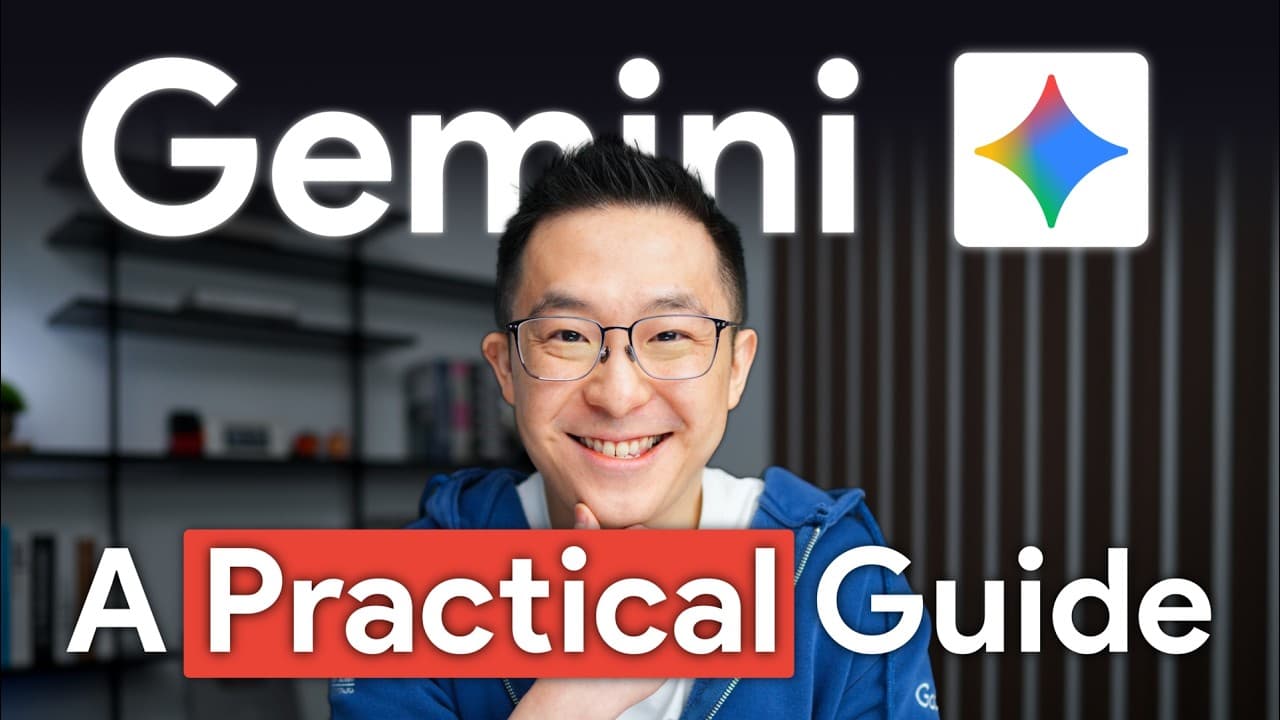
How to Master Gemini 3.1 for Work in 12 Minutes
TL;DR
Gemini 3.1 dramatically improves multimodal understanding, enabling it to process images, video, and audio together to generate concrete outputs such as training checklists and analyses. It also boosts use of large documents, enhances workspace search, introduces generative interfaces, and improves intent understanding for reliable results. Practical workflows show turning recordings into assets and dashboards.
Transcript
Gemini 3.0 is a fantastic model, but the sheer volume of updates is honestly overwhelming, and not every new feature deserves your attention. So, after a month of going through official guides and testing Gemini 3 with real work, I've narrowed down the five changes that actually matter for professionals. Let's get started. Kicking things off with t... Read More
Key Insights
- Gemini 3.1 significantly enhances multimodal understanding by processing images, video, and audio together and linking cues across modalities.
- A bigger emphasis on active working memory allows Gemini 3.1 to locate specific information inside large documents and connect disparate sources for deeper insights.
- Workspace search across Gmail and Drive becomes more reliable, enabling fast drafting of testimonials and performance reviews from scattered history.
- Generative surfaces let Gemini produce interactive tools and dashboards, including revenue calculators and break-even tools, from simple prompts.
- Better intent understanding reduces the need for exact prompt phrasing and improves results from vaguer instructions.
- Users can convert one-time recordings into permanent assets like training checklists in under a minute, boosting onboarding efficiency.
- The platform supports practical meta-analysis, such as comparing management statements with financials to spot conflicts and discrepancies.
- Context engineering shifts focus from prompt perfection to providing sufficient context for accurate outputs.
Install to Summarize YouTube Videos and Get Transcripts
Explore YouTube Video Summarizer or Get YouTube Transcript Extractor
Questions & Answers
Q: What is the core improvement in Gemini 3.1 for multimodal data?
Gemini 3.1 can understand and integrate multiple data types at once, meaning it can watch a video, analyze the audio, and interpret visual cues in a synchronized way. This enables it to extract specific actions or insights from complex scenes, making it possible to produce concrete outputs like step by step checklists or targeted recommendations without separate processing steps.
Q: How does Gemini 3.1 handle large documents differently?
With an expanded, active working memory, Gemini 3.1 can locate and fuse information buried deep inside large documents. It goes beyond simple summaries to connect statements across earnings calls and PDFs, allowing users to identify discrepancies or alignments between different sources and deliver precise conclusions based on integrated evidence.
Q: What practical uses come from enhanced workspace search?
The improved workspace search lets you query across Gmail, Drive, and Docs to pull relevant threads or deliverables. It can generate drafts for testimonials or performance reviews that reference exact project outcomes, saving hours of manual searching and ensuring outputs are grounded in real communications and documents.
Q: What are generative interfaces and why do they matter?
Generative interfaces produce output in interactive formats such as dynamic tables, dashboards, or calculators. They matter because prompts can yield immediately usable tools, like a Revenue Insights dashboard with region filters, without manual reformatting, enabling faster decision making and clearer visualization of complex data.
Q: How does better intent understanding affect everyday AI use?
Better intent understanding means you can give vague or high level instructions and still get reliable results. This reduces the need for perfect wording and lets users focus on the outcome, such as creating a training asset from a recording or generating a structured performance review, with the AI inferring the correct steps.
Q: Can Gemini turn recordings into actionable assets quickly?
Yes, Gemini can convert a one time recording into a reusable training asset like a step by step checklist for new hires in under a minute. This accelerates onboarding and standardizes processes by turning raw media into organized, shareable documentation that new team members can follow with minimal questions.
Q: What example demonstrates Gemini linking management and financial data?
An example shows Gemini identifying that management claimed strong momentum for a segment while financial statements revealed losses and low revenue share. By cross referencing earnings calls with PDFs, Gemini surfaces discrepancies and provides a more nuanced view of performance than isolated sources.
Q: What is the overarching shift described in the video about AI outputs?
The video argues for context engineering over strict prompt engineering. By supplying richer context and enabling multimodal and interactive outputs, Gemini 3.1 delivers more reliable, actionable results that can be used directly in workflows, dashboards, and decision making without extensive reformatting or manual interpretation.
Summary & Key Takeaways
-
Gemini 3.1 advances multimodal understanding so it can link visual data with audio cues to produce actionable outputs like step by step checklists from recordings.
-
The update improves handling of large documents by using context to identify and connect relevant information across files, calls, and PDFs rather than producing generic summaries.
-
Generative interfaces enable dynamic, interactive tools and dashboards that can be updated with user feedback, turning AI outputs into immediately usable assets for reports and decision making.
Read in Other Languages (beta)
Share This Summary 📚
Summarize YouTube Videos and Get Video Transcripts with 1-Click
Try YouTube Summary with ChatGPT & Claude or YouTube Transcript Generator
Explore More Summaries from Jeff Su 📚
Summarize YouTube Videos and Get Video Transcripts with 1-Click
Try YouTube Summary with ChatGPT & Claude or YouTube Transcript Generator