What Essential Software to Install on Kubuntu 22.04?
TL;DR
After a fresh install of Kubuntu 22.04, essential software includes Firefox from the official repository, Flat Hub for application management, Lutris for gaming, and SMB 4K for network shares. Switching from Snap to Flat Hub enhances software compatibility, while Lutris allows users to play Windows games effectively on Linux.
Transcript
so it's been a while since I made a video like this so I'm going to be showing you guys what I have in a fresh install of kubuntu so let's get started so for the past couple of weeks I've actually been very busy with personal stuff so I haven't had a chance to really iron out some video ideas or put down what I want to do but I have been working on... Read More
Key Insights
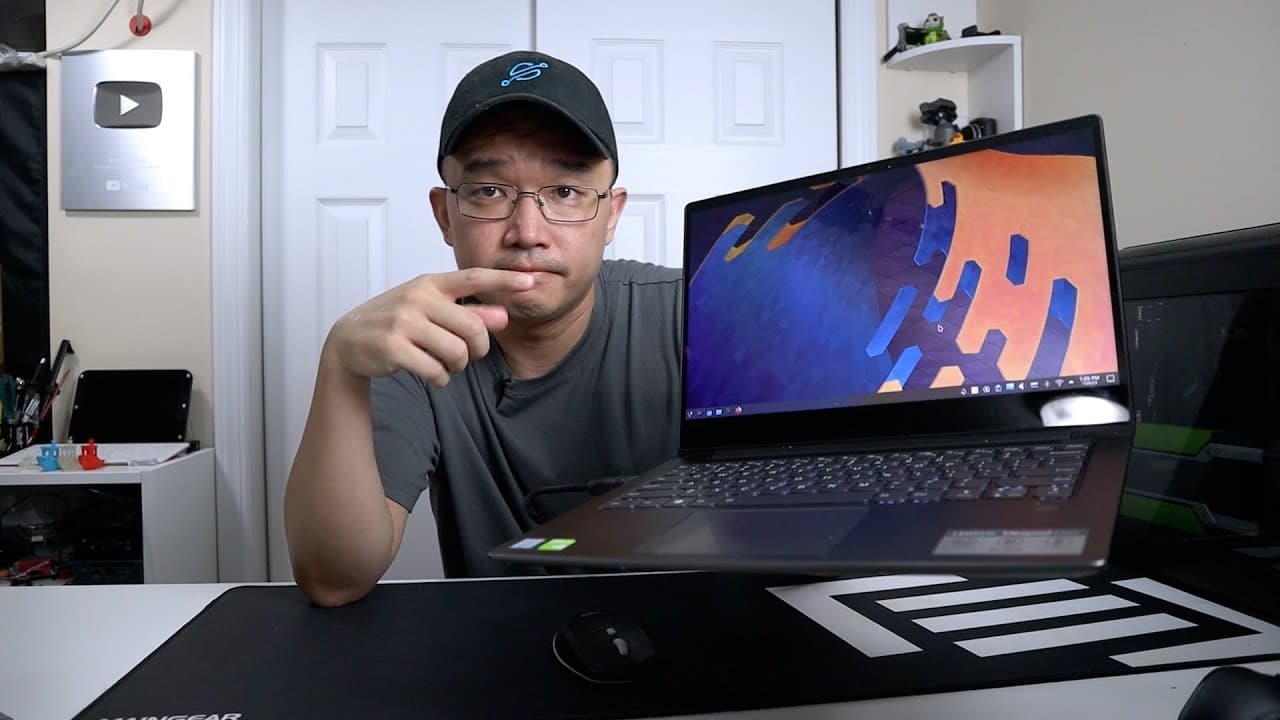
- 💪 The Lenovo IdeaPad 530s is a lightweight laptop ideal for portability, delivering strong performance through hardware upgrades.
- 🆕 A fresh install of Kubuntu involves choosing compatible software repositories to enhance system performance and usability.
- 👤 Switching from Snap to Flat Hub can significantly improve software availability and compatibility for users of Linux systems.
- 👻 Lutris serves as a valuable platform for gaming on Linux, allowing users to run Windows games effectively on non-Windows environments.
- 😉 Managing network shares can be streamlined with tools like SMB 4K, enhancing file accessibility during tasks like video editing.
- 🪡 Virtualization tools like Quick GUI offer flexibility for users needing to run different operating systems, catering to software compatibility needs.
- 👤 Future plans include theming the desktop environment to personalize the user interface and improve aesthetics on Kubuntu.
Install to Summarize YouTube Videos and Get Transcripts
Explore YouTube Video Summarizer or Get YouTube Transcript Extractor
Questions & Answers
Q: Why did you choose Kubuntu over Manjaro for your laptop?
I opted for Kubuntu because Manjaro has compatibility issues with Prime GPUs, specifically when working with Intel and Nvidia graphics. Kubuntu offers a smoother experience and enables seamless switching between graphics without the complications I've encountered with Manjaro.
Q: What are the advantages of installing Firefox from the Ubuntu repository instead of Snap?
Installing Firefox from the Ubuntu repository ensures better performance and compatibility with the overall system. Snap installations can cause conflicts with key applications that require integration with the operating system, leading to difficulties in installation and configuration.
Q: Can you explain the benefits of using Flat Hub over Snap?
Flat Hub provides access to the latest versions of software and generally offers an improved performance experience compared to Snap. By transitioning to Flat Hub, I avoid issues associated with Snap that often complicate software installation and usability on the operating system.
Q: What role does Lutris play in your software setup?
Lutris is essential for running Windows games on Linux. It allows me to install and manage different game titles effectively and is particularly good for optimizing performance on older hardware, ensuring that I can enjoy classic games without major performance drawbacks.
Q: How do you manage network shares on your laptop?
For managing network shares, I switched to using SMB 4K. It provides an intuitive way to mount network shares and is tailored to work well with the Dolphin file manager. Using this tool allows me to keep my editing software functioning properly by maintaining a clear directory structure.
Q: What is Quick GUI, and how do you plan to use it?
Quick GUI is a tool for easily managing virtual machines on Linux. I plan to use it to install Windows 11, so I have access to specific software that isn't available on Linux. This way, I can run a Windows environment without needing to switch back and forth between operating systems.
Summary & Key Takeaways
-
The creator reviews their Lenovo IdeaPad 530s, highlighting recent upgrades that enhance performance, including added RAM and a new battery.
-
They detail their preference for using Ubuntu over Manjaro due to compatibility with Intel and Nvidia graphics, and share crucial post-installation software setups.
-
Selected applications discussed include Firefox, Flat Hub, Lutris, and SMB 4K, all aimed at optimizing their Linux experience for both gaming and productivity.
Read in Other Languages (beta)
Share This Summary 📚
Summarize YouTube Videos and Get Video Transcripts with 1-Click
Try YouTube Summary with ChatGPT & Claude or YouTube Transcript Generator
Explore More Summaries from Novaspirit Tech 📚






Summarize YouTube Videos and Get Video Transcripts with 1-Click
Try YouTube Summary with ChatGPT & Claude or YouTube Transcript Generator