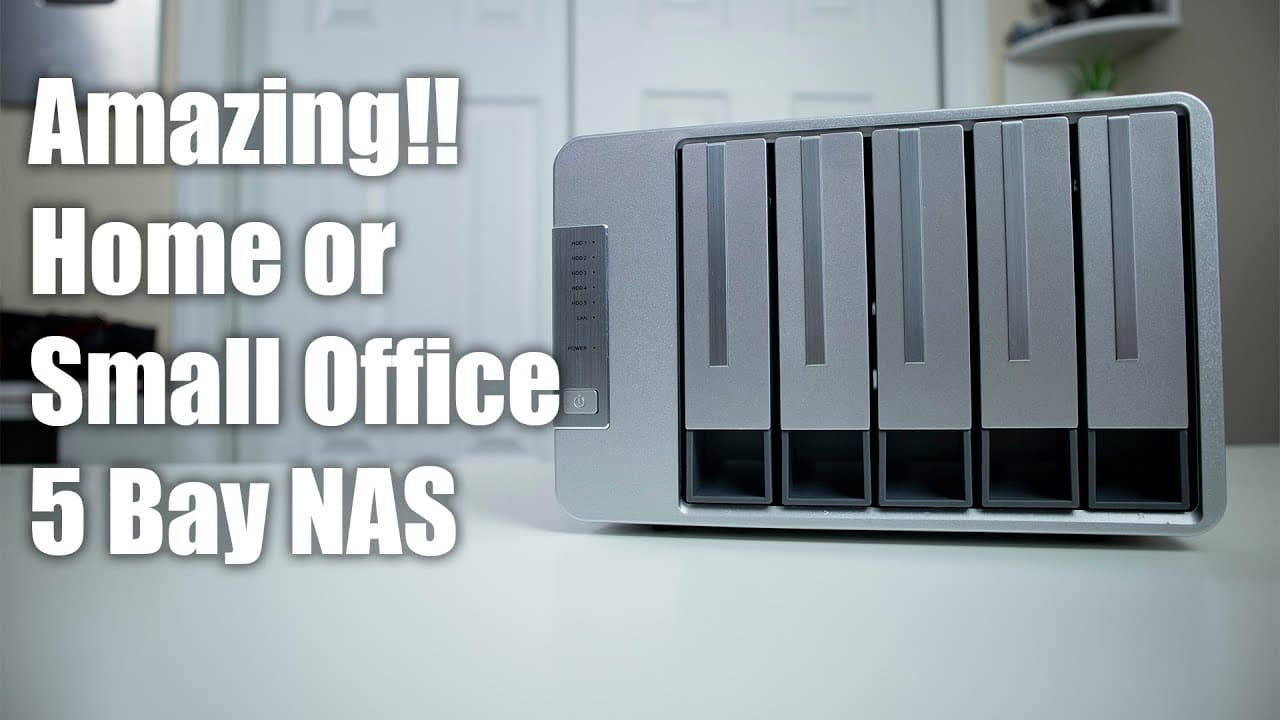
Checking out TerraMaster F5-221 5 Bay Home or Small Office NAS
TL;DR
The TerraMaster F5221 NAS is an affordable, reliable choice for home and small business data storage.
Transcript
hey guys what is going on it's don here from novice beard tech and welcome back to the channel and today we are going to be checking out the tara master f5221 nas so let's get started i do want to thank terrormaster for sending this over to me for review this is the f52215 bay nas and everything we talk about will be linked down in the description ... Read More
Key Insights
- 👤 The TerraMaster F5221 NAS is suitable for users needing affordable, reliable network storage without extensive advanced features.
- 😒 Enhanced plastic components improve the device's overall build quality compared to earlier models, ensuring it can withstand regular use.
- 👤 Users can expand RAM significantly beyond the manufacturer's stated limits, improving the device's efficiency in multi-service environments.
- 🤭 Quiet operation due to effective fan design allows the device to be used in noise-sensitive areas, beneficial for home and office settings.
- 👤 The built-in TOS operating system provides a user-friendly interface for managing applications and file systems.
- 👤 Previous ownership experience with earlier models indicates reliability over time, emphasizing long-term user satisfaction.
- 💝 The device supports modern file systems with the latest TOS updates, offering enhanced data backup and recovery options.
Install to Summarize YouTube Videos and Get Transcripts
Explore YouTube Video Summarizer or Get YouTube Transcript Extractor
Questions & Answers
Q: What are the primary benefits of using the TerraMaster F5221 NAS over competitors like Synology or QNAP?
The TerraMaster F5221 NAS offers a competitive price point and good performance for home or small business use. While Synology and QNAP may provide stronger CPUs and RAM, the F5221 can handle essential data storage tasks effectively. It strikes a balance between functionality and affordability, making it a great entry-level option for users seeking NAS capabilities without premium costs.
Q: How easy is it to upgrade the RAM on the TerraMaster F5221 NAS?
Upgrading the RAM on the TerraMaster F5221 NAS is quite straightforward, requiring only six screws at the back and four at the bottom to access the internal components. Once opened, users can easily install compatible DDR3 RAM, which is an affordable option. While the official maximum is four gigabytes, users can successfully upgrade to ten gigs, enhancing performance significantly.
Q: What operating system does the TerraMaster F5221 NAS run on, and what features does it offer?
The TerraMaster F5221 NAS runs on TOS 4.2, which is designed for ease of use with features similar to those found in other NAS systems. Users can manage files, run applications, and utilize Docker containers, making it a versatile option for various data management needs. It is essential to upgrade to later versions for improved file system benefits, including snapshotting capabilities.
Q: How does the build quality of the TerraMaster F5221 compare with higher-end NAS systems?
The build quality of the TerraMaster F5221 NAS is decent, featuring a smaller footprint and a fair amount of durable plastic components. While it may not match the premium materials used in Synology or QNAP models, it has improved significantly over previous versions. The device feels solid and sturdy in use, making it suitable for most users seeking reliability without the high price tag.
Summary & Key Takeaways
-
The TerraMaster F5221 NAS offers a compact design with five bays, featuring improved plastic quality and quiet operations.
-
It runs on an Intel J3355 processor with expandable RAM, recommended for users intending to run multiple services beyond basic storage.
-
The built-in TOS operating system provides support for various applications like Docker and allows easy navigation similar to competitors like Synology.
Read in Other Languages (beta)
Share This Summary 📚
Summarize YouTube Videos and Get Video Transcripts with 1-Click
Try YouTube Summary with ChatGPT & Claude or YouTube Transcript Generator
Explore More Summaries from Novaspirit Tech 📚






Summarize YouTube Videos and Get Video Transcripts with 1-Click
Try YouTube Summary with ChatGPT & Claude or YouTube Transcript Generator