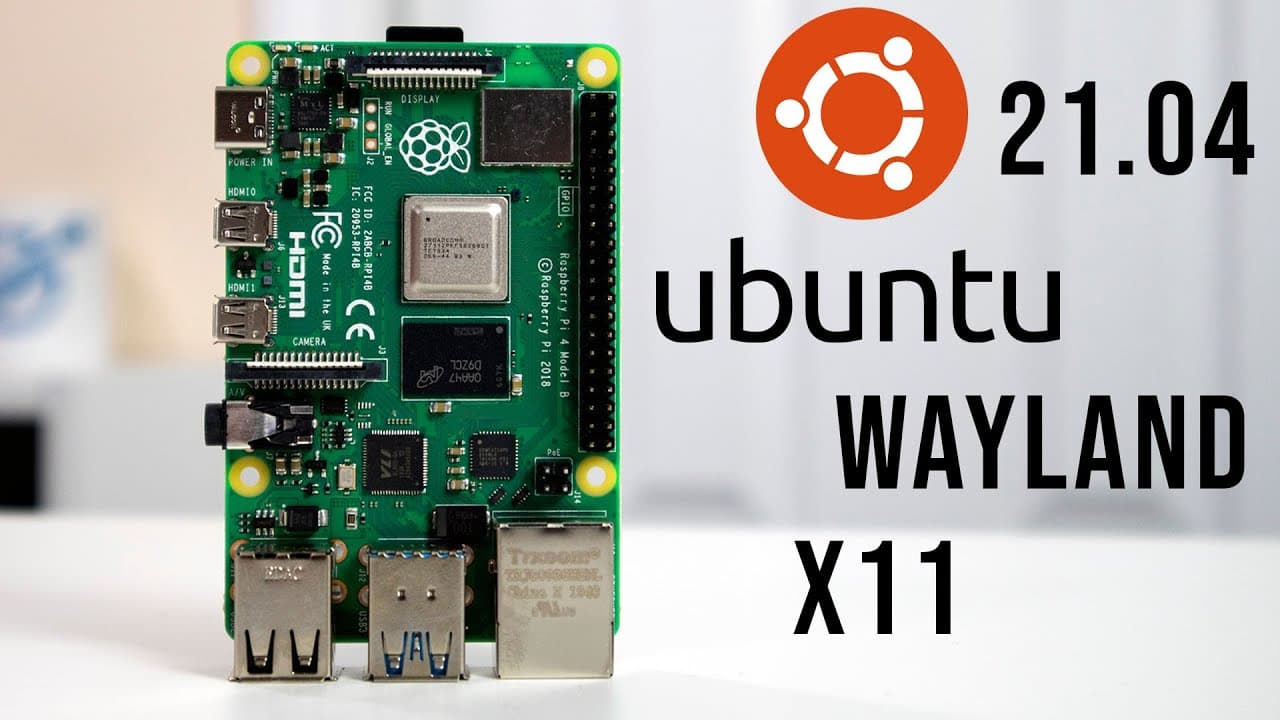
Wayland vs X11 on Ubuntu 21.04: Which Is Better for Raspberry Pi?
TL;DR
Wayland outperforms X11 on Ubuntu 21.04 by eliminating screen tearing and providing smoother rendering, especially during video playback and multitasking. Despite some stability issues in specific applications, the overall experience with Wayland is superior, making it the preferable choice for users on Raspberry Pi 4.
Transcript
hey guys don here from nova scotia tech and welcome back to the channel and today we are going to be checking out ubuntu 21.04 on the raspberry pi 4 more specifically wayland vs x11 so let's get started now before we begin if you want to know more details about 21.04 like updates changes they made comparison from 20.10 to 21.04 head over to my budd... Read More
Key Insights
- 🧘 Wayland is positioned as the successor to X11, designed to alleviate common graphical issues like tearing and lag.
- 💋 The integration of Wayland in Ubuntu 21.04 on Raspberry Pi 4 marks a notable development in Linux desktop environments.
- ☠️ Overclocking the Raspberry Pi and using an SSD can vastly improve performance compared to traditional SD cards.
- 👤 The user experience between X11 and Wayland can vary significantly based on the applications being used, with Wayland performing better in many scenarios.
- 👤 The video provides practical steps for users to install and switch windowing systems, emphasizing ease of use.
- 🎏 Despite the benefits, issues like input lag in applications using Wayland show that the technology is still maturing and developing.
- 👀 Adopting Wayland can be advantageous for users looking for smoother video playback and enhanced multitasking capabilities.
Install to Summarize YouTube Videos and Get Transcripts
Explore YouTube Video Summarizer or Get YouTube Transcript Extractor
Questions & Answers
Q: What is the primary focus of the video regarding Ubuntu 21.04?
The video primarily focuses on comparing the two windowing systems, Wayland and X11, within Ubuntu 21.04 on a Raspberry Pi 4. The host expresses excitement over Wayland's capabilities, especially its ability to mitigate screen tearing compared to the conventional X11 renderer, aiming for smoother performance in desktop usage.
Q: What issues does X11 have that Wayland aims to resolve?
X11 often suffers from screen tearing and input lag, especially during video playback or when multiple applications are open. This tearing occurs when the frame rendering process is out of sync with the display, leading to visual artifacts. Wayland was introduced to eliminate these issues, offering a smoother and more responsive experience.
Q: How does the presenter recommend improving the performance of Ubuntu 21.04 on Raspberry Pi?
The presenter emphasizes the importance of overclocking the Raspberry Pi to increase the performance, suggesting a minimum frequency of 1 GHz and a maximum of 2 GHz. Additionally, using an SSD instead of an SD card significantly enhances responsiveness and overall user experience when running Ubuntu as a desktop environment.
Q: What was the presenter’s experience with Wayland on Ubuntu 21.04?
The presenter had a mostly positive experience using Wayland, noting it operated smoothly without the tearing or lag issues associated with X11. However, they encountered a specific keyboard input issue where typing in certain applications like Firefox was unresponsive, highlighting that while performance improved, some bugs still exist.
Q: What steps does the presenter outline for switching from X11 to Wayland?
To switch from X11 to Wayland, the presenter instructs to log out of the current session and, before logging back in, click on a gear icon located at the bottom right of the login screen to select the Wayland session. This action enables users to experience the benefits of Wayland on their system.
Q: Why is screen tearing a significant concern for users?
Screen tearing can greatly impact the user's visual experience by causing noticeable disruptions when moving windows or during high-motion graphics, such as in gaming or video playback. It indicates a lack of synchronization between the graphics card and the display, leading to a frustrating user experience that hinders productivity and enjoyment.
Summary & Key Takeaways
-
The video analyzes the performance of Ubuntu 21.04 on the Raspberry Pi 4, specifically focusing on the Wayland and X11 windowing systems. Wayland offers smoother rendering and eliminates common issues like screen tearing.
-
Screen tearing is prevalent in X11, even on powerful machines, which can cause performance issues, especially during video playback or gaming. Wayland aims to address these problems with its rendering capability.
-
While the presenter observed significant improvements using Wayland, there was a reported keyboard input issue within certain applications, which contrasts with X11's stability in that area.
Read in Other Languages (beta)
Share This Summary 📚
Summarize YouTube Videos and Get Video Transcripts with 1-Click
Try YouTube Summary with ChatGPT & Claude or YouTube Transcript Generator
Explore More Summaries from Novaspirit Tech 📚






Summarize YouTube Videos and Get Video Transcripts with 1-Click
Try YouTube Summary with ChatGPT & Claude or YouTube Transcript Generator