How Can I Contribute to ARM App Templates for Portainer?
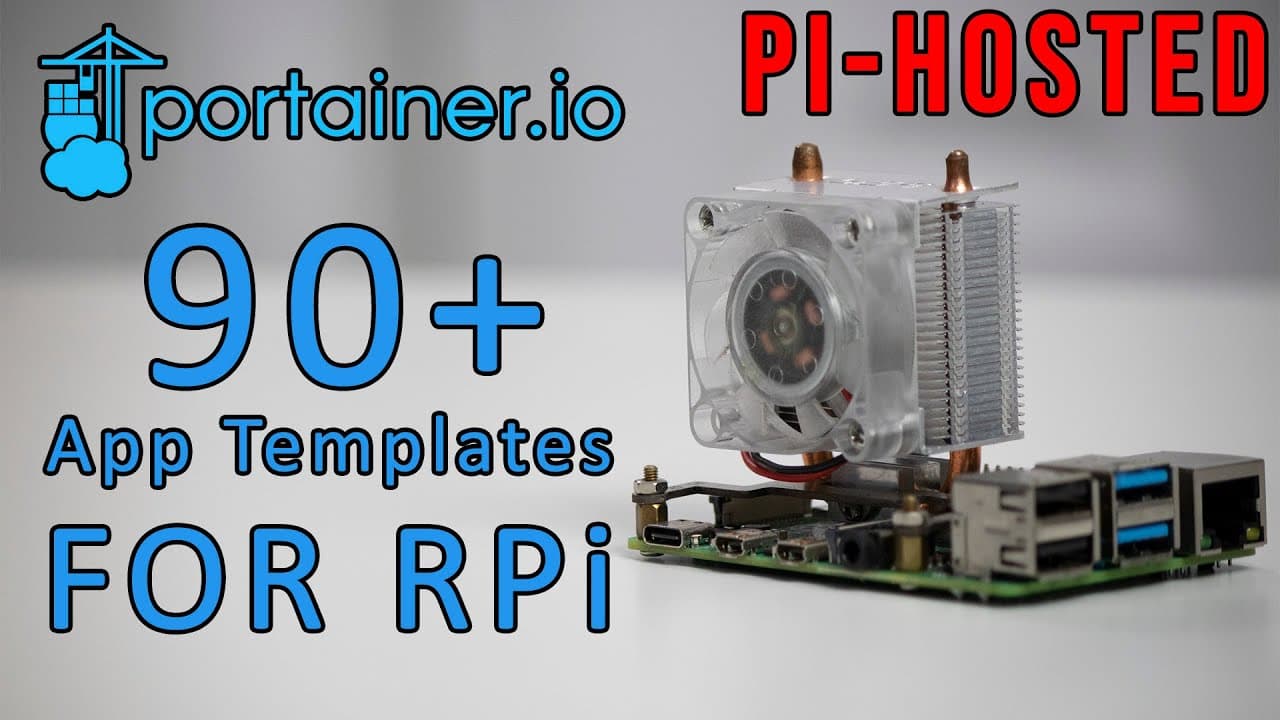
TL;DR
You can contribute to ARM app templates for Portainer by submitting issues, suggestions, or additional programs you think should be included. The project aims to create a comprehensive list for ARM devices like Raspberry Pi, and community involvement is crucial for its success. Share the initiative to attract more contributors and improve the template.
Transcript
hey guys what's going on it's don here from nova spare tech and welcome back to the channel and today we are going to be taking a look at portainer and app templates specifically for arm devices such as raspberry pi so let's get started now porteno i o is a manager for dockers and specifically if you need to manage maintain delete create you could ... Read More
Key Insights
- 🫥 Portainer serves as a robust alternative to command-line Docker management tools, particularly beneficial for novices.
- 😀 The initiative to develop ARM-specific app templates enhances the functionality and accessibility of Docker apps on Raspberry Pi and similar devices.
- 🤗 The appeal to community involvement highlights the collaborative spirit prevalent in open-source projects, strengthening the development process.
- 😀 Leveraging resources like the Awesome Docker list can facilitate the inclusion of various programs suitable for the app template.
- 👤 Users are encouraged to share the project on social media to widen its reach and attract potential contributors.
- 👂 Maintaining the list with continuous feedback will help in improving the overall user experience and application reliability for ARM-based devices.
- 🎮 The video emphasizes keeping the content brief while effectively communicating the need for community support.
Install to Summarize YouTube Videos and Get Transcripts
Explore YouTube Video Summarizer or Get YouTube Transcript Extractor
Questions & Answers
Q: What is Portainer and how does it enhance Docker usage?
Portainer is a web-based management UI for Docker that simplifies the process of managing containers. It allows users to create, maintain, and delete containers visually, without needing to execute complex command-line instructions. This ease of use is particularly beneficial for users unfamiliar with Docker commands, making it accessible for a wider range of developers and enthusiasts.
Q: Why is there a focus on ARM devices like Raspberry Pi in this content?
ARM devices, especially Raspberry Pi, are popular among hobbyists and developers for running lightweight applications and services. The focus on these devices is due to their growing use in home projects, IoT applications, and server-like setups, necessitating tools like Portainer that cater to these specific architecture requirements.
Q: What is an app template in the context of Portainer?
An app template in Portainer is a predefined JSON file that outlines a Docker container configuration, similar to Docker Compose files. It allows users to deploy applications quickly with the required settings and dependencies without manual configuration, significantly streamlining the container deployment process for users.
Q: How can the community contribute to the development of the Portainer app template?
The community can contribute by identifying issues within the app template, suggesting new programs or features, and sharing the project to attract more maintainers. Contributions can be submitted through a designated Discord channel or by creating pull requests to improve the overall effectiveness of the ARM app template.
Summary & Key Takeaways
-
Portainer is a user-friendly management tool for Docker, allowing users to create and manage app templates easily without command line input.
-
The creator is developing a comprehensive app template for ARM devices like Raspberry Pi, aiming to expand beyond the current 50 to 60 Docker options.
-
A collaborative effort is sought from the community to contribute issues, suggestions, or additional programs for the app template to improve its functionality and scope.
Read in Other Languages (beta)
Share This Summary 📚
Summarize YouTube Videos and Get Video Transcripts with 1-Click
Try YouTube Summary with ChatGPT & Claude or YouTube Transcript Generator
Explore More Summaries from Novaspirit Tech 📚






Summarize YouTube Videos and Get Video Transcripts with 1-Click
Try YouTube Summary with ChatGPT & Claude or YouTube Transcript Generator