How to Build GraphRAG with Neo4j and Cypher
TL;DR
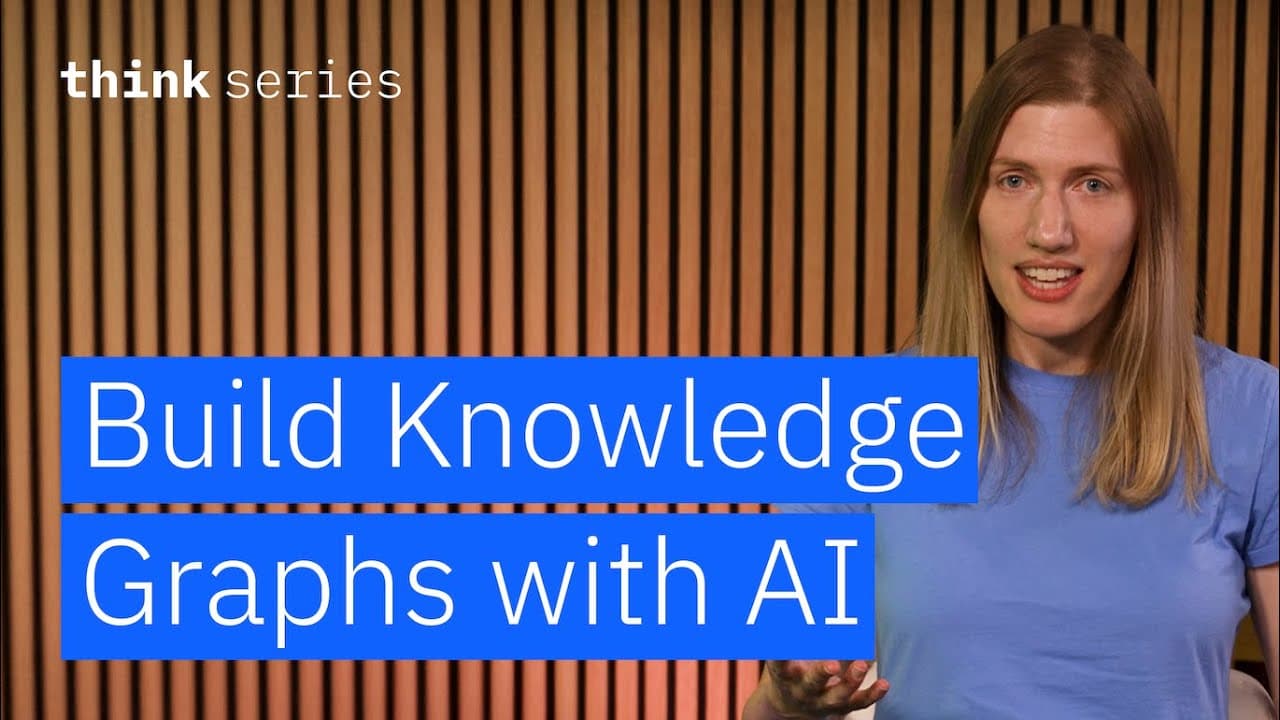
GraphRAG converts unstructured text into a knowledge graph, then lets an LLM translate natural-language questions into Cypher queries and turn database results into readable answers. The demonstrated workflow uses Neo4j, LangChain, an LLM graph transformer, constrained entity types, and separate few-shot prompts for query generation and final response creation.
Transcript
Today I'm going to show you how to populate a knowledge graph and query it using an LLM. Graph retrieval augmented generation. or GraphRAG is emerging as a powerful alternative to vector search methods. Instead of using a vector database, GraphRAG systems store data in the format of a knowledge graph using a graph database. In a knowledge graph, t... Read More
Key Insights
- GraphRAG stores information as nodes and relationships in a knowledge graph, giving explicit structure to connections within the data. This differs from storing calculated embeddings in a vector database and retrieving information according to semantic similarity.
- Knowledge graph construction starts with an LLM extracting entities and relationships from unstructured text. The resulting structured representation can be converted into graph documents and inserted into a graph database, reducing the manual work of identifying and diagramming connections.
- Schema restrictions improve graph generation by limiting the LLM to relevant node and relationship types. In the example, the permitted nodes are person, title, and group, while the permitted relationships are title, collaborates, and group.
- Cypher is the query language used to retrieve nodes, relationships, and paths from the graph database. The transcript compares its role for graph databases with the role SQL performs for relational databases and their tables.
- Natural-language graph retrieval works by having an LLM generate a Cypher query from the user's question. The database executes that query, returns its results, and the LLM interprets those results in the context of the original question.
- Few-shot prompting improves Cypher generation by showing the LLM example questions paired with suitable queries. The prompt also directs the model to return only the query, because additional conversational text could make the generated Cypher invalid.
- Separate prompts support separate retrieval tasks: one prompt translates a user's question into Cypher, while the QA prompt translates the database result into a natural-language answer. GraphCypherQAChain bundles both prompts with the graph and an LLM.
- Different model settings serve graph construction and retrieval. Graph generation uses a fairly low temperature and a high token allowance for detailed extraction, while retrieval uses a temperature of zero and a length penalty to encourage short, straightforward Cypher queries.
Install to Summarize YouTube Videos and Get Transcripts
Explore YouTube Video Summarizer or Get YouTube Transcript Extractor
Questions & Answers
Q: How do you build a GraphRAG knowledge graph from text?
Start a graph database such as Neo4j and connect to it from the Python environment. Place the unstructured text in LangChain document objects, then use an LLM graph transformer to extract entities and relationships into graph documents. Restrict the allowed node and relationship types to match the intended schema, inspect the generated structure, and insert its nodes and edges with the graph connection's addGraphDocuments method.
Q: How does GraphRAG answer natural-language questions?
GraphRAG passes the user's natural-language question to an LLM that has been prompted to produce a Cypher query. The graph database executes that query and returns the matching records. A second prompt then asks the LLM to interpret those records in relation to the original question and produce a readable natural-language response grounded in the retrieved graph information.
Q: What is Cypher used for in a GraphRAG system?
Cypher retrieves information from the graph database by operating on nodes, relationships, and paths. In the demonstrated system, the user does not need to write Cypher directly. An LLM converts a natural-language question into Cypher, the database executes the generated query, and the returned data becomes the evidence used to formulate the final answer.
Q: Why should GraphRAG restrict node and relationship types?
Restricting the LLM to an expected schema makes it more likely to produce a useful representation of the source knowledge. The example permits person, title, and group nodes, along with title, collaborates, and group relationships. These constraints focus extraction on relevant entities and connections instead of allowing the model to generate an uncontrolled set of graph structures.
Q: How does few-shot prompting improve Cypher queries?
Few-shot prompting gives the LLM examples of natural-language questions and their corresponding Cypher queries. These examples guide the model toward correct and succinct syntax. The prompt also specifies the task, provides behavioral instructions, and constrains output to the query alone, preventing extra explanatory language from being included where it could invalidate database execution.
Q: Why does the workflow use separate Cypher and QA prompts?
The two prompts handle different transformations. The Cypher prompt converts the user's natural-language question into a database query and is designed to produce only valid, concise syntax. The QA prompt receives the original question and the returned graph data, then explains that information naturally. Separating these stages allows each prompt to focus on one clearly defined task.
Q: How is GraphRAG different from vector retrieval?
GraphRAG uses an LLM to transform unstructured text into structured entities and relationships, then stores them in a knowledge graph. Retrieval uses a generated Cypher query to follow graph structure. The vector approach described in the transcript instead calculates embeddings, stores them in a vector database, and retrieves results based on semantic similarity.
Q: What components are needed for the demonstrated GraphRAG setup?
The setup uses a local Neo4j instance created with a containerization tool such as Podman or Docker, database credentials, and the APOC plugin. The Python environment includes LangChain document and prompt classes, the LLM graph transformer, the Neo4j module, GraphCypherQAChain, IBM watsonx.ai integration modules, and OS and getpass modules for configuring credentials.
Summary & Key Takeaways
-
The workflow begins by running a local Neo4j database through a containerization tool such as Podman or Docker. The database configuration includes access credentials and the APOC plugin. A fresh Python environment then provides LangChain, Neo4j integration, IBM watsonx.ai modules, prompt templates, and credential-management modules.
-
An LLM transforms unstructured employee descriptions into graph documents containing nodes and relationships. Allowed node types are restricted to person, title, and group, while allowed relationships include title, collaborates, and group. The resulting graph documents are inserted into Neo4j and inspected through visualization and schema information.
-
Natural-language questions pass through a GraphCypherQAChain containing the graph, an LLM, a Cypher prompt, and a QA prompt. The first prompt generates concise Cypher syntax, the database executes it, and the second prompt converts returned records into a natural-language answer grounded in the graph results.
Read in Other Languages (beta)
Share This Summary 📚
Summarize YouTube Videos and Get Video Transcripts with 1-Click
Try YouTube Summary with ChatGPT & Claude or YouTube Transcript Generator
Explore More Summaries from IBM Technology 📚

Summarize YouTube Videos and Get Video Transcripts with 1-Click
Try YouTube Summary with ChatGPT & Claude or YouTube Transcript Generator