How to build a Python coding agent with Gemini
TL;DR
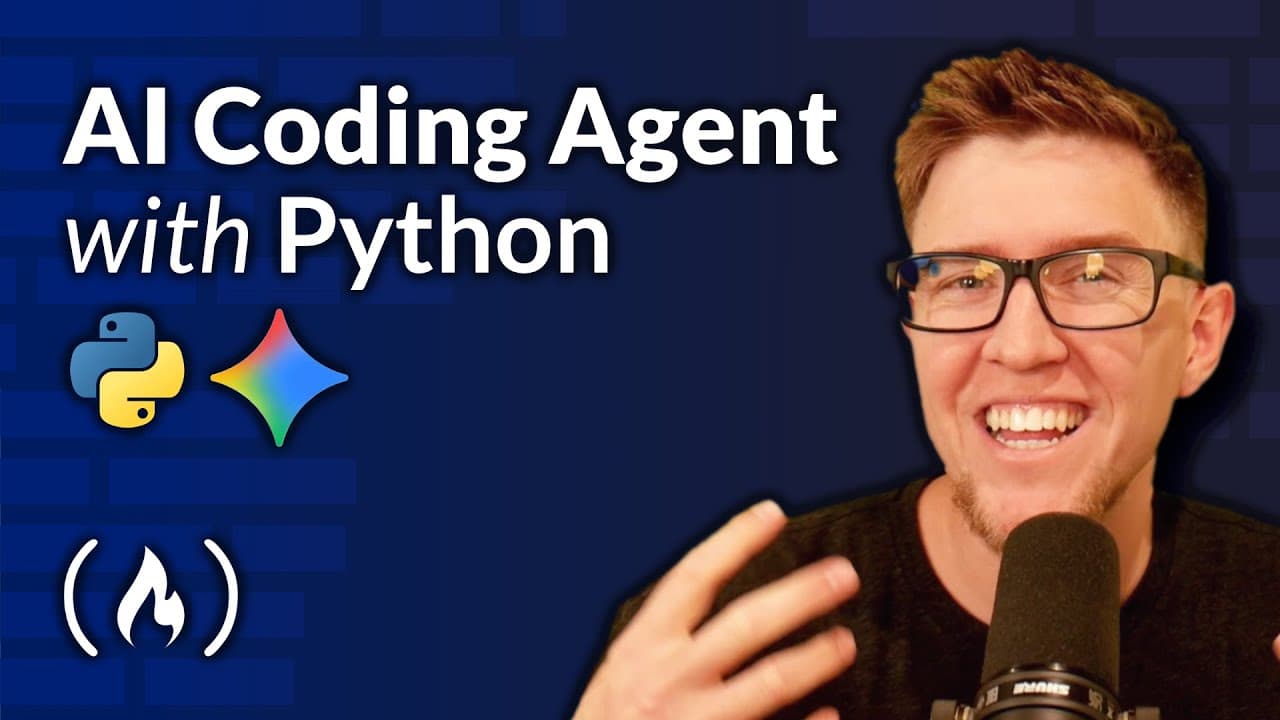
The video shows how to create an AI coding agent in Python using the Gemini Flash API. It explains the agentic loop powered by tool calling and outlines four core tools for file access, file editing, and code execution. The goal is to understand how LLM APIs work under the hood while building a practical CLI app that can modify code and test changes.
Transcript
There are a ton of courses on creating AI agents out there, but this one is different. Besides being created by the amazing Lane Wagner from boot.dev, this course stands out by focusing on a practical hands-on approach to building your own coding agent using the Gemini Flash API. You'll gain a deep understanding of how these powerful AI tools work ... Read More
Key Insights
- The agentic loop enables iterative problem solving by repeatedly prompting itself using tool calls.
- The four tools include scanning directories, reading file contents, overwriting files, and executing Python code.
- A practical Python project with a CLI interface demonstrates how code can be modified and tested within an environment.
- Gemini Flash API powers the underlying model, enabling access to capable language models for coding tasks.
- Tool calling bridges high level prompts and low level file system actions, enabling autonomous debugging workflows.
- Following along hands-on builds deep understanding more than passive watching, reinforcing practical skills in AI-assisted development.
- The course contrasts agentic loops with one-shot responses, showing how looping improves reliability and outcomes.
- Prerequisites include a Unix-like shell, Python 3.10, and UV package management to manage dependencies efficiently.
- More videos from this channel:
- More from this channel: freeCodeCamp.org
Install to Summarize YouTube Videos and Get Transcripts
Explore YouTube Video Summarizer or Get YouTube Transcript Extractor
Questions & Answers
Q: A real search query question about the video: How to begin building an AI coding agent with Gemini?
To begin building an AI coding agent with Gemini, you start by understanding the agentic loop concept and the four essential tools: getting file info, reading file contents, overwriting files, and running Python code. The process involves setting up a multi-directory Python project, installing and using the UV package manager, and configuring a command line interface that the agent can operate within. This hands-on approach helps you see how tool calls drive the agent to scan, edit, and execute code in a loop until tasks are completed.
Q: What is an agentic loop and why is it important for coding agents?
An agentic loop is a feedback cycle where the agent uses its tools to gather context, propose actions, execute changes, and reassess results. This loop repeats, enabling the agent to refine its output through multiple passes rather than producing a single shot answer. For coding agents, this means the tool can scan project files, modify code, run the code to observe outcomes, and iterate until functionality improves, which mirrors how human developers debug and enhance software.
Q: Which tools does the course claim are essential for building the agent?
The course presents four essential tools: one to scan the files in a directory, one to read a file’s contents, one to overwrite or update file contents, and one to execute Python code. Together, these tools provide the minimal but powerful capabilities for a coding agent to explore a project, understand its state, apply changes, and verify results through execution.
Q: What prerequisites are recommended for following along with the course?
Recommended prerequisites include having at least Python 3.10 installed, using the UV project package manager to manage dependencies, and access to a Unix-like shell such as zsh or bash. For Windows users, using WSL is advised. These requirements ensure you can run and test the agent locally, manage multiple files and directories, and perform code execution within a realistic development environment.
Q: How does the video describe the difference between agentic loops and one-shot responses?
The video contrasts agentic loops with one-shot responses by showing that a looping agent can perform iterative actions, adjust its approach based on outcomes, and run repeated code executions to test fixes. In contrast, a one-shot response provides a single answer without the opportunity to validate, revise, or improve the solution through direct experimentation within the project.
Q: What is the role of the Gemini Flash API in this course?
The Gemini Flash API serves as the underlying model powering the coding agent. It enables the agent to perform sophisticated language model tasks in combination with tool calls. This setup allows the agent to scan directories, read and edit files, and execute code in a loop, providing a practical demonstration of how LLMs can interact with real-world software projects.
Q: What kind of project is the coding agent built to support, and how is it tested?
The coding agent is built as a command line tool for Python projects, designed to inspect a codebase, modify files, and run code to gather feedback on changes. Testing involves running the agent against a sample calculator app, letting it identify fixes, apply edits, execute the program, and iterate until the app runs correctly, thereby validating the agent’s ability to autonomously debug and enhance software.
Q: Why is hands-on participation emphasized in this course?
Hands-on participation is emphasized because actively typing code and following along builds deeper understanding and retention. Rather than passively watching demonstrations, learners engage directly with the tools, implement the agentic loop themselves, and experience the debugging process in real time. This active practice mirrors real development workflows and speeds up mastery of AI-assisted coding techniques.
Summary & Key Takeaways
-
This guide demonstrates building a multi-file Python project that hosts an agent capable of scanning directories, reading and writing files, and executing code to feedback results. It emphasizes practical learning over theory and situates the project as a hands-on way to understand tool calls and agent loops.
-
The course uses Gemini API to power the agent, highlighting the differences between static prompt responses and iterative, tool-driven interactions that allow the agent to debug and improve code through multiple passes.
-
The narrative grounds the project in real-world software development practices, explaining prerequisites like Python 3.10 and UV for dependency management, and stressing the value of following along by typing code manually for deeper learning.
Read in Other Languages (beta)
Share This Summary 📚
Summarize YouTube Videos and Get Video Transcripts with 1-Click
Try YouTube Summary with ChatGPT & Claude or YouTube Transcript Generator
Explore More Summaries from freeCodeCamp.org 📚



![The Most Important Skills Going Forward with CTO + Homebrew Maintainer Mike McQuaid [Podcast #204] thumbnail](/_next/image?url=https%3A%2F%2Fi.ytimg.com%2Fvi%2F58Tn2xB8kIE%2Fhqdefault.jpg&w=750&q=75)

Summarize YouTube Videos and Get Video Transcripts with 1-Click
Try YouTube Summary with ChatGPT & Claude or YouTube Transcript Generator