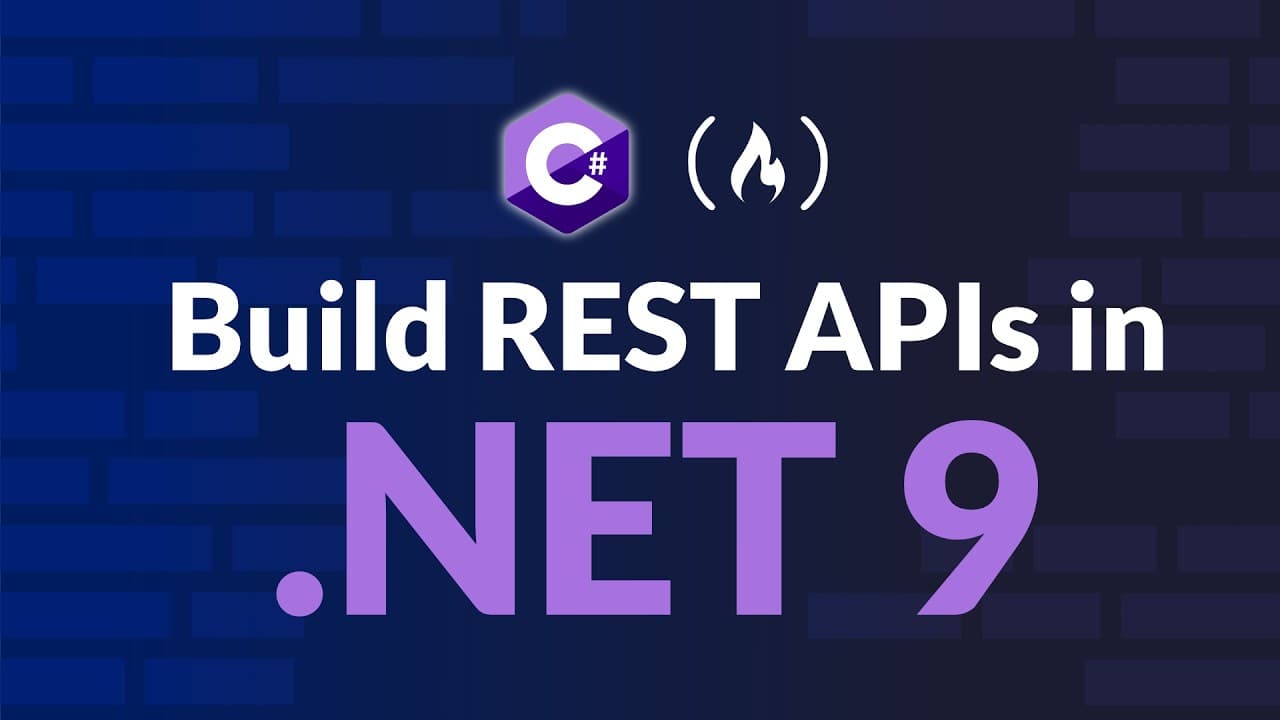
How to Build REST APIs in .NET 9 for Beginners
TL;DR
REST APIs are created with ASP.NET Core in .NET 9 by following a step by step approach. Start by understanding what REST means, then set up a web API project, examine core files like Program.cs and app settings, create models, and implement a controller with CRUD endpoints. This course also guides testing endpoints and connecting to a SQL Server database for data persistence.
Transcript
Learn how to code rest APIs int 9 as an absolute beginner. This step-by-step guide from Alan Omary is for those new to ASP.NET Core. It covers everything from what REST APIs are to handling CRUD operations and connecting to a SQL server database. If you want to learn a REST APIs in ASP.NET Core, where do you even start? It's hard to get started wit... Read More
Key Insights
- REST APIs facilitate communication between client apps and a backend without exposing business logic or databases directly.
- The key to starting a REST API project is choosing ASP.NET Core and ensuring the target is .NET 9, which sets up the modern framework and tooling.
- A model in a REST API represents the shape of the data and often maps to a database table, defining properties for fields like IDs, names, and timestamps.
- Controllers define how clients interact with the API and map HTTP methods to CRUD operations, enabling endpoints such as /api/books to manage data.
- Testing endpoints can be done inside the project using an HTTP file or external tools, allowing immediate feedback on the API responses.
- Database connectivity is introduced early, with the idea that data should persist beyond the lifetime of a single API run.
- Seeding data is a practical step to provide initial records for development and testing without requiring immediate user input.
- Understanding middleware, routing, and the HTTP request pipeline is essential to control how requests are processed and responded to.
Install to Summarize YouTube Videos and Get Transcripts
Explore YouTube Video Summarizer or Get YouTube Transcript Extractor
Questions & Answers
Q: How do you start a REST API project in .NET 9 for beginners
Starting a REST API project in .NET 9 involves selecting a web API template in Visual Studio, ensuring the framework is set to net 9, and creating an initial project called first API. The process includes inspecting Program.cs to understand the app’s entry point, the services container, and the HTTP request pipeline. This setup lays the groundwork for adding controllers, models, and data persistence in subsequent steps.
Q: What does REST mean in the context of ASP.NET Core APIs
REST stands for representational state transfer and defines rules for web communication using HTTP methods like get, post, put, and delete. In ASP.NET Core, REST APIs implement these methods to perform CRUD operations without exposing internal business logic or direct database access. The API acts as a contract that clients interact with, receiving standardized responses and status codes.
Q: What is the role of Program.cs and app settings in a REST API
Program.cs serves as the entry point and configures the application, including the middleware pipeline, routing, and service configuration. app settings.json contains configurations for logging, database connections, and environment-specific options. Together, these files control how the API starts, handles requests, and connects to external resources like a SQL Server database.
Q: How do you model data for a REST API in .NET 9
Data modeling in a REST API involves creating C# classes in a models folder to represent the data structure, such as a Book class with properties like ID, Title, Author, and Year Published. Models define the shape of the data the API sends and receives, and they can map to database tables if persistence is implemented. This approach keeps data contracts explicit and reusable.
Q: What is the purpose of a controller in a REST API
A controller in a REST API handles HTTP requests and defines endpoints for interacting with data. In a BooksController example, the controller can manage a static in-memory list of books to simulate persistence, and it will expose actions via HTTP methods like GET to read data or POST to create data. Controllers implement routing and respond with appropriate data and status codes.
Q: How is testing of endpoints demonstrated in the video
Testing endpoints is demonstrated by using an embedded HTTP test file or engaging in local testing within the development environment. The video shows how to run the application, then send requests to endpoints such as the weather forecast or books controller to observe responses. This hands on testing confirms that routing and data handling are functioning as intended.
Q: What is the process of connecting a REST API to SQL Server
Connecting a REST API to SQL Server involves adding a database connection string in app settings, installing an SQL Server and SSMS, creating a database, and configuring the data context to map models to tables. After establishing the connection, you seed data for development and implement CRUD operations that operate on persistent data, ensuring changes survive server restarts.
Q: What practical steps are shown for implementing CRUD operations
Practical CRUD implementation starts with creating a data model and a controller, then adding endpoints to handle Create, Read, Update, and Delete actions. The video demonstrates seeding initial data, testing each action with HTTP methods, and wiring up the endpoints to interact with a database. This provides a complete cycle from model creation to persistent data management.
Summary & Key Takeaways
-
This summary explains the beginner friendly workflow to create a REST API using ASP.NET Core in .NET 9, including project setup, core files, models, and controllers. It highlights testing endpoints and planning database connectivity for persistence.
-
The video covers the role of models as data contracts and how to expose data through controllers with HTTP methods like get, post, put, and delete, followed by practical testing tips.
-
The course wraps up with guidance on adding a database connection, seeding data for testing, and implementing full CRUD operations to complete a working API.
Read in Other Languages (beta)
Share This Summary 📚
Summarize YouTube Videos and Get Video Transcripts with 1-Click
Try YouTube Summary with ChatGPT & Claude or YouTube Transcript Generator
Explore More Summaries from freeCodeCamp.org 📚



![The Most Important Skills Going Forward with CTO + Homebrew Maintainer Mike McQuaid [Podcast #204] thumbnail](/_next/image?url=https%3A%2F%2Fi.ytimg.com%2Fvi%2F58Tn2xB8kIE%2Fhqdefault.jpg&w=750&q=75)

Summarize YouTube Videos and Get Video Transcripts with 1-Click
Try YouTube Summary with ChatGPT & Claude or YouTube Transcript Generator