How to Build Claude Skills with the DBS Framework
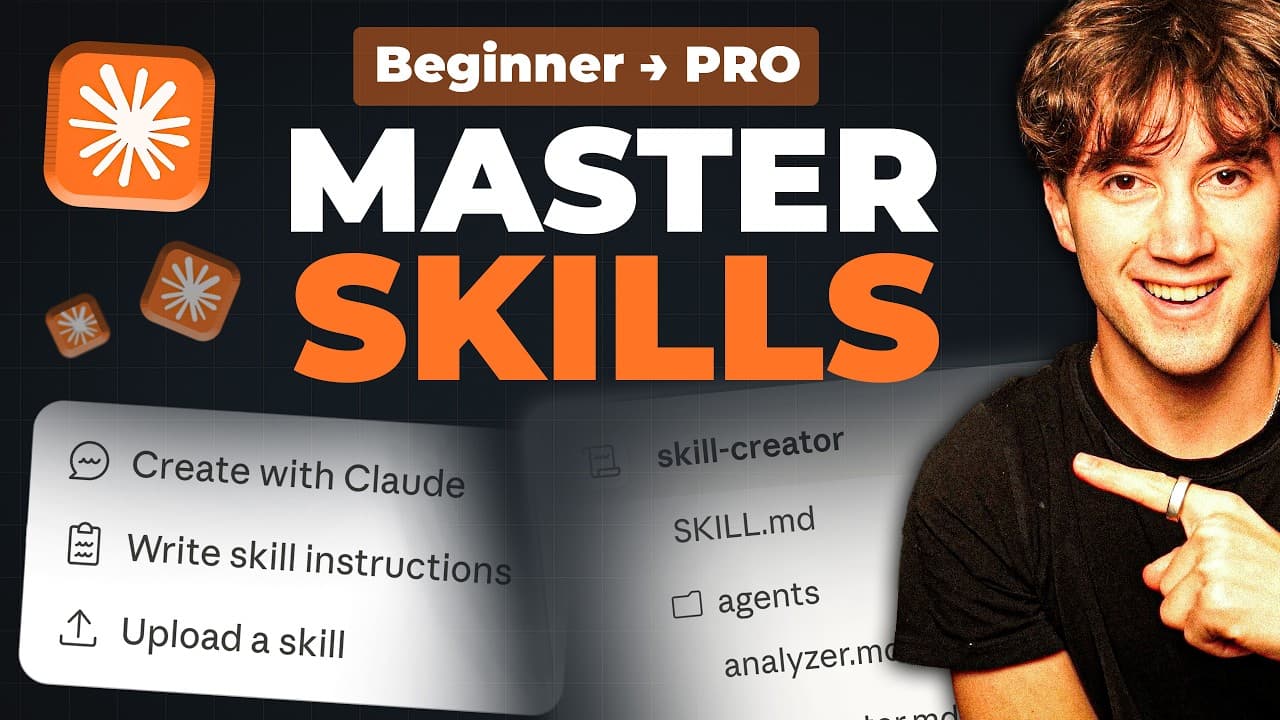
TL;DR
Build a Claude Skill by combining Direction, Blueprints, and Solutions: define instructions in SKILL.md, store reusable context in a references folder, and add scripts for work better handled with code. Skills can use connectors, run on command or on a schedule, and turn customized processes into repeatable automations.
Transcript
In today's video, I'm going to be walking you step by step through mastering clawed skills. And I'm not just going to show you the basics, but I'm going to give you a three-step skill framework that's going to change the way that you automate tasks forever. First, I'm going to break down what skills are and the best way to structure them. And then ... Read More
Key Insights
- A Claude Skill is a reusable automation or step-by-step process that performs a job according to the user’s preferred method, rather than relying on a generic template. It can automate personal or business tasks either on command or according to a schedule.
- The SKILL.md file is the only required file for starting a skill. Written in Markdown and natural language, it provides the core instructions Claude reads when deciding how to operate and execute the automation.
- Skill metadata consists of a name and description. The description tells Claude when the skill should activate, allowing it to assess relevance without loading the complete workflow, reference materials, and other files into context first.
- The workflow defines the ordered process Claude should execute. It can range from a simple sequence, such as researching and writing a LinkedIn post, to a customized process containing many steps and actions performed through connected tools.
- Rules are the constraints and guardrails governing a skill’s output. They tell Claude what it should do, what it should avoid, and which general requirements it must follow while executing the workflow.
- Reference files are reusable blueprints that supply static context for every run. They may contain voice guides, brand colors, images, successful posts, financial data, video data, examples, or other knowledge needed to shape the output.
- Scripts are code-based solutions for tasks that natural-language instructions cannot handle efficiently. They can call external APIs, process files, create formatted documents, perform advanced calculations, remove duplicate spreadsheet data, or connect a workflow to outside services.
- The DBS framework combines Direction, Blueprints, and Solutions into one skill structure. SKILL.md provides direction, the references folder provides blueprints, and the scripts folder provides solutions, creating an automation that can use custom knowledge and executable code.
- More videos from this channel:
- More from this channel: AI Foundations
Install to Summarize YouTube Videos and Get Transcripts
Explore YouTube Video Summarizer or Get YouTube Transcript Extractor
Questions & Answers
Q: What is a Claude Skill and what can it automate?
A Claude Skill is an automation or step-by-step process for completing a job in the specific way its user prefers. It can coordinate instructions, reusable reference material, connected tools, and scripts. Examples presented include producing a daily briefing from Google Calendar, Gmail, and Slack, creating LinkedIn content, processing spreadsheet data, and turning research into a designed presentation.
Q: What files and folders make up a Claude Skill?
A Claude Skill is organized like a normal folder hierarchy. Its only required file is SKILL.md, which contains the skill’s metadata, workflow, and rules. A more complete skill can also include a references folder containing reusable blueprints and a scripts folder containing code-based solutions. Files inside those folders provide context or perform specialized actions during execution.
Q: What should a SKILL.md file contain?
A SKILL.md file should contain three main components: metadata, workflow instructions, and rules. Metadata provides the skill’s name and a description of when it should activate. The workflow specifies the ordered steps Claude should follow. Rules define required behavior, prohibited behavior, output constraints, and other guardrails that apply while the automation is running.
Q: How does a Claude Skill decide when to activate?
A Claude Skill uses the description in its metadata to determine when it is relevant to a user’s request. Claude can inspect that description before loading the complete workflow and its references. If the request matches the activation description, Claude proceeds to read the instructions and execute the automation, which reduces the need to load every associated file immediately.
Q: What belongs in the references folder of a Claude Skill?
The references folder should contain static material Claude needs repeatedly while running the workflow. Examples include a voice guide, brand colors, images, successful past posts, financial data, YouTube data, writing examples, frameworks, and layouts. These files function as blueprints, supplying deeper context and helping Claude produce work that follows the user’s preferred style and process.
Q: When should scripts be added to a Claude Skill?
Scripts should be added when a task requires code, precise formatting, advanced calculations, file processing, or access to an external API or service unavailable through existing connectors. A workflow might call a Python script to remove duplicate spreadsheet records, format headers, parse documents, generate a formatted deliverable, or request an image from an outside image-generation service.
Q: How does the DBS framework structure Claude Skills?
The DBS framework divides a skill into Direction, Blueprints, and Solutions. Direction is supplied by SKILL.md through its metadata, workflow, and rules. Blueprints are the reusable assets stored in the references folder. Solutions are scripts that handle work requiring code or outside services. Together, these layers support customized and repeatable task automation.
Q: What Claude Skill automations are demonstrated in the tutorial?
The tutorial demonstrates two complete automations. One is a daily briefing that pulls information from Google Calendar, Gmail, and Slack into a single morning rundown. The other is a research-to-presentation engine that converts raw data or a chosen topic into a designed slide deck through Gamma while using all three layers of the DBS framework.
Summary & Key Takeaways
-
A Claude Skill is a customized automation or step-by-step process for completing a task according to the user’s preferred method. Its required SKILL.md file contains metadata, workflow instructions, and rules. The metadata identifies the skill and describes when Claude should activate it, while the workflow and rules direct execution and constrain results.
-
The DBS framework organizes a skill into Direction, Blueprints, and Solutions. SKILL.md supplies the direction, reference files act as reusable blueprints, and scripts provide code-based solutions. References can include voice guides, brand colors, images, successful posts, or historical data that Claude should consult whenever it performs the workflow.
-
The demonstrated applications include a daily briefing that collects information from Google Calendar, Gmail, and Slack, plus a research-to-presentation engine that converts raw data or a topic into a designed slide deck through Gamma. Skills can be tested, evaluated, improved, organized into departments, and scheduled to run without the user being present.
Read in Other Languages (beta)
Share This Summary 📚
Summarize YouTube Videos and Get Video Transcripts with 1-Click
Try YouTube Summary with ChatGPT & Claude or YouTube Transcript Generator
Explore More Summaries from AI Foundations 📚


Summarize YouTube Videos and Get Video Transcripts with 1-Click
Try YouTube Summary with ChatGPT & Claude or YouTube Transcript Generator