How Does Claude Code Automate Coding Workflows?
TL;DR
Claude Code handles multi-step coding tasks from a terminal by exploring a codebase, reading relevant files, using shell and editing tools, and making requested changes. It works across terminals, IDE terminals, SSH, and TMUX without a separate indexing step, while Claude 4 improves its ability to follow prompts and project instructions consistently.
Transcript
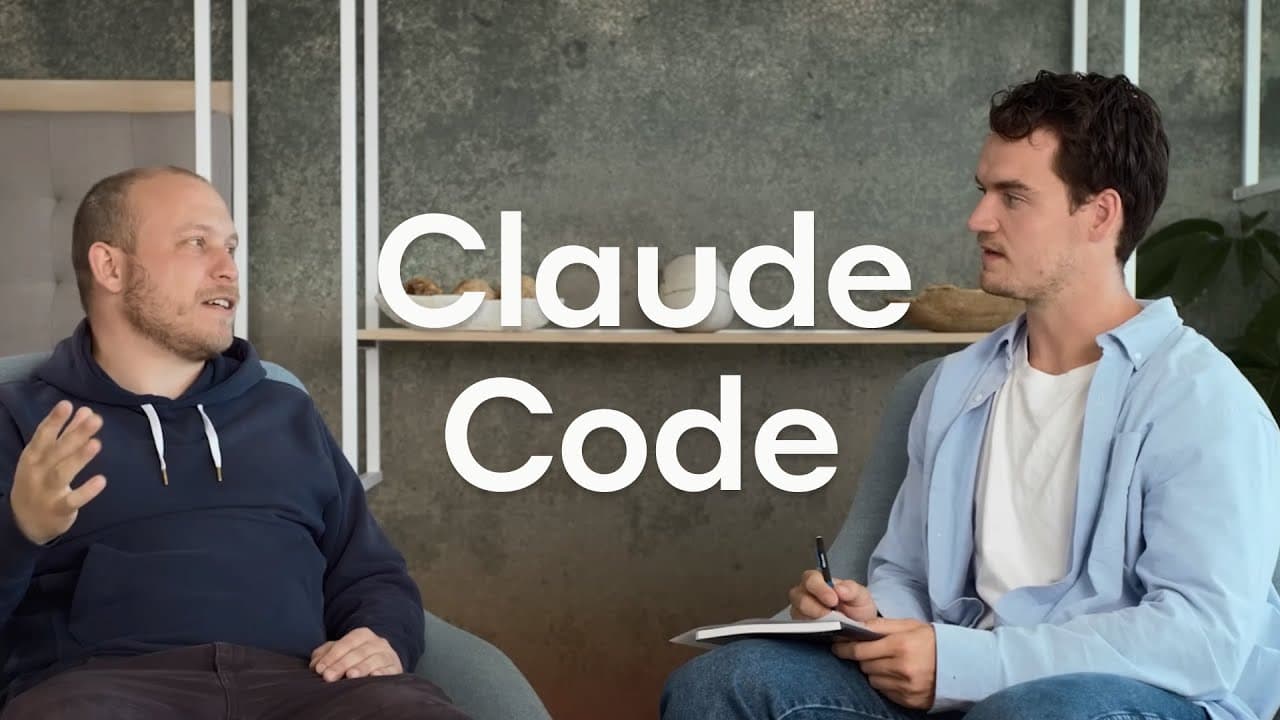
- Is this, you know, secret sauce? Are we sure we want to give it to people? 'Cause this is the same tool everyone at Anthropic uses every day. - Hey, I'm Alex, I lead Claude relations here at Anthropic. - And I'm Boris. I'm a member of technical staff and the creator of Claude Code. - And today, we're gonna be talking about Claude Code. Boris, to ... Read More
Key Insights
- Claude Code is an agentic coding tool that operates through the terminal, allowing developers to keep their preferred editor, IDE, and working environment. Its terminal foundation also gives Anthropic a simple interface that supports rapid product iteration.
- Installation is handled through NPM with the command npm install -g @anthropic-ai/claude-code. After Node.js is available, a developer can run Claude in the terminal and use the guided experience to complete the remaining setup.
- Claude Code works in ordinary terminals, IDE terminals, SSH sessions, and TMUX sessions. Running it inside an IDE such as VS Code provides a larger visual presentation of file edits and lets Claude use additional signals from the IDE.
- Claude Code was released after strong internal adoption at Anthropic and positive feedback from selected external users. Its daily active user chart among employees rose vertically for three days, signaling that engineers and researchers found the internal tool valuable.
- Claude Code is developed through extensive dogfooding because the product has largely been written and repeatedly rewritten using Claude Code itself. Anthropic treats regular internal use as a way to make the resulting experience reflect real engineering workflows.
- Claude Code is especially suited to serious professional and enterprise work, according to Boris Cherny. It can operate on large codebases in different languages without a separate indexing step or additional repository-specific setup.
- Claude Code performs more than code completion because it can take many steps to fulfill a request. It explores a codebase, reads relevant files, gathers context, uses shell and file-editing tools, and then implements the requested changes.
- Claude 4 improves Claude Code by following and retaining instructions more reliably. Directions can be supplied in an immediate prompt or stored in Claude.md, and the newer models tend to maintain those directions more consistently than Claude 3.7 Sonnet.
Install to Summarize YouTube Videos and Get Transcripts
Explore YouTube Video Summarizer or Get YouTube Transcript Extractor
Questions & Answers
Q: What is Claude Code and how does it work?
Claude Code is an agentic coding tool that runs in a terminal. After receiving a request, it can take multiple steps rather than merely completing the current line. It explores the codebase, reads files to collect relevant context, uses shell and file-editing tools, and makes the requested changes within the developer's existing working environment.
Q: How do you install and start Claude Code?
Claude Code is installed globally from NPM with npm install -g @anthropic-ai/claude-code, and Node.js must be present on the system. After installation, the developer runs Claude from a terminal. The tool then guides the user through the remaining setup, after which the user can describe coding tasks conversationally and let Claude begin working.
Q: Which terminals and development environments support Claude Code?
Claude Code works in standard terminal applications, including iTerm2 and Apple Terminal, as well as SSH and TMUX sessions. It can also run inside an IDE terminal, such as the terminal provided by VS Code. In that setting, file edits can appear more clearly in the IDE, and Claude can use additional signals from the development environment.
Q: Why was Claude Code designed as a terminal tool?
The terminal was chosen because Anthropic engineers and researchers use many different development stacks, including Zed, VS Code, and Vim. A terminal interface works across those preferences without requiring everyone to adopt a new IDE or website. Its simplicity also allowed the team to iterate quickly, although rapid iteration was described as a benefit recognized in hindsight.
Q: How is Claude Code different from an IDE code completion assistant?
Claude Code is designed to complete multi-step tasks rather than only suggest a line or a few lines of code. It interprets a developer's request, investigates the repository, reads files, gathers context, invokes available tools, and edits the project. This agentic process lets it work toward a broader requested outcome instead of responding only at the cursor.
Q: Why did Anthropic decide to release Claude Code publicly?
Claude Code first spread from a small core group to employees throughout Anthropic. Its daily active user chart rose vertically for three days, which suggested unusually strong internal demand. Anthropic then shared it with a small number of external users and received highly positive feedback. Those signals persuaded the team that releasing its internal productivity tool was the right decision.
Q: How much can Claude Code cost for regular use?
The stated cost varies with usage. A weekend coder can try it by adding five dollars to an API key, while serious work may cost $50, $100, or $200 per month, with roughly $50 per month given as a general expectation. Claude Max was also described with $100 and $200 monthly options that provide different usage limits.
Q: What improvements do Claude 4 models bring to Claude Code?
Claude 4 models make Claude Code better at retaining and following instructions. A developer can provide directions directly in a prompt or place them in Claude.md, and the model tends to continue following those directions throughout the task. This improves steerability compared with Claude 3.7 Sonnet, which sometimes required repeated corrections, particularly around how tests were written.
Summary & Key Takeaways
-
Claude Code began as an internal Anthropic tool designed for engineers and researchers with varied development environments. A terminal interface made it compatible with editors such as Vim, Zed, and VS Code while keeping the product simple. Rapid internal adoption and positive external feedback convinced Anthropic to release it publicly.
-
Developers install Claude Code globally through NPM, launch it by running Claude, and follow the guided setup. It can operate in standard terminals, SSH sessions, TMUX, and integrated IDE terminals. Within an IDE terminal, edits receive a larger visual presentation, and the tool can use additional signals from the development environment.
-
Claude Code differs from line-completion assistants because it performs multi-step, agentic work. It interprets a request, explores the repository, reads files for context, uses shell and editing tools, and changes code. Claude 4 further improves instruction adherence, including directions provided through prompts or a Claude.md project file.
Read in Other Languages (beta)
Share This Summary 📚
Summarize YouTube Videos and Get Video Transcripts with 1-Click
Try YouTube Summary with ChatGPT & Claude or YouTube Transcript Generator
Explore More Summaries from Anthropic 📚


Summarize YouTube Videos and Get Video Transcripts with 1-Click
Try YouTube Summary with ChatGPT & Claude or YouTube Transcript Generator