How to Write Effective Prompts for AI Assistants
TL;DR
Effective prompts clearly describe the desired task, relevant context, intended use, and output constraints. Strong results can also come from providing representative examples, dividing complex work into steps, requesting careful consideration before execution, defining a suitable role or tone, and iteratively refining the prompt when the first response does not meet your needs.
Transcript
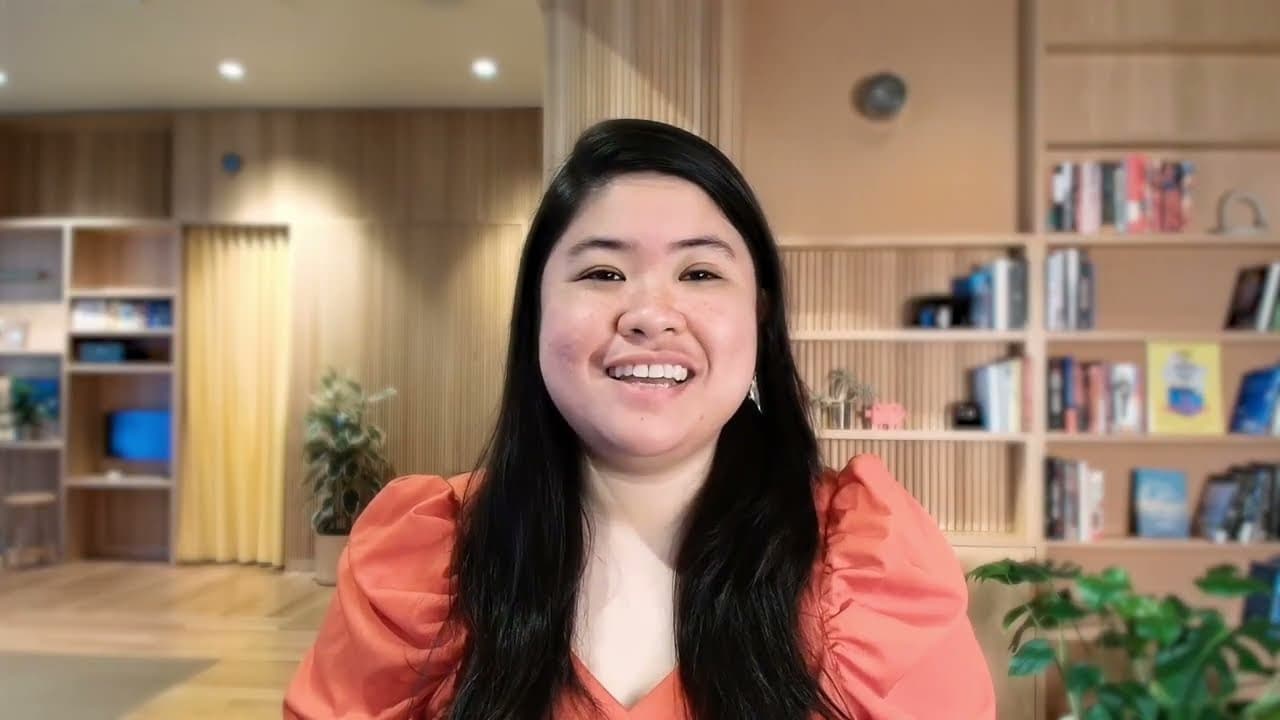
Let's explore one of the most practical skills when working with AI. Crafting effective prompts. This might sound technical or complicated, and some guides certainly make it seem that way, but at its heart, it's surprisingly straightforward. Prompting is simply how we apply this course's description competency in practice. clearly communicating wha... Read More
Key Insights
- Prompt engineering is the practice of designing instructions and supplying context so an AI assistant can understand what the user wants. It combines clear human communication with greater explicitness about details that a person might otherwise infer naturally.
- Relevant context is information about the requested topic, the user's background, the reason for asking, and the intended use of the response. These details help the assistant tailor its depth, terminology, geographic focus, time span, and practical emphasis.
- Examples are useful when the desired style or pattern is easier to demonstrate than describe. Providing multiple representative cases, sometimes called few-shot or n-shot prompting, helps the assistant recognize and reproduce the broader pattern across different inputs.
- Output constraints are explicit requirements covering elements such as response format, length, programming language, page sections, interface behavior, or visual choices. Stating these requirements gives the assistant a clearer structure and reduces the need to guess what a satisfactory deliverable should contain.
- Complex tasks are easier to direct when the intended process is divided into smaller steps. Detailed steps are especially valuable when several valid approaches exist or successful execution depends on specialized experience and knowledge that the user has acquired.
- Thinking before execution can produce a more thorough and considered response when an assistant does not reason first by default. Requesting consideration of factors, constraints, and alternative approaches also makes it easier to identify where additional guidance may be needed.
- A defined role, expertise level, perspective, style, or tone can change both the assistant's approach and its final response. Roles can support explanations, brainstorming, and feedback by clarifying the intended audience and the standards that should guide the work.
- Effective prompting is iterative because an initial request will not always produce the desired result, and AI capabilities continue to change. Users can refine instructions, combine techniques, request multiple versions, choose another format, or ask the assistant to improve the prompt itself.
Install to Summarize YouTube Videos and Get Transcripts
Explore YouTube Video Summarizer or Get YouTube Transcript Extractor
Questions & Answers
Q: How do you write an effective prompt for an AI assistant?
An effective prompt clearly states what the assistant should do, why the result is needed, and how the result will be used. It can also identify the user's background and knowledge level, define the desired format and length, provide representative examples, specify an intended process, and establish an appropriate role, perspective, style, or tone.
Q: Why should you provide context in an AI prompt?
Context reduces the amount of guessing an AI assistant must do. Information about the topic, geographic scope, time span, user's expertise, purpose, and intended use helps the assistant select suitable concepts, examples, depth, and language. A request about climate change, for example, becomes more targeted when it identifies tropical agriculture, recent examples, and preparation for a specific job interview.
Q: When should you include examples in an AI prompt?
Examples are especially helpful when the desired result follows a specific style or pattern that is difficult to describe precisely. Users should first try a direct request because an example may not be necessary. If the output is unsatisfactory, representative examples can demonstrate what good work looks like, ideally covering different cases or styles within the requested pattern.
Q: What output constraints should an AI prompt specify?
A prompt should identify whichever output requirements matter to the task, including format, length, programming language, content sections, interface behavior, or visual choices. For a portfolio website, useful constraints might cover required sections, responsive navigation, a mobile hamburger menu, a color palette, and a dark or light mode toggle. Clear constraints help align the deliverable with expectations.
Q: How should you break a complex AI task into steps?
Describe the sequence that the assistant should follow rather than giving only a broad objective. A sales analysis prompt, for example, can request identification of top-performing products, comparison with the previous quarter, detection of unusual trends, and possible explanations. Process guidance is most valuable when several approaches could work or when expert knowledge determines how the task should be executed.
Q: Why ask an AI assistant to think before answering?
Asking for careful consideration before execution can improve thoroughness when the assistant does not reason first by default. The prompt can request analysis of relevant factors, constraints, and possible approaches before a recommendation is made. This ordering matters because thinking before acting can influence the result, while explaining reasoning only after acting does not guide the original execution.
Q: How does assigning an AI a role improve its response?
A role clarifies the expertise, perspective, audience, and communication style that should shape the response. An assistant might explain rainbows as an experienced science teacher addressing a bright ten-year-old, or assess a wireframe as a UX design expert focused on navigation and accessibility. This technique can support explanations, brainstorming, feedback, and other tasks requiring a particular viewpoint.
Q: How can you improve a prompt that gives poor results?
Prompt improvement is an iterative process. Add missing specificity or context, provide examples of the desired output, divide the work into smaller steps, define constraints, or try another combination of techniques. You can also request several versions, ask for a different format, check confidence for factual questions, or ask the AI assistant to rewrite the prompt for the intended goal.
Summary & Key Takeaways
-
Prompting is the practical application of clearly describing what an AI assistant should do, how it should complete the work, and how the interaction should proceed. Effective instructions combine familiar communication habits, such as clarity and context, with AI-specific considerations, including explicit details, limited context windows, and machine-readable formatting when appropriate.
-
Six foundational techniques improve communication with AI assistants: provide context, demonstrate good outputs with examples, specify constraints, divide complex tasks into steps, request careful thinking before execution, and define a role, style, or tone. The appropriate combination depends on the task, the desired result, and the capabilities of the AI system being used.
-
Effective prompting is an iterative and experimental process because AI systems and recommended practices continue to evolve. When an answer is unsatisfactory, users can add context, provide examples, clarify the process, request variations, change the output format, check confidence for factual questions, or ask the assistant to help rewrite the original prompt.
Read in Other Languages (beta)
Share This Summary 📚
Summarize YouTube Videos and Get Video Transcripts with 1-Click
Try YouTube Summary with ChatGPT & Claude or YouTube Transcript Generator
Explore More Summaries from Anthropic 📚

Summarize YouTube Videos and Get Video Transcripts with 1-Click
Try YouTube Summary with ChatGPT & Claude or YouTube Transcript Generator