How to Use ChatGPT for Automated Lead Generation
TL;DR
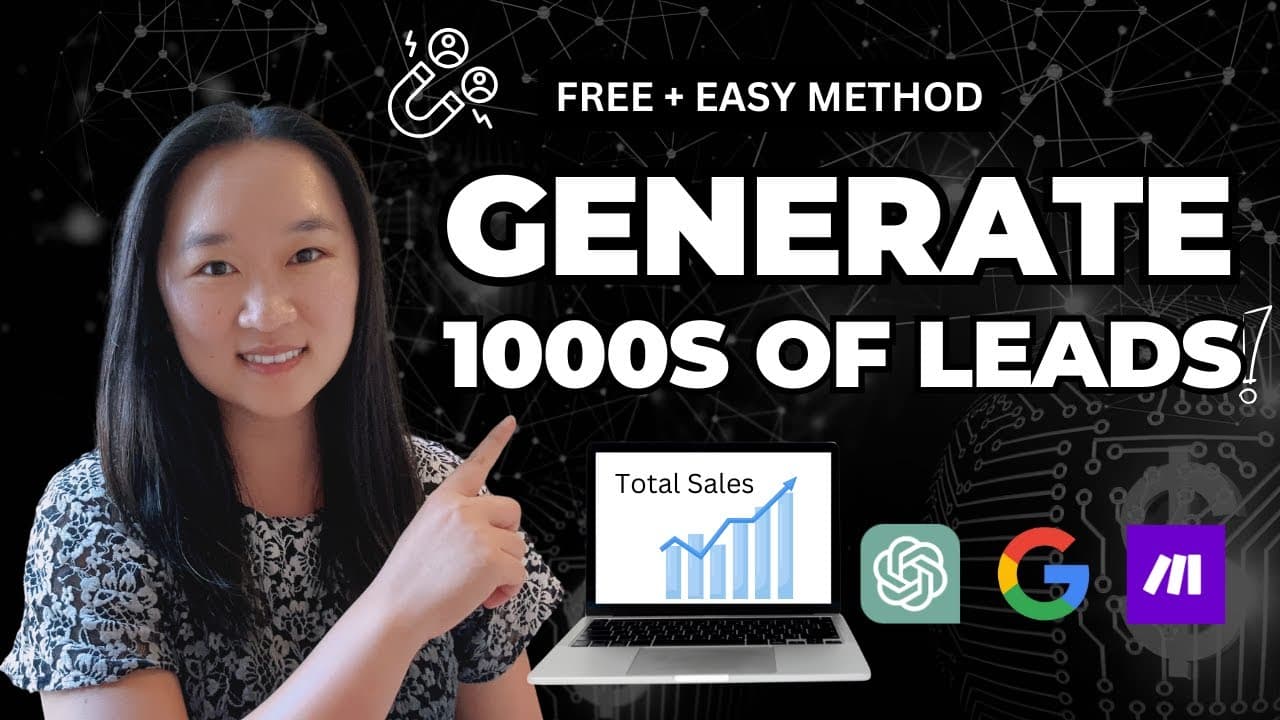
To automate lead generation using ChatGPT, craft specific Google search queries targeting your niche on platforms like Instagram and LinkedIn, ensuring to filter for profiles with email addresses. Use the data obtained to set up an automation system with tools like Make.com that allows you to send personalized outreach emails on an hourly basis, maximizing your lead engagement without manual effort.
Transcript
artificial intelligence is revolutionizing the way that we generate leads and in today's video I'm going to show you a free simple and easy method that you can start implementing right away to generate thousands of good highquality leads for your industry or Niche we're first going to look for those leads and then I'm going to show you how to set u... Read More
Key Insights
- 🥺 Artificial intelligence offers innovative tools for generating leads effectively and efficiently in various industries.
- 🥺 Structuring Google search queries with precise keywords is essential for narrowing down potential leads and obtaining quality contacts.
- 🥺 Engaging potential leads via email requires proper formatting and clear messaging to maximize response rates.
- 🥶 Automation tools like Make.com allow businesses to streamline outreach efforts, freeing up time for more strategic tasks.
- 💌 Short and concise outreach emails tend to be more effective as prospective clients appreciate brevity in communications.
- 🥺 Utilizing platforms like ChatGPT can significantly reduce the manual effort involved in organizing lead data.
- 🤩 Consistent follow-up with leads is key to increasing conversion rates and ultimately enhancing business outcomes.
Install to Summarize YouTube Videos and Get Transcripts
Explore YouTube Video Summarizer or Get YouTube Transcript Extractor
Questions & Answers
Q: How can I use Google to find leads in specific niches?
To find leads in specific niches using Google, you need to structure a search query that specifies the site (like Instagram), your niche (like plumbers), and a requirement for email addresses. For example, you can use "site:instagram.com 'life coaches' email" to retrieve profiles of life coaches that have listed their emails.
Q: What should I do once I have the leads from Google?
After collecting the leads from Google, the next step is to copy the information into ChatGPT or a similar tool to format and organize the data into a usable table. This table should include key details like names, company names, email addresses, and phone numbers, maximizing the potential for effective outreach.
Q: How does the email automation system work?
The email automation system works by integrating a Google Sheet with an automation tool like Make.com. When new leads are added to the sheet, it triggers an automated email to be sent to each lead at specified intervals, preventing your emails from being flagged as spam while ensuring consistent outreach.
Q: Why is it important to space out outreach emails?
Spacing out outreach emails is crucial because sending multiple emails simultaneously can lead to your email address being flagged as spam by email providers. By scheduling emails to be sent at intervals, such as once an hour, you maintain a good reputation with email services while staying connected with potential leads.
Summary & Key Takeaways
-
The content presents a method to leverage artificial intelligence and Google searches for lead generation. This approach is designed to help users find quality leads within specific niches quickly and easily.
-
The process includes crafting a specific search query for platforms like Instagram and LinkedIn to target potential leads who have publicly available email addresses, enhancing the chances of outreach success.
-
An automation system through Make.com is demonstrated, allowing users to send outreach emails to the leads on an hourly basis, ensuring consistent engagement without manual effort.
Read in Other Languages (beta)
Share This Summary 📚
Summarize YouTube Videos and Get Video Transcripts with 1-Click
Try YouTube Summary with ChatGPT & Claude or YouTube Transcript Generator
Explore More Summaries from Helena Liu 📚


Summarize YouTube Videos and Get Video Transcripts with 1-Click
Try YouTube Summary with ChatGPT & Claude or YouTube Transcript Generator