How to Integrate Zotero with Obsidian for Research
TL;DR
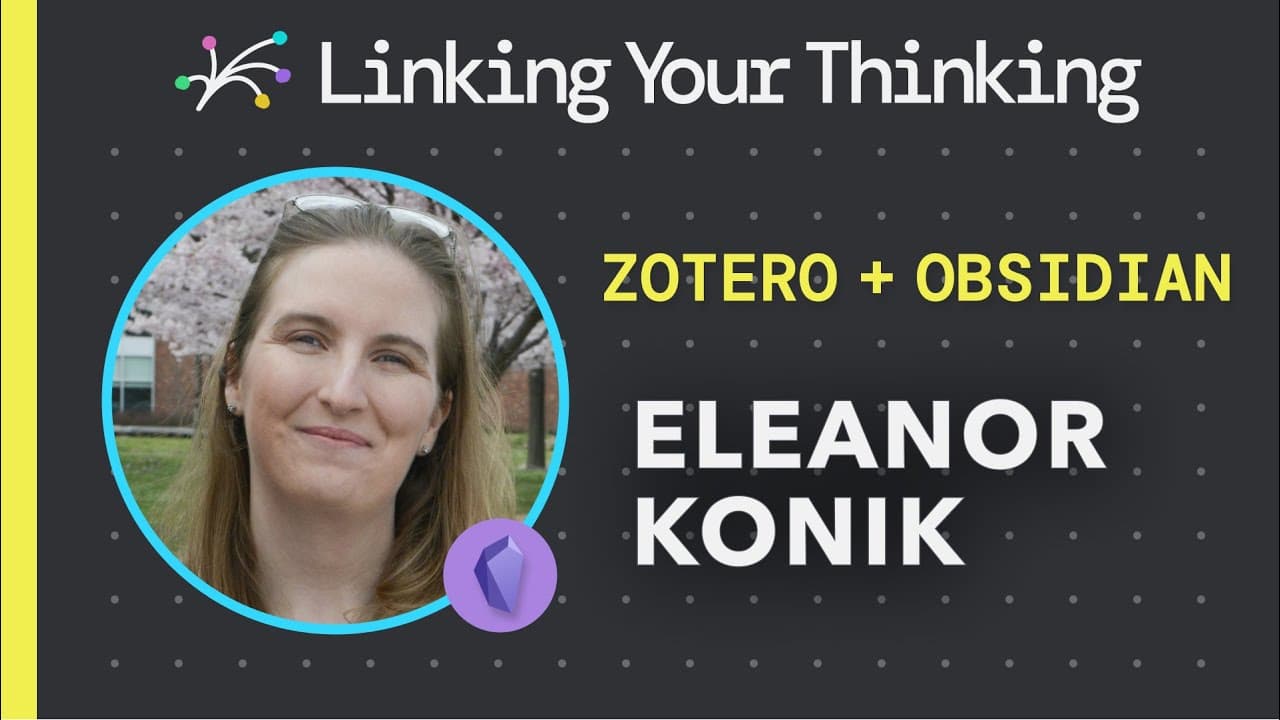
Zotero is a versatile, free reference manager that enhances your research workflow by allowing you to collect, organize, and annotate papers, even for non-academic use. When integrated with Obsidian, Zotero streamlines note-taking and information management, making research more accessible and enjoyable.
Transcript
hello everyone eleanor koenig is back and in the following we're going to talk about a workflow for pdfs that will make you actually want to read research papers even if you're just an amateur academic as a reminder the word amateur came from amare in latin which means to love so if you love learning but you don't have to worry about overly rigorou... Read More
Key Insights
- 🥶 Zotero is a free reference manager that helps collect, organize, and cite research papers.
- 💁 It can be a valuable tool for non-academic purposes, such as note-taking and organizing information.
- 👻 Integrating Zotero with Obsidian enhances its functionality and allows for seamless management of research papers within a knowledge management system.
- 👨🔬 Zotero offers features for generating bibliographies, searching for specific papers, and extracting annotations from PDFs.
- ℹ️ It can be used to collect and organize information from websites and other online sources.
Install to Summarize YouTube Videos and Get Transcripts
Explore YouTube Video Summarizer or Get YouTube Transcript Extractor
Questions & Answers
Q: What is Zotero and how can it be useful for non-academic purposes?
Zotero is a free reference manager that helps collect, organize, cite, and share research papers. It can be useful for non-academic purposes by facilitating note-taking, managing annotations, and collecting information from various sources.
Q: How does Zotero integrate with Obsidian?
By using plugins like md notes, citations, and Zot file, you can enhance the functionality of Zotero and integrate it with Obsidian. This allows for seamless management and access to research papers within your knowledge management system.
Q: Can Zotero help with organizing and searching for specific research papers?
Yes, Zotero allows you to create collections, tags, and search for specific research papers based on various criteria such as author, title, or keywords. This makes it easier to organize and locate specific papers within your reference library.
Q: Can Zotero generate bibliographies and citations in different formats?
Yes, Zotero has the ability to generate bibliographies and citations in various formats, such as APA, MLA, or Chicago style. This feature is particularly useful for academics and researchers who need to format their references according to specific journal requirements.
Q: How does Zotero handle PDF annotations and highlights?
Zotero integrates with plugins like md notes and zot file to extract annotations and highlights from PDFs. These annotations can then be managed and accessed within your knowledge management system, such as Obsidian.
Q: Is Zotero only beneficial for academic purposes?
While Zotero is widely used in academic circles, it can also be valuable for non-academic purposes. It provides a convenient way to collect, organize, and cite research papers, making it useful for anyone who needs to manage and access information efficiently.
Q: Can Zotero be used to collect and organize information from websites and other sources?
Yes, Zotero has a web clipper that allows you to save and organize information from websites, articles, and other online sources. This feature is particularly helpful for gathering and storing relevant information for your research or knowledge management purposes.
Q: How does Zotero facilitate collaborative research or sharing of research papers?
Zotero offers features for sharing your reference library or specific collections with others. This allows for collaborative research and sharing of resources, making it easier to work on projects with colleagues or share relevant articles with others in your field.
Key Insights:
- Zotero is a free reference manager that helps collect, organize, and cite research papers.
- It can be a valuable tool for non-academic purposes, such as note-taking and organizing information.
- Integrating Zotero with Obsidian enhances its functionality and allows for seamless management of research papers within a knowledge management system.
- Zotero offers features for generating bibliographies, searching for specific papers, and extracting annotations from PDFs.
- It can be used to collect and organize information from websites and other online sources.
- Zotero supports collaborative research and sharing of resources among researchers and academics.
Summary & Key Takeaways
-
Eleanor Koenig discusses the benefits of using Zotero, a free reference manager, to manage and annotate research papers.
-
Zotero can be used for non-academic purposes and is helpful for note-taking and organizing information.
-
By integrating Zotero with Obsidian, a knowledge management tool, you can create a seamless workflow for managing and accessing research papers.
Read in Other Languages (beta)
Share This Summary 📚
Summarize YouTube Videos and Get Video Transcripts with 1-Click
Try YouTube Summary with ChatGPT & Claude or YouTube Transcript Generator
Explore More Summaries from Linking Your Thinking with Nick Milo 📚



Summarize YouTube Videos and Get Video Transcripts with 1-Click
Try YouTube Summary with ChatGPT & Claude or YouTube Transcript Generator