How to Use Gemini Skills for Repetitive Tasks
TL;DR
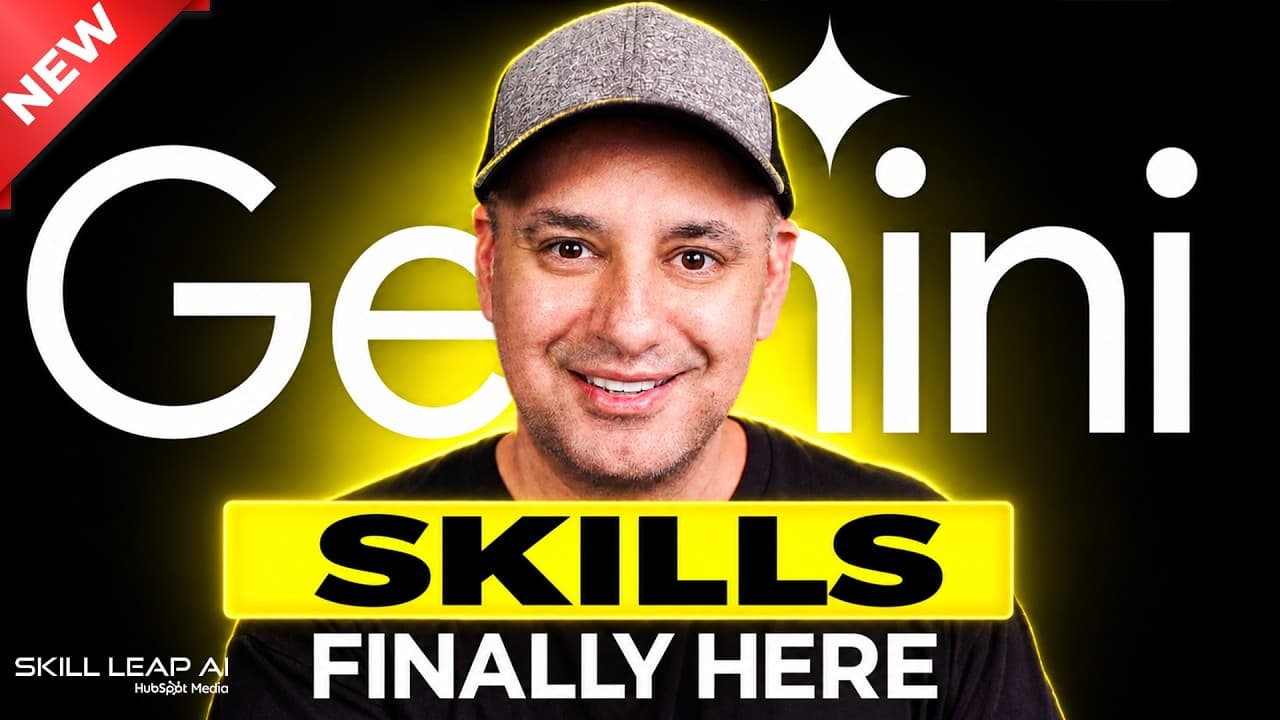
Gemini Skills let you teach the AI how to do a task once and have it repeat it every time. You can create skills via prompts, manual setup, or uploading a skill file, and use them in Gemini Chat or Spark. The video demonstrates 10 practical skills and how to combine them for consistent outputs.
Transcript
Gemini has finally added skills. And if you've seen my Claude and Chat GPT videos, you know skills are one of the best ways to get the most out of those apps. And this is the one feature I actually use myself every single day. This is where you teach the AI how you want to do something one time and then it does it every single time after that. And ... Read More
Key Insights
- Skills in Gemini can be created in three ways: with Gemini, manually, or by uploading a skill file.
- Skills can be used in both Gemini Chat and Spark to perform consistent tasks across sessions.
- A meeting recap skill splits output into three sections and can process transcripts or notes.
- Write like me is a skill that imitates your writing style by training on sample emails.
- Skills can be uploaded as a skill.md file and enhanced with additional resources like CSVs.
- Multiple skills can be used together in a single prompt to combine outputs.
- Executive summary skills produce a one-page recap from long documents with three sections.
- Data snapshot and weekly status update skills translate data or notes into plain language and formatted outputs.
Install to Summarize YouTube Videos and Get Transcripts
Explore YouTube Video Summarizer or Get YouTube Transcript Extractor
Questions & Answers
Q: How do you create a Gemini Skill
A Gemini Skill can be created in three ways. You can use a prompt in the chat to define the skill, create it manually by entering the name, description, and instructions, or upload a skill file such as a skill.md plus any related resources. This flexibility lets you tailor the output to your needs and reuse it in future chats or Spark sessions.
Q: What role does Spark play with Gemini Skills
Spark serves as an AI agent that can execute tasks and run outputs created by Skills. A Skill created in Gemini Chat can also be used in Spark, enabling the same automated workflow to operate across different interfaces. This helps maintain consistency whether you are using chat interactions or automated actions.
Q: What is a meeting recap skill used for
A meeting recap skill is designed to transform meeting notes or transcripts into a structured recap. The skill specifies three sections, and once activated, it outputs a consistent recap every time you provide a transcript or notes. This makes it easy to produce repeatable summaries without retyping prompts.
Q: How does the write like me skill work
The write like me skill trains Gemini to imitate your writing style by feeding it sample emails. You provide three emails to establish tone and sentence structure, and the skill then drafts future emails with similar style. This is particularly useful for client communications and standardized responses.
Q: What does uploading a skill file enable
Uploading a skill file enables you to bring in an existing skill from another source. A skill.md file defines the core instructions, while accompanying resources such as CSVs or documents extend its capabilities. This method is faster than manual entry and allows you to reuse external materials.
Q: Can you combine multiple skills in one prompt
Yes, you can combine multiple skills in a single prompt by calling each skill in sequence. This allows you to generate outputs that incorporate several capabilities, such as a proposal and an email follow-up, and even output a PDF. Combining skills helps create more complex workflows without rebuilding from scratch.
Q: What kind of outputs can executive summary skills produce
Executive summary skills generate a concise one-page recap from long documents. They are configured with specific sections and formatting, and can output directly to Google Docs or PDF. This makes it easy to share high-level insights with managers or teammates while preserving a clean, readable structure.
Q: What are data snapshot and weekly status update skills
Data snapshot skills analyze uploaded data files and translate their content into plain English with a readable summary and sometimes visuals. Weekly status update skills take weekly notes and convert them into a consistent status format for managers, ensuring uniform communication and saving time on report preparation.
Summary & Key Takeaways
-
Gemini Skills allow one-time instruction to automate repeated tasks with consistent output across chats. Users can create skills using prompts, manual methods, or uploading skill files, and apply them in both Gemini Chat and Spark. The video demonstrates 10 practical skills and how to combine them for efficiency.
-
The guide covers how to upload transcripts, use writing style replication, and generate outputs like meeting recaps, executive summaries, data snapshots, and weekly status updates, all while preserving formatting and workflow consistency.
-
The presenter emphasizes saving and sharing skills, editing existing ones, and using multiple skills together to produce documents and outputs such as PDFs and drive-stored recaps for ongoing productivity.
Read in Other Languages (beta)
Share This Summary 📚
Summarize YouTube Videos and Get Video Transcripts with 1-Click
Try YouTube Summary with ChatGPT & Claude or YouTube Transcript Generator
Explore More Summaries from Skill Leap AI 📚




Summarize YouTube Videos and Get Video Transcripts with 1-Click
Try YouTube Summary with ChatGPT & Claude or YouTube Transcript Generator