Run your own AI (but private)
TL;DR
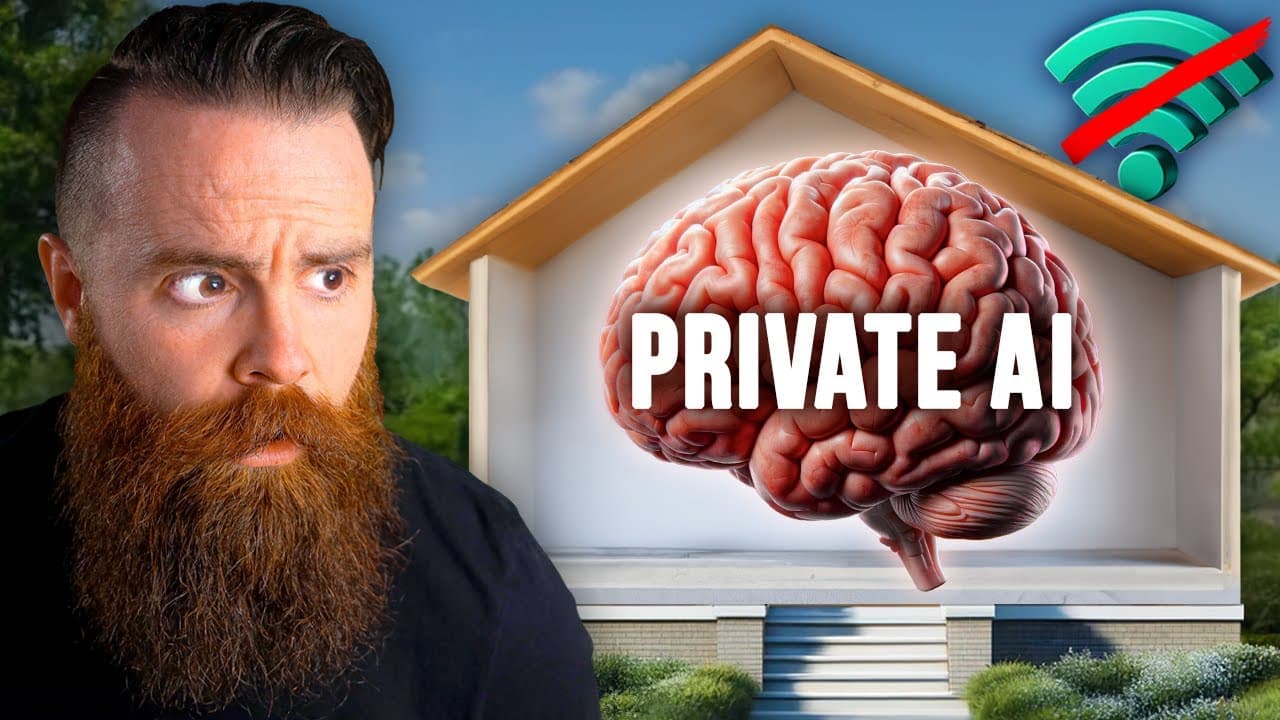
Learn how to set up your own private AI model on your computer in just five minutes and discover the possibilities of fine-tuning AI models with your own data.
Transcript
I'm running something called private ai. It's kind of like chat GPT, except it's not. Everything about it is running right here on my computer. Am I even connected to the internet? This is private contained and my data isn't being shared with some random company. So in this video I want to do two things. First, I want to show you how to set this up... Read More
Key Insights
- 👻 Private AI allows individuals and companies to run AI models locally on their own computers, ensuring privacy and data security.
- 😒 Fine-tuning AI models with specific datasets allows for customization and better alignment with individual use cases.
- 🏃 VMware's private AI solution provides the necessary infrastructure and tools for companies to run their own AI on-premises, offering more control and privacy than using public AI models.
- 🔨 Connecting AI models with knowledge bases and proprietary data through tools like RAG enhances the accuracy and relevance of AI-generated answers.
- 🔒 Private AI opens up possibilities for industries and job roles where privacy and security are critical, enabling AI usage while adhering to restrictions.
- 😫 Private AI solutions offered by VMware, in collaboration with NVIDIA, Intel, and IBM, provide a comprehensive set of tools and resources for running custom AI models.
- ❓ The process of fine-tuning an AI model may require hardware acceleration, such as NVIDIA GPUs, to optimize performance.
Install to Summarize YouTube Videos and Get Transcripts
Explore YouTube Video Summarizer or Get YouTube Transcript Extractor
Questions & Answers
Q: How is private AI different from chat GPT?
Private AI, such as the one demonstrated in the video, runs on your local computer without the need for an internet connection or data sharing with external companies, ensuring privacy and security.
Q: Why do some companies prefer to run their own private AI?
Many companies have restrictions on using public AI models due to privacy and security concerns. By running their own private AI, companies have more control over their data and can ensure compliance with regulations.
Q: What is fine-tuning an AI model?
Fine-tuning involves training an AI model on specific data to customize its behavior and make it more suitable for a specific use case. It allows companies to tailor AI models to their own knowledge bases, documents, or proprietary information.
Q: How does VMware contribute to private AI?
VMware enables companies to run their own private AI in their data centers through their private AI solution. They provide the infrastructure and tools necessary for fine-tuning AI models and integrating them with proprietary data.
Summary & Key Takeaways
-
The video explains how to set up a private AI model on your computer, highlighting the ease and speed of the process.
-
It discusses the benefits of private AI in areas where privacy and security are crucial, providing examples of jobs where using chat GPT or similar models is not allowed.
-
The video introduces VMware as a sponsor and discusses their contribution to enabling companies to run their own AI on-premises, emphasizing the capabilities of their private AI solution.
Read in Other Languages (beta)
Share This Summary 📚
Summarize YouTube Videos and Get Video Transcripts with 1-Click
Try YouTube Summary with ChatGPT & Claude or YouTube Transcript Generator
Explore More Summaries from NetworkChuck 📚
Summarize YouTube Videos and Get Video Transcripts with 1-Click
Try YouTube Summary with ChatGPT & Claude or YouTube Transcript Generator