Codex vs Claude Code Review: Which Builds Better?
TL;DR
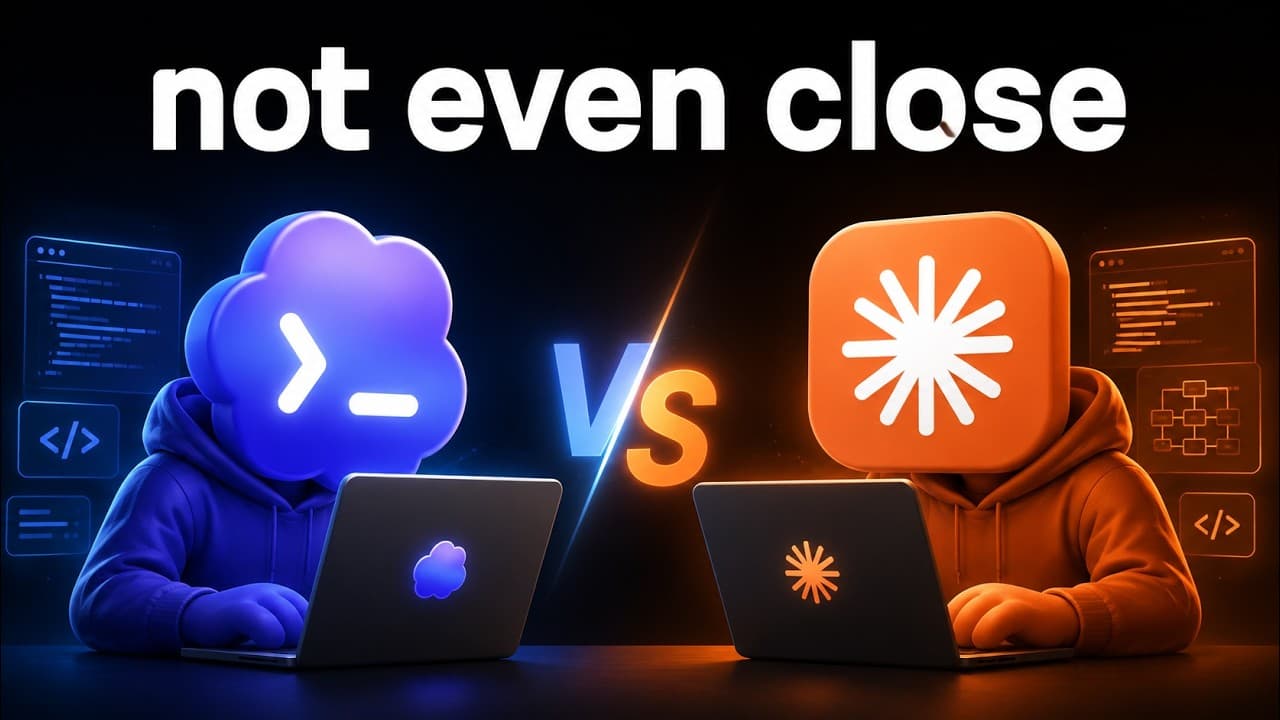
Claude Code produced the more usable Typeform alternative in about 5 hours and cost roughly $800, while Codex took 3 days and spent about $3,000. Codex went deeper on architecture, reliability, agent orchestration, and testing, but Claude Code delivered a clearer interface that was easier to understand and closer to the requested user experience.
Transcript
So, I had Cloud Code and Codeex build me the exact same app. I gave them the exact same prompt, but the results are extremely different. Not only the outputs, but the way that they actually got to the output, very different. One of them took 3 days, one of them took 5 hours, one of them spent $3,000, one of them spent $800. So, today I'm going to b... Read More
Key Insights
- Claude Code produced the more usable application in about 5 hours for roughly $800, according to the comparison. Its interface was visually imperfect, but the form-building workflow was straightforward enough that a new user could understand what to do without facing the confusion created by the competing product.
- Codex took 3 days and spent about $3,000 on its implementation. The result showed greater depth in architecture, reliability, agent use, and testing, but those strengths did not translate into the clearest user experience or a fully functioning production-ready application.
- The shared prompt requested an originally branded, production-ready Typeform alternative built through research, build, and verification phases. It also instructed both systems to continue testing, breaking, fixing, and retesting instead of stopping after a prototype or the first successful build.
- A dedicated planning phase could have improved both results. The creator concluded that research should have been followed by explicit planning and flow mapping before implementation, because the same broad goal allowed the two coding agents to interpret product priorities very differently.
- The first app offered extensive administrative capabilities, including many response types, logic-based workflows, themes, accessibility checks, webhooks, email notifications, partial responses, and sharing. Its large feature surface showed strong attention to data collection, but the crowded editor made basic form creation difficult to understand.
- Unsupervised testing missed important user-facing failures in both applications. Examples included an unavailable uploaded-image preview, a confirmation dialog appearing in an awkward location, theme controls that seemed unresponsive, incorrect question numbering, and an account menu whose logout option could not be accessed.
- A polished landing page did not guarantee a better core product. The first app looked stronger during initial inspection, yet its editor was confusing and some advertised functions appeared incomplete, while the second app's unattractive landing page led into a much clearer and more practical creation workflow.
- Codex and Claude Code showed different strengths under the same instructions. Codex was better suited to deeper architecture, reliability work, agent orchestration, and testing, while Claude Code was better at quickly producing a usable interface that matched the expected behavior of a Typeform-style application.
Install to Summarize YouTube Videos and Get Transcripts
Explore YouTube Video Summarizer or Get YouTube Transcript Extractor
Questions & Answers
Q: Which built the better Typeform alternative, Codex or Claude Code?
Claude Code built the better application for practical use in this comparison. Its landing page looked rough and clearly AI-generated, but its form editor was less intimidating, easier to navigate, and more similar to the expected Typeform workflow. Codex produced a more polished initial presentation and deeper technical work, yet its crowded interface and incomplete functionality weakened the overall product experience.
Q: How long did Codex and Claude Code take to build the app?
One coding agent took 3 days, while the other completed its build in about 5 hours. The description identifies Claude Code as the faster system and Codex as the tool that went deeper on architecture and reliability, so Claude Code produced its more usable result in about 5 hours, while Codex required 3 days for its more technically extensive implementation.
Q: How much did the Codex and Claude Code builds cost?
The comparison reports a large spending difference: one build cost about $3,000 and the other cost roughly $800. Combined with the stated conclusion that Claude Code created the usable application in a fraction of the time, the results attribute the roughly $800 build to Claude Code and the approximately $3,000 build to Codex. These were costs from this specific experiment.
Q: What prompt was given to Codex and Claude Code?
Both agents received the same goal: build a production-ready, originally branded alternative to Typeform. The prompt requested specialized agents across research, build, and verification phases. It also explicitly prohibited stopping at a prototype or first successful build, directing the systems to keep researching, implementing, testing, breaking, fixing, and retesting until the application was genuinely complete.
Q: Why was the Codex-built form editor difficult to use?
The Codex result presented many controls, variables, content settings, and field options at once, which made the editor feel overwhelming. Although it supported numerous response types and administrative features, basic operations were not always obvious. The creator struggled to understand how to remove certain elements, saw awkward confirmation placement, and encountered controls that did not visibly change the form.
Q: What features did the Claude Code app provide?
The Claude Code app supported account creation, multiple workspaces, workspace switching, and a straightforward new-form workflow. It offered conversational or stacked display modes, progress bars, question numbers, keyboard hints, autosave, and partial-response capture. Its editor also included many field types, such as short text, email, phone number, website, dropdown, picture choice, net promoter score, opinion scale, rating, and ranking.
Q: What bugs were found while testing the two apps?
The first app failed to show a preview for an uploaded image, placed a confirmation interface awkwardly, and included theme controls that appeared not to respond. The second app had an account or settings menu whose logout option could not be reached, even after resizing, and its question numbering remained at one when another question was added. These problems survived the agents' testing.
Q: How can prompts improve results from AI coding agents?
The comparison suggests adding a dedicated planning and flow-mapping phase between research and implementation. The original prompt specified research, build, and verification, but it did not require a separate stage for designing the complete user journey. Explicit planning could help an agent prioritize usability, connect features coherently, and test realistic interactions instead of primarily validating architecture or isolated functions.
Summary & Key Takeaways
-
Claude Code and Codex received the same prompt to build an originally branded, production-ready Typeform alternative. The requested workflow included specialized agents for research, building, and verification, plus repeated testing and fixing. In hindsight, the creator believed that adding a dedicated planning phase before implementation could have improved both products.
-
The first app had a polished landing page and extensive form-building controls, including field types, variables, workflows, themes, accessibility checks, webhooks, notifications, and sharing. However, its editor felt overwhelming, several controls appeared incomplete, an uploaded image lacked a preview, and parts of the product behaved more like a demo than a finished application.
-
The second app had a much weaker landing-page design but provided a simpler and more recognizable form-building experience. Workspace switching, display modes, progress settings, question controls, and field selection were easy to find. It still contained interface defects, but its clarity made it more usable and helped Claude Code win the practical comparison.
Read in Other Languages (beta)
Share This Summary 📚
Summarize YouTube Videos and Get Video Transcripts with 1-Click
Try YouTube Summary with ChatGPT & Claude or YouTube Transcript Generator
Explore More Summaries from Nate Herk | AI Automation 📚






Summarize YouTube Videos and Get Video Transcripts with 1-Click
Try YouTube Summary with ChatGPT & Claude or YouTube Transcript Generator