How to connect Sora 2 with n8n for AI video
TL;DR
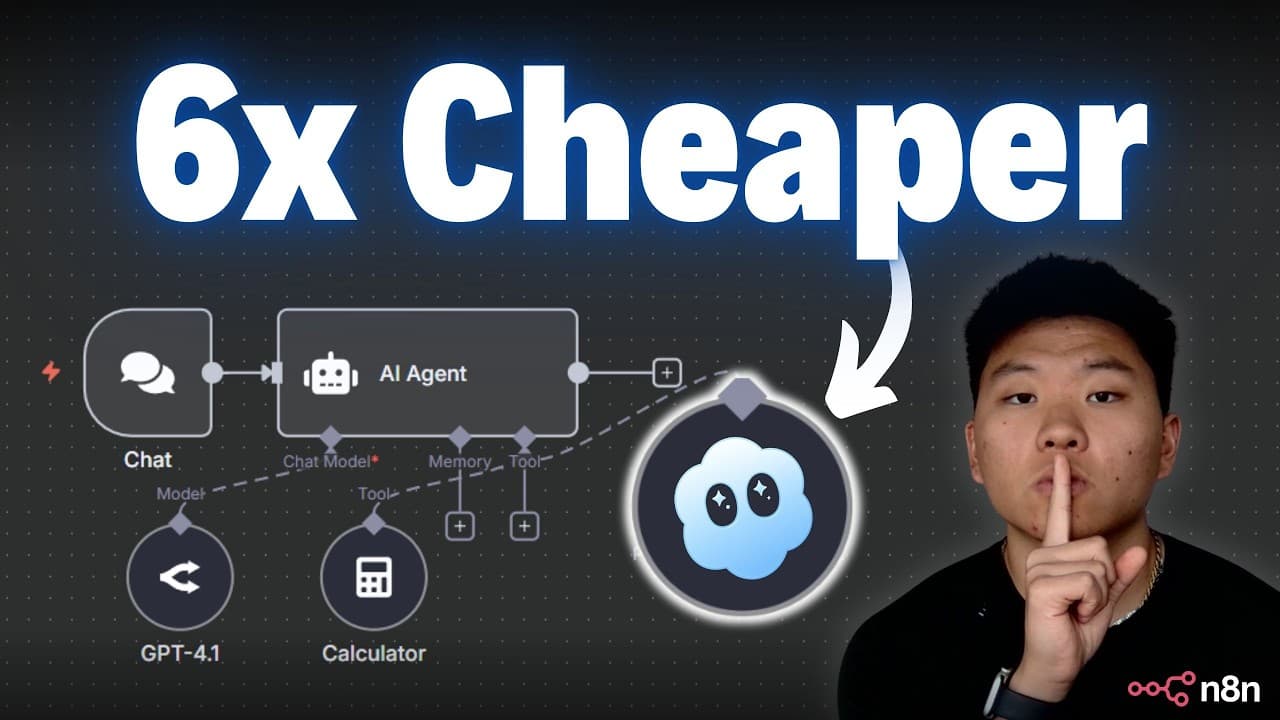
Sora 2 can be connected to n8n to automate video creation with AI agents, delivering 6x cheaper costs and no watermarks compared to OpenAI. The guide covers text-to-video, image-to-video, storyboards, cameos, and prompting techniques, plus a ready-made template and free community resources to get you started quickly.
Transcript
So, Sor 2 has been taking the internet by storm. So, what I'm going to do today is show you guys how you can use Nitend to get 10 times the output, higher quality outputs, no watermarks, and use Sor 2 for six times cheaper than through OpenAI directly. So, Sor 2 has some really fun use cases, and I love that it's getting people who aren't super int... Read More
Key Insights
- Sora 2 can be integrated with n8n to drive automated video generation workflows.
- The method emphasizes using a curl based approach to call the Sora 2 API from within n8n.
- Cost savings are highlighted as a key benefit of using key.ai over other providers for Sora 2 video generation.
- Watermarks can be removed by adjusting the API request to remove watermark options.
- Prompt quality directly affects output, and better prompts yield more usable video results.
- The workflow includes a two-step process: submit a video request and then poll for the result using a task ID.
- Cameos and storyboards are supported features for maintaining characters and scene structure throughout videos.
- A ready-made template and free community resources are provided to accelerate learning and implementation.
Install to Summarize YouTube Videos and Get Transcripts
Explore YouTube Video Summarizer or Get YouTube Transcript Extractor
Questions & Answers
Q: How do you start connecting Sora 2 with n8n for video generation
To start, you access the Sora 2 model in the API marketplace, switch to the API section, and choose the textto video endpoint. You copy the curl command, import it into an n8n HTTP request, and configure the authorization header with your API key. This sets up the core call that submits a video generation request from n8n.
Q: What is the first step to authenticate with the Sora 2 API in n8n
The first step is to create a generic header credential in n8n for authorization. You name it authorization and set the value to Bearer space your API key. Saving this credential allows you to reuse it across multiple API calls within the workflow, avoiding repeated key copying and reducing errors.
Q: How can you save API credentials in n8n for reuse
In the HTTP request setup, you open the authentication section, choose generic and header, then create a new credential named for example keyai. You paste Bearer space followed by your API key, save it, and then select that credential for future HTTP requests. This keeps credentials centralized and secure within the workflow.
Q: What are the two main API calls used for Sora 2 in this workflow
The workflow uses a first API call to submit a video generation request with model Sora 2 textto video and a prompt, then a second API call to query the task status using the returned task ID. This two-step pattern lets you initiate processing and later retrieve the finished video URL.
Q: How does the tutorial describe output quality and watermarks
The tutorial demonstrates that adjusting the request can yield high quality outputs and mentions that watermark removal is possible by setting the appropriate remove watermark flag. It also emphasizes that prompting quality and model selection influence the final video appearance and fidelity.
Q: What video generation modes are covered in the guide
The guide covers multiple modes including text-to-video, image-to-video, and storyboard workflows. These modes allow creating videos from written prompts, converting image inputs into video sequences, and planning scenes with consistent characters to improve narrative flow.
Q: What additional features does Sora 2 offer according to the video
Sora 2 offers cameo capabilities to place real or imagined people into videos, supports storyboards to outline scenes, and enables consistent characters throughout the video. The tutorial shows how these features can be integrated into n8n workflows for richer content creation.
Q: Where can learners access extra resources from the video
Learners can access a free school community and a ready-made template mentioned in the video description. These resources provide examples, prompts, and a starter setup so beginners can replicate the workflow without building everything from scratch, accelerating hands-on practice with Sora 2 in n8n.
Summary & Key Takeaways
-
Sora 2 integration with n8n enables automated video workflows using AI agents, outlining setup steps, authentication, and how to call the Sora 2 API from n8n. The guide emphasizes cost savings, watermark removal, and multi-mode video generation, including text and image inputs.
-
The tutorial provides practical examples like video prompts, cameos, and storyboards to maintain character consistency and narrative flow, while highlighting best practices for prompts and request structure to improve output quality.
-
A practical path is given with a free template and access to a community resource hub, enabling beginners to implement and experiment with Sora 2 in their own n8n workflows without prior coding experience.
Read in Other Languages (beta)
Share This Summary 📚
Summarize YouTube Videos and Get Video Transcripts with 1-Click
Try YouTube Summary with ChatGPT & Claude or YouTube Transcript Generator
Explore More Summaries from Nate Herk | AI Automation 📚






Summarize YouTube Videos and Get Video Transcripts with 1-Click
Try YouTube Summary with ChatGPT & Claude or YouTube Transcript Generator