How to Learn Linux Fundamentals for Hacking
TL;DR
Start learning Linux by launching the Hack The Box Academy browser lab and opening its terminal. Use pwd to display your current directory, ls to list its contents, cd followed by a directory name to enter that directory, and cd .. to move back one level in the filesystem.
Transcript
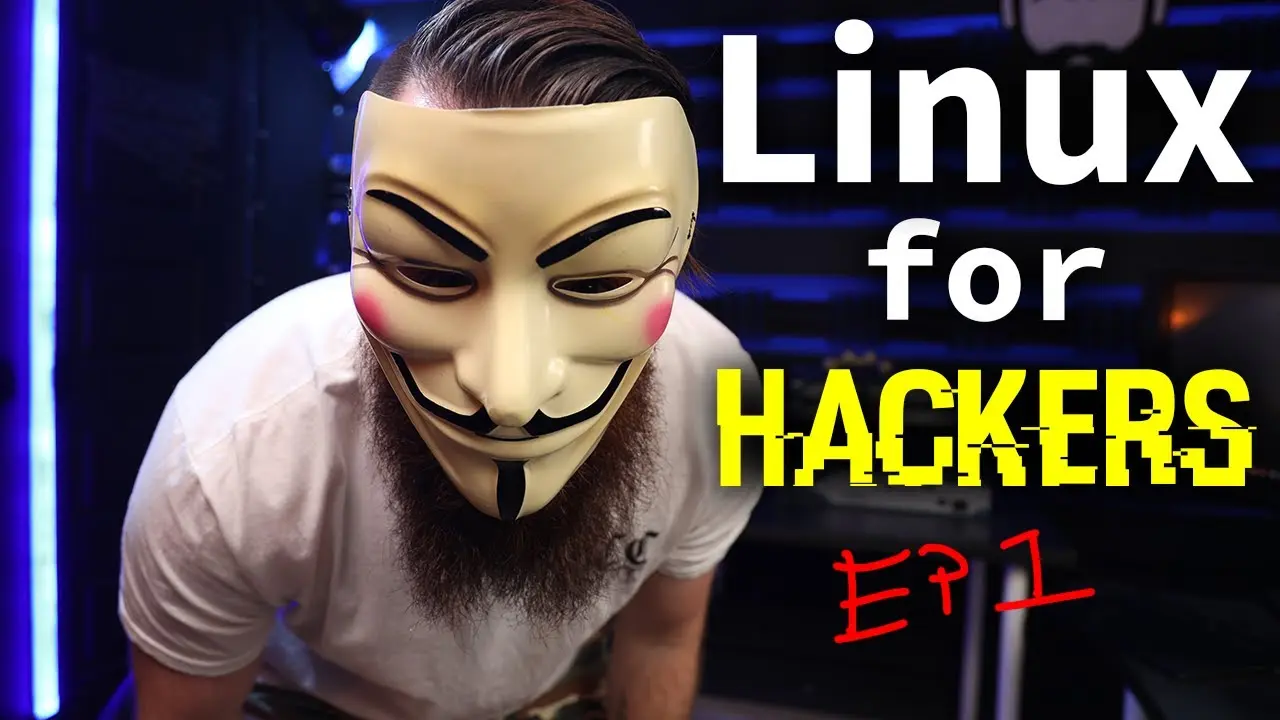
if you want to become a hacker you need to know linux it's a required foundational skill it's actually a prerequisite to doing anything and hacking like you have to know it so that's why in this series i'm going to teach you linux welcome to my linux for hackers series now while the series is linux for hackers most of what i'm covering is linux for... Read More
Key Insights
- Linux is a required foundational skill for the hacking activities presented in the course, and the lessons are also intended for people working in IT. The series begins with immediate hands-on practice instead of limiting the introduction to definitions and background.
- The Hack The Box Academy lab provides a Linux workstation that launches directly inside a browser. Learners unlock the Linux Fundamentals module for 10 cubes, and completing it returns 10 cubes according to the lesson, making the module effectively free when finished.
- Parrot OS is the specific Linux distribution running in the browser lab. It is described as an operating system built for hacking, while Linux itself is technically the kernel used as part of Parrot OS and other distributions.
- The Linux kernel is the layer that interfaces with hardware resources such as the CPU, RAM, and hard drive. When an application or hacking tool needs resources, the operating system communicates with the kernel, which handles access to the necessary hardware.
- Linux is open source, meaning it is open and free to use and redistribute as described in the lesson. This characteristic allows people to create distributions such as Parrot OS, while the lesson also identifies speed, security, server use, and Linux-based hacking tools as reasons for its adoption.
- The terminal is presented as the primary way to use the power of Linux, even though distributions can provide graphical interfaces with icons, docks, and menus. The lesson teaches terminal commands beside equivalent graphical actions so beginners can connect unfamiliar text commands with visible filesystem navigation.
- The pwd command prints the full path of the current working directory. It answers the basic navigation question of where the user is, providing a terminal equivalent to looking at the current folder location in a graphical file manager.
- The ls and cd commands provide basic filesystem exploration. The ls command lists the contents of the current directory, cd followed by a directory name enters that directory, and cd .. moves upward to its parent directory until the filesystem root is reached.
Install to Summarize YouTube Videos and Get Transcripts
Explore YouTube Video Summarizer or Get YouTube Transcript Extractor
Questions & Answers
Q: How do beginners start practicing Linux for hacking?
Beginners can follow the provided Hack The Box Academy link, create an account, open the modules list, and unlock Linux Fundamentals for 10 cubes. After starting the module, they can scroll to the workstation section, start the instance, and select the interaction option to launch a Parrot OS Linux machine directly in the browser.
Q: What is the difference between Linux and Parrot OS?
Linux is technically a kernel, not a complete operating system. Parrot OS is a distribution that builds an operating system around the Linux kernel and is described as being built for hacking. Kali Linux, Ubuntu, CentOS, and Debian are other distributions mentioned in the lesson that also use versions of the Linux kernel.
Q: What does the Linux kernel do?
The Linux kernel interfaces with computer hardware, including the CPU, RAM, and hard drive. When a user runs an application or a hacking tool such as nmap, the operating system requests the required hardware resources through the kernel. The kernel therefore acts as a middleman among applications, the operating system, and the underlying hardware.
Q: Why do hackers use Linux?
Hackers use Linux because many hacking tools are Linux-based, according to the lesson. Linux is also described as open source, traditionally faster, and more secure. Its open and redistributable nature supports specialized distributions such as Parrot OS, while its widespread use for websites and servers makes Linux knowledge a foundational hacking and IT skill.
Q: How do you find your current directory in Linux?
Enter pwd in the Linux terminal and press Enter. The command stands for print working directory and displays the full path of the location where the terminal session is currently positioned. For example, the lab initially shows a path inside the home directory and its assigned user directory, matching the location visible in the graphical file manager.
Q: How do you list files and folders in Linux?
Enter ls in the terminal to list the contents of the current working directory. In the lesson, running ls from the user's home directory displays items also visible in the graphical file manager, including Desktop, Downloads, Templates, Documents, and Postman. Running the same command elsewhere lists the contents of that current location instead.
Q: How do you change directories in the Linux terminal?
Use cd followed by a space and the name of the directory you want to enter. The lesson demonstrates cd Desktop to move from the user's home directory into the Desktop folder. You can then run pwd to confirm the new path and ls to display the files and folders contained in that directory.
Q: How do you move back or reach the root directory in Linux?
Enter cd .. to move from the current directory to its parent directory. The lesson repeats this command to move from Desktop to the user directory, then to home, and finally to the filesystem root. The root is represented by a forward slash. Running pwd confirms each location, while ls displays that location's contents.
Summary & Key Takeaways
-
Linux is presented as a foundational skill for hacking and a useful technology for anyone working in IT. The lesson uses Hack The Box Academy's Linux Fundamentals module, where learners can start a browser-based Parrot OS machine and practice without first installing a Linux distribution on their own computer.
-
Linux technically refers to the kernel rather than an entire operating system. Distributions such as Parrot OS, Kali Linux, Ubuntu, CentOS, and Debian build operating systems around versions of that kernel. The kernel acts as a middleman that helps the operating system and applications access hardware resources such as the CPU, RAM, and hard drive.
-
The practical lesson introduces terminal-based filesystem navigation by comparing each command with an equivalent graphical action. The pwd command prints the current location, ls shows the contents of that location, cd Desktop enters the Desktop directory, and cd .. moves to the parent directory. Repeating cd .. eventually reaches the filesystem root, represented by a forward slash.
Read in Other Languages (beta)
Share This Summary 📚
Summarize YouTube Videos and Get Video Transcripts with 1-Click
Try YouTube Summary with ChatGPT & Claude or YouTube Transcript Generator
Explore More Summaries from NetworkChuck 📚

Summarize YouTube Videos and Get Video Transcripts with 1-Click
Try YouTube Summary with ChatGPT & Claude or YouTube Transcript Generator