How to Access the DARK WEB in 2024 Using 3 Security Levels
TL;DR
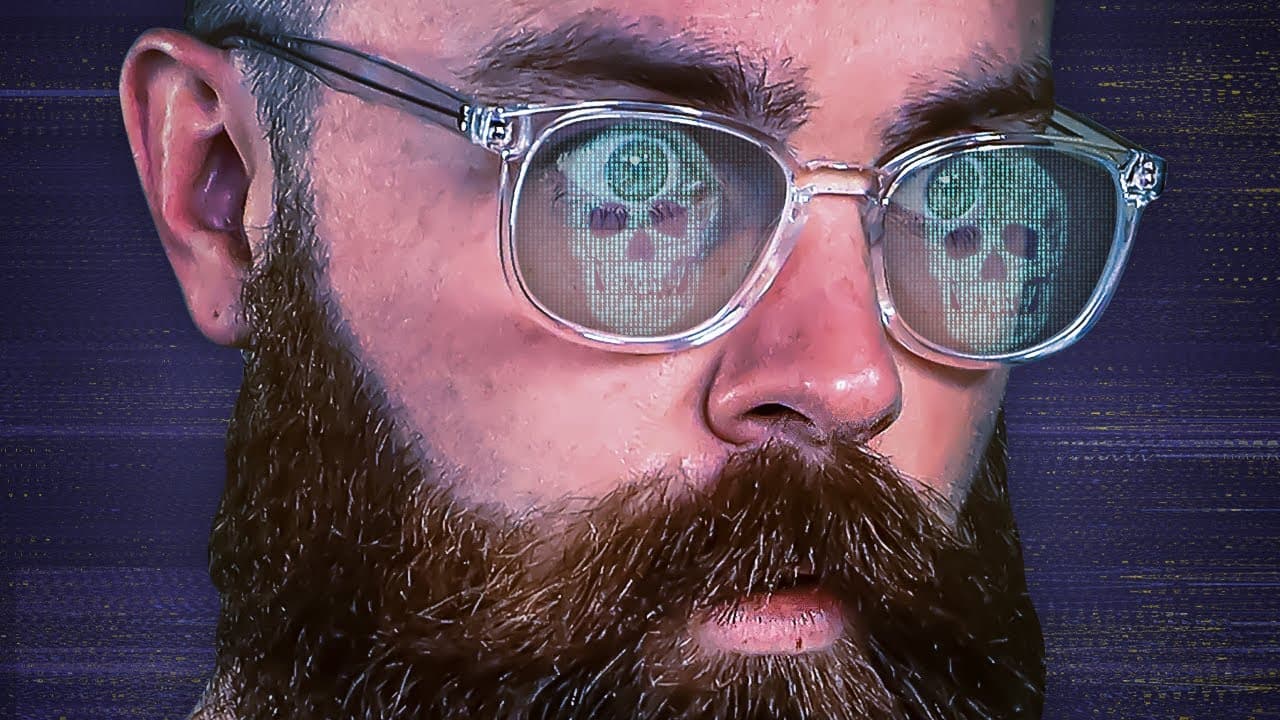
Access the dark web by installing Tor Browser, connecting to the Onion network, and entering a known .onion address, but the presenter recommends adding a trusted VPN and selecting Tor Browser’s Safest security level. Tor routes data through three onion routers before its destination. The description identifies Tails as the third and strongest level, so read on to compare each approach and understand what each protection changes.
Transcript
Before you try to access the dark web, let me show you how to do it safely and securely. I'll show you three ways, starting with the most insecure way, the way you're about to try. You're going to get hacked and then I'll end with the most secure way, like you're invisible, that can't touch you. You're Edward Snowden, Snowden level security, kind o... Read More
Key Insights
- Anonymity has legitimate purposes: The dark web is presented as infrastructure created for anonymity and free expression, not solely as a marketplace for crime. Journalists can communicate with people who must remain hidden, and individuals can conceal activity from government observation. These uses explain why privacy is central to the network’s design.
- Recognizable organizations use onion services: The New York Times, BBC, CIA, and Facebook are specifically named as legitimate presences on the dark web. Their inclusion shows that an onion service is not inherently illegal. The nature of the service and the user’s activity matter more than the unfamiliar address format alone.
- Anonymity also enables criminal activity: The same absence of oversight that supports private communication can create favorable conditions for illegal conduct. The presenter says criminals can exploit anonymity and warns that stolen emails, passwords, and logins may be sold there. Security preparation therefore addresses both browsing risks and previously exposed accounts.
- Monitoring detects exposed credentials: Dashlane’s dark web monitoring is described as checking whether a user’s information has appeared in compromised data. Its value is notification, since users may otherwise remain unaware that their emails, passwords, or login details are circulating. The feature does not replace secure credentials, but identifies when action may be necessary.
- Unique passwords limit reuse risk: The presenter uses Dashlane to generate a strong, never-before-seen password that is not used by any other service. The password is then stored inside the password manager. For his YouTube business, the management console also provides visibility into whether employee passwords are healthy.
- Tor Browser provides network access: Access begins by downloading Tor Browser from the Tor Project website, choosing the version for the operating system, and completing the installation. Clicking Connect creates the Onion network connection. The browser is the access tool, while a specific dark web destination still requires an appropriate .onion address.
- Three routers form the route: Data travels through three onion routers before reaching its destination. The transcript describes each router as applying a layer of encryption or security, which is the basis of the onion analogy. The route helps protect anonymity by separating the user’s starting connection from the address visible at the destination.
- Exit addresses replace the original: In the demonstrated circuit, the route includes German, Austrian, and Dutch onion routers. The IP address visible when checking the connection matches the Dutch router. This illustrates how the final address presented to an ordinary website differs from the user’s original connecting address.
- Tor also reaches clearnet sites: Connecting through Tor Browser does not restrict the user to onion services. The presenter opens Google and explains that regular clearnet websites remain accessible. This distinction matters because establishing a Tor circuit and locating a dark web service are separate steps in the browsing process.
- Onion discovery requires known addresses: Dark web websites commonly use long addresses ending in .onion rather than familiar endings such as .com or .net. Ordinary search-engine spiders cannot crawl these services in the same way as the clearnet. Users therefore rely on published addresses, directories such as the Hidden Wiki, or known-service search engines such as Ahmia.
- Default settings leave features enabled: The presenter labels a newly installed Tor Browser using the Standard security level as the least secure method. Standard permits all browser and website features. For unfamiliar services, those capabilities can provide opportunities for hostile pages, which is why the presenter discourages immediate exploration with the default configuration.
- Layered protection changes the exposure: The second method places a trusted VPN before Tor and selects the Safest browser setting, which disables JavaScript by default. The VPN is intended to hide direct Tor use from the internet provider and the connecting IP from the first onion router. The description then names Tails as the third security level.
Install to Summarize YouTube Videos and Get Transcripts
Explore YouTube Video Summarizer or Get YouTube Transcript Extractor
Questions & Answers
Q: How do you access the dark web with more security?
Download Tor Browser from the Tor Project website, install it, and use it to connect to the Onion network. Before launching Tor, the presenter recommends connecting to a trusted VPN so the internet provider does not see a direct Tor connection and the first onion router does not receive the original connecting IP address. Inside Tor Browser, change the security level from Standard to Safest, which disables potentially risky capabilities such as JavaScript by default. To reach a dark web service, enter its known address ending in .onion, while the description identifies Tails as the third and strongest level presented.
Q: How do you access the dark web using Tor Browser?
Visit the Tor Project website and download Tor Browser for the appropriate operating system. Run the installer, open the browser, and select Connect so it can establish a route through three onion routers. Reaching a particular dark web service then requires its specific .onion address because connecting to Tor alone does not open a directory of sites. The presenter calls this default setup the most insecure of the three methods and warns against using it to explore unknown services immediately.
Q: Why is Tor Browser alone considered insecure here?
A newly installed Tor Browser starts at the Standard security level, where all browser and website features remain enabled. The presenter warns that unknown or malicious services may abuse those capabilities. A direct Tor connection also lets the internet provider recognize Tor usage, while the first onion router can see the connecting IP address according to the explanation. The second method addresses these concerns by adding a trusted VPN first and selecting Safest inside Tor Browser.
Q: Why connect to a VPN before Tor?
The presenter places the trusted VPN before Tor to protect the initial part of the connection. Without it, the internet provider can identify that the user is connecting directly to the Tor network. The first onion router can also see the user’s connecting IP address. The VPN encrypts that initial portion and hides the original IP before traffic enters the three-router Tor circuit, adding another security layer.
Q: Which Tor Browser security setting should you use?
The presenter recommends changing the browser’s security level from Standard to Safest for the second method. Standard keeps all browser and website features enabled, which creates more capabilities that a hostile service could potentially misuse. Safest disables risky features, including JavaScript by default. This setting is paired with connecting to a trusted VPN before opening Tor Browser because each measure addresses a different part of the browsing setup.
Q: How does Tor protect a user’s anonymity?
Tor sends data through three onion routers before the traffic reaches its destination. Each router applies what the transcript calls a layer of encryption or security, creating the layered structure behind the Onion network’s name. In the demonstration, the circuit passes through German, Austrian, and Dutch routers, and the visible IP matches the Dutch address. This prevents the destination from simply seeing the user’s original IP, although the presenter still highlights exposure at the beginning of a direct Tor connection.
Q: How can you find websites on the dark web?
You generally need the exact address of the onion service, which ends in .onion and may contain a long, randomly generated string. Ordinary search engines cannot crawl and index these services in the same way they index clearnet websites. The transcript identifies the Hidden Wiki as a directory linking to dark websites and Ahmia as a search engine for known services. These discovery methods matter because connecting to Tor establishes network access but does not automatically reveal available destinations.
Q: How can password tools reduce dark web account risks?
Dark web monitoring can notify users when their emails, passwords, or login information appear in exposed data. The presenter describes Dashlane as monitoring this information for him so he can learn when something has been compromised. Its generator creates a strong password that has never been used for another service, and the password manager stores it. For his YouTube business, the management console also shows whether employee passwords are healthy, helping identify human mistakes that could contribute to a breach.
Summary & Key Takeaways
-
Understanding legitimate dark web uses: The presenter first explains that the dark web was created to provide anonymity and a platform for free expression. It can support journalists communicating with hidden sources, people concealing activity from their governments, and even private chess games. The New York Times, BBC, CIA, and Facebook are named as organizations with legitimate services there. However, the same anonymity and lack of oversight can also provide an environment for illegal activity.
-
Reducing exposed credential risks: The sponsor segment warns that emails, passwords, and login details may be offered for sale on the dark web. Dashlane’s dark web monitoring is described as watching for exposed information and notifying the user when something has been compromised. Its password generator can create a strong password that has not been used for another service, while its password manager stores that credential. A management console also lets the presenter review password health for employees in his YouTube business.
-
Installing Tor Browser directly: The first and least secure method begins at the Tor Project website, where the user downloads Tor Browser for the appropriate operating system and runs the installer. Opening the browser and selecting Connect establishes a route through the Onion network. The presenter compares Tor Browser with Chrome or Firefox, but explains that Tor is designed to reach dark web services. He explicitly warns that immediately exploring unknown sites with its default configuration is the most insecure approach shown.
-
Following the three-router circuit: Tor sends data through three onion routers before it reaches its destination, with each router contributing a layer of encryption or security. The demonstrated circuit passes through German, Austrian, and Dutch routers. When the presenter checks the visible IP address, it matches the Dutch exit address instead of the original connection. Tor Browser can also open ordinary clearnet websites such as Google, so merely connecting to Tor does not automatically place the user on a particular dark web service.
-
Strengthening the browsing setup: Dark web services generally require a published address ending in .onion because ordinary search engines cannot crawl and index them like clearnet pages. The second level connects to a trusted VPN before Tor, then changes Tor Browser from Standard to Safest so capabilities such as JavaScript are disabled by default. The VPN is presented as concealing Tor use from the internet provider and the connecting IP from the first router. The description identifies Tails as the third level for stronger protection.
Read in Other Languages (beta)
Share This Summary 📚
Summarize YouTube Videos and Get Video Transcripts with 1-Click
Try YouTube Summary with ChatGPT & Claude or YouTube Transcript Generator
Explore More Summaries from NetworkChuck 📚


Summarize YouTube Videos and Get Video Transcripts with 1-Click
Try YouTube Summary with ChatGPT & Claude or YouTube Transcript Generator