How to Install Ubuntu Budgie for Beginners
TL;DR
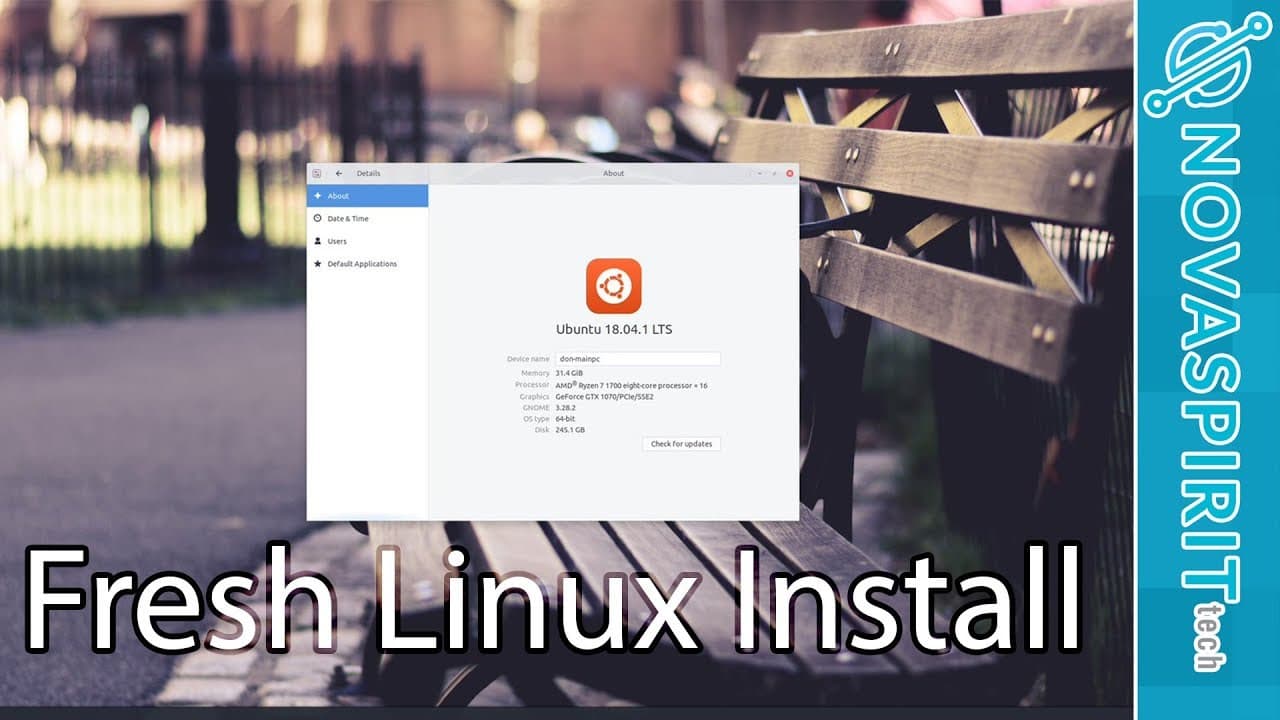
To install Ubuntu Budgie, start by creating a bootable USB with the Ubuntu Budgie image and follow the on-screen prompts to set up the system. After installation, prioritize updating the software and customizing the desktop layout to suit your preferences. Essential software recommendations include Chrome for media, VLC or MPV for playback, and Kdenlive for video editing, keeping in mind potential application compatibility issues.
Transcript
hey guys going on it's dawn here from Nova spirit tech and I know it's been a while since I uploaded a video I've just been super busy and I haven't had a chance to upload video for the past couple of weeks but I am back and today we are going to be doing a fresh Linux install on my desktop PC solid let's get started now on my main desktop I stayed... Read More
Key Insights
- 💍 Dawn re-engaged with Linux after years of using Adobe due to newfound interests in other distros like Solus.
- 👤 Ubuntu Budgie was chosen for its user-friendly interface and familiarity, making it an ideal option for transitioning users.
- 😀 The software landscape on Linux offers alternatives for video editing, though users may face compatibility hurdles.
- 🔒 Dawn emphasizes the importance of updates as part of the initial setup for enhanced performance and security.
- 🔉 For media consumption, Dawn highlights the seamless support that Chrome provides compared to native film players.
- 💻 Customizing the desktop environment can make transitioning from Windows to Linux more comfortable and enjoyable.
- 👤 Many users encounter issues with popular video editing software under Linux, signifying a gap in user-friendly tools.
Install to Summarize YouTube Videos and Get Transcripts
Explore YouTube Video Summarizer or Get YouTube Transcript Extractor
Questions & Answers
Q: Why did Dawn decide to switch to Linux?
Dawn initially avoided Linux due to the reliance on Adobe products, but after trying Solus on his laptop and enjoying its stability and aesthetics, he decided to give Ubuntu Budgie a shot on his desktop, seeking to diversify his operating system experience.
Q: What software does Dawn recommend for media playback on Linux?
For media playback, Dawn recommends using Google Chrome due to its robust multimedia support. He also mentions VLC and MPV as excellent media players that come with Ubuntu and provide a seamless user experience for video content.
Q: What challenges did Dawn face with video editing software on Linux?
Dawn encountered difficulties with various video editing software, such as Pitivi and DaVinci Resolve. He noted that Pitivi wouldn't import videos, while DaVinci Resolve had restrictions on file formats in its free version, highlighting limitations in Linux video editing options.
Q: How does Dawn approach customizing his Linux desktop environment?
Dawn tailors his Linux desktop by moving the menu to the bottom and organizing it similarly to Windows, which enhances his familiarity and efficiency while using the system. This customization helps him transition more comfortably to the Linux environment.
Q: What tools does Dawn use for graphic design and photo editing?
For graphic design and photo editing, Dawn suggests using Pinta for basic painting tasks, Inkscape for vector art, and Darktable for professional-grade photo editing similar to Adobe Lightroom, emphasizing their ease of use and compatibility with Linux.
Q: Does Dawn use a VPN, and why is it recommended?
Yes, Dawn strongly recommends using a VPN like Private Internet Access to safeguard user privacy and protect data from potential snooping, especially while using public networks. It adds an extra layer of security essential for safe browsing.
Summary & Key Takeaways
-
Dawn discusses his return to Linux after years of using Adobe products, opting for Ubuntu Budgie for its familiarity and ease of use.
-
He outlines the installation process, emphasizing the importance of updating software and customizing the desktop layout for a Windows-like experience.
-
Dawn highlights essential software for media playback, image editing, and video production, while noting challenges with certain applications.
Read in Other Languages (beta)
Share This Summary 📚
Summarize YouTube Videos and Get Video Transcripts with 1-Click
Try YouTube Summary with ChatGPT & Claude or YouTube Transcript Generator
Explore More Summaries from Novaspirit Tech 📚






Summarize YouTube Videos and Get Video Transcripts with 1-Click
Try YouTube Summary with ChatGPT & Claude or YouTube Transcript Generator