How to Use ChatGPT 5.6 Sol for Real Workflows
TL;DR
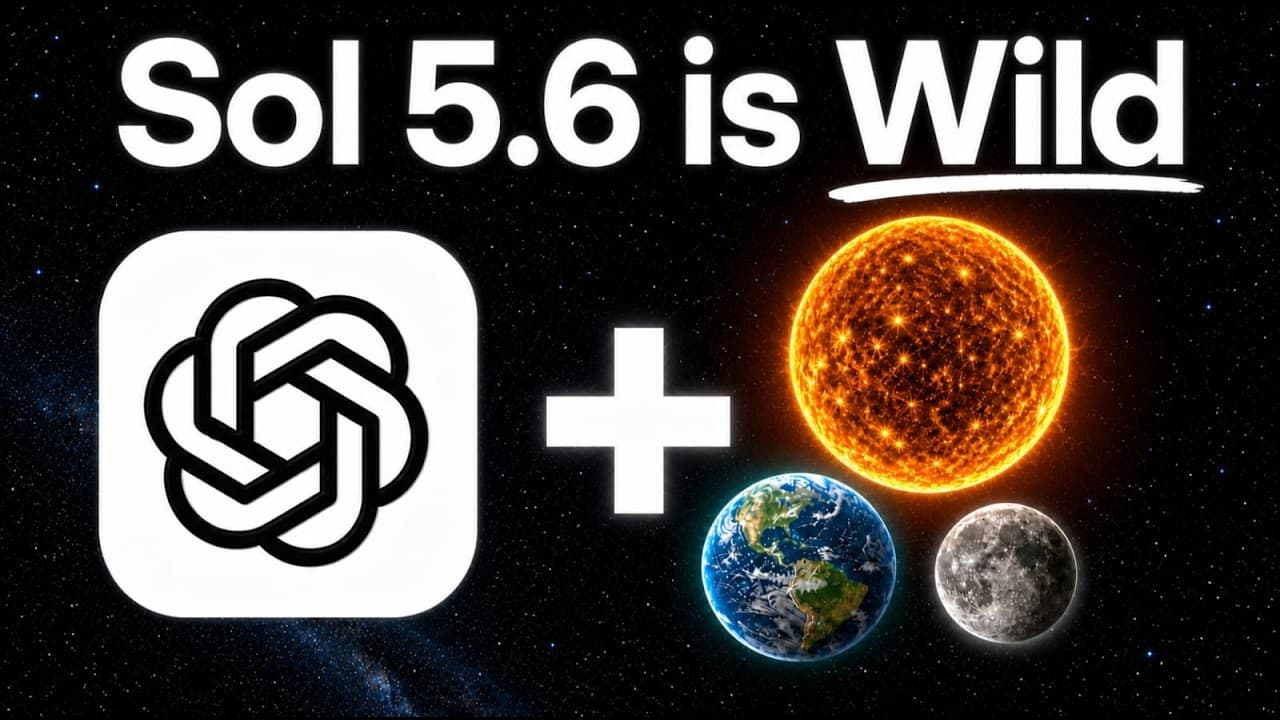
ChatGPT 5.6 Sol is presented as the strongest option for demanding design, research, browser, and cross-checking workflows, while Terra and Luna cost less on the demonstrated task. The most effective setup depends on both the model and its harness: Sol can act as a fast workhorse, Clay can supply business data, and another model can add design finesse or verify results.
Transcript
OpenAI just released its most powerful model, ChatGpt Sol 5.6. And since it's released, I have put it to the absolute test, and I'm going to show you five insane use cases, where it wins, and exactly how to use it so you don't waste any time. You can make more money and get light years ahead of everybody else. And if you're new, I'm Jack. I built s... Read More
Key Insights
- Sol is presented as the most capable of the three ChatGPT 5.6 variants. In the shared presentation test, it reproduces the requested text, gradient, spacing, logo placement, and second-page styling more successfully than the demonstrated outputs from Terra and Luna.
- The three models have materially different task costs in the presentation comparison. The presenter reports roughly 90 cents for Sol, 37 cents for Terra, and 29 cents for Luna, showing that the strongest demonstrated visual result also carries the highest cost within this specific test.
- Model rankings are not perfectly consistent across every design detail. Terra is described as stronger than Luna overall, yet its spacing looks slightly worse in the demonstrated presentation, indicating that a higher-tier model does not guarantee improvement on every individual output characteristic.
- Clay expands Sol from a general model into a go-to-market research workflow. One prompt requests companies, funding histories, employee information, verified VP of Sales emails, ideal-customer-profile scores, and first-touch messages, with the connected service supplying the underlying business and contact data.
- The Clay workflow produces six qualified accounts after beginning with a larger set. Its final HTML report includes company information, employee counts, contact emails, ideal-customer-profile scoring, and outreach copy that can be copied for outbound activity.
- The harness changes how the same model behaves and presents its work. Running Sol directly in the ChatGPT app emphasizes speed and extensive task execution, while using it through Claude can alter presentation, add information, and provide more visual finesse.
- Cross-verification is a practical use for combining models. The presenter describes bringing ChatGPT into a workflow to check work produced elsewhere, allowing one system to generate or orchestrate tasks while another reviews the results instead of relying on a single output.
- Connected tools turn short instructions into multi-stage workflows. The examples cover HTML presentation creation, market sourcing, waterfall enrichment, client research, sequencing, CRM synchronization, website generation, browser operation, W9 completion, and model collaboration, although the transcript provides different levels of detail for each demonstration.
- More videos from this channel:
- More from this channel: Jack Roberts
Install to Summarize YouTube Videos and Get Transcripts
Explore YouTube Video Summarizer or Get YouTube Transcript Extractor
Questions & Answers
Q: How does ChatGPT 5.6 Sol compare with Terra and Luna?
Sol produces the strongest result in the demonstrated two-page HTML presentation task. It captures the requested text and gradient more accurately, improves spacing, places a logo in the lower-left area, and applies the design consistently to the second page. Luna gets basic text and colors right, while Terra unexpectedly shows slightly weaker spacing than Luna in this particular comparison.
Q: How much do Sol, Terra, and Luna cost for the same task?
For the shared presentation assignment, the presenter reports a cost of roughly 90 cents for Sol, 37 cents for Terra, and 29 cents for Luna. These figures apply to the specific demonstrated job, not every possible workload. The comparison shows a direct tradeoff: Sol costs the most of the three, but it also produces the preferred design result in that test.
Q: How can Sol and Clay create a target account list?
Connect Clay through the available connector flow, then give the model a precise market definition and required output fields. The example requests US Series B fintech companies with 50–200 employees, their funding histories, verified VP of Sales emails, ideal-customer-profile scores, and first-touch messages. The workflow researches a broader set and narrows it to six qualified accounts in an HTML report.
Q: What information does the Clay workflow return?
The resulting report contains six companies that match the defined ideal customer profile, along with company details, employee counts, funding-related information, scoring, contact emails, and drafted first-touch outreach. A version orchestrated through Claude also includes growth information and additional presentation details. Clay can further support market sourcing, waterfall enrichment, client research, sequencing, and CRM synchronization.
Q: Why use Sol through Claude instead of only ChatGPT?
Using Sol through Claude changes the harness around the model rather than replacing Sol itself. In the examples, Claude can orchestrate model runs, expose usage information, connect services, and present results with additional finesse. Direct use in the ChatGPT app is described as useful when someone wants to ask a question and let the model work quickly through many actions.
Q: How can multiple AI models cross-check a workflow?
The presenter recommends bringing another model into the process to verify important work. One model can perform research, generate an asset, or execute a long sequence, while the other inspects the output and identifies potential weaknesses. The description specifically highlights combining Sol with Fable for cross-checking, making verification a distinct step rather than trusting one model's first response.
Q: What kinds of work can ChatGPT 5.6 Sol perform?
The demonstrated and described use cases include building a two-page HTML presentation, researching sales prospects through Clay, generating a website from a short prompt, operating within a browser workflow, completing a W9 form, and collaborating with another model for verification. The presenter characterizes Sol as a workhorse because it can run extended tasks involving many actions and connected tools.
Q: When should someone choose Sol instead of Terra or Luna?
Sol is the demonstrated choice when output quality and demanding execution matter more than minimizing the task cost, especially for design recreation, long workflows, and connected research. Terra or Luna may be considered when lower spend is more important. The presentation test also shows why users should benchmark their actual task, since Terra does not outperform Luna on every visible design detail.
Summary & Key Takeaways
-
The first test gives Sol, Terra, and Luna the same two-page HTML presentation assignment. Luna captures basic text and colors, Terra produces weaker spacing in this example, and Sol delivers the closest text, gradient, spacing, logo placement, and second-page consistency. The reported task costs are roughly 90 cents, 37 cents, and 29 cents, respectively.
-
The second workflow connects Clay through its MCP and asks Sol to identify US Series B fintech companies with 50–200 employees, examine funding, enrich VP of Sales contacts with verified emails, score accounts against an ideal customer profile, and draft outreach. The resulting report narrows the research to six qualified accounts with supporting details.
-
The remaining demonstrations evaluate Sol's website-building taste, browser control, W9 form completion, and collaboration with another model for cross-checking. The broader conclusion is that output depends on the selected model, reasoning level, connected tools, and harness. The presenter favors Sol on extra high for demanding work while acknowledging cost and other drawbacks.
Read in Other Languages (beta)
Share This Summary 📚
Summarize YouTube Videos and Get Video Transcripts with 1-Click
Try YouTube Summary with ChatGPT & Claude or YouTube Transcript Generator
Explore More Summaries from Jack Roberts 📚




Summarize YouTube Videos and Get Video Transcripts with 1-Click
Try YouTube Summary with ChatGPT & Claude or YouTube Transcript Generator