How to Build Board-Ready PowerPoint Decks with AI
TL;DR
Build reliable AI-generated PowerPoint decks by enforcing the correct workflow, simplifying visual rules, separating planning from generation, validating each stage, and defining how conflicting data should be reconciled. Small decks can be produced in one pass, while longer board presentations benefit from an architect chat, generator chats for individual sections, and an assembly chat that maintains consistency.
Transcript
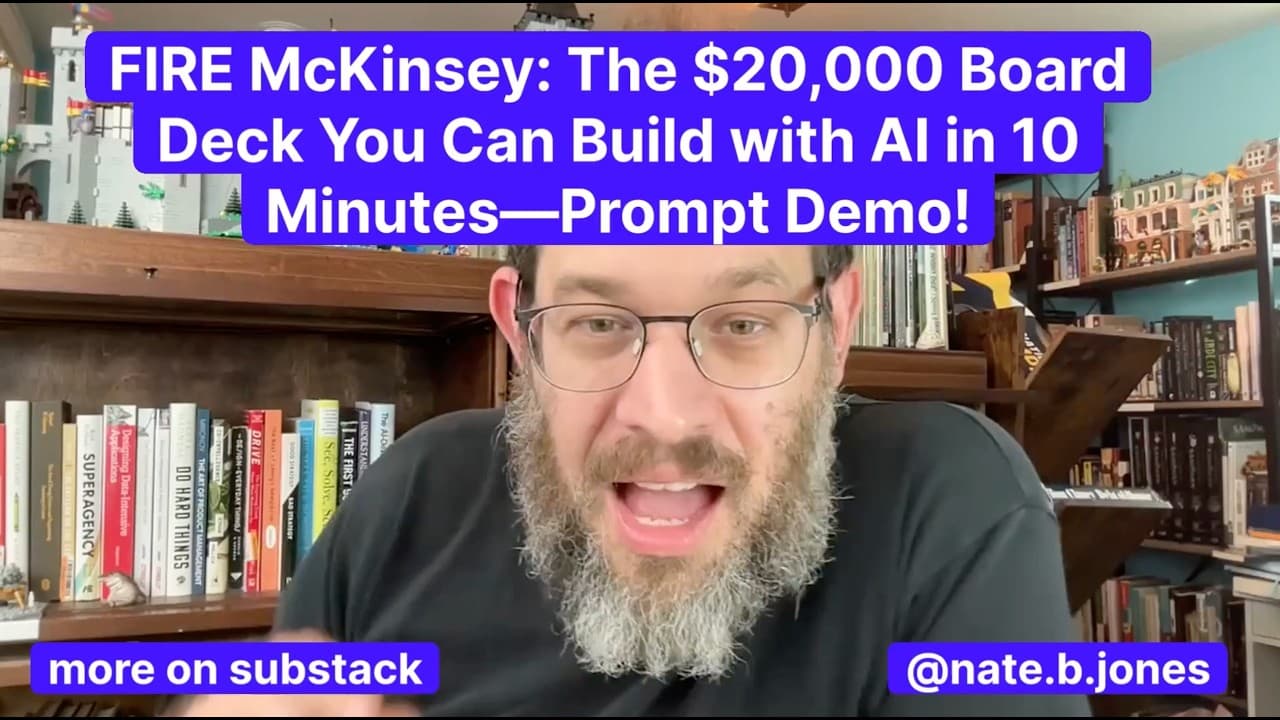
I solved AI for PowerPoint and I'm going to show you how to solve it for you and your organization, too. And we're not going to take very long to do it. It's going to be like 10, 15 minutes max. So, dig in. I am going to go through the problem and why it's a big deal. I'm going to show you the principles I use to prompt. Well, five of them. And the... Read More
Key Insights
- Workflow enforcement is essential for reliable AI-generated PowerPoint files because models can silently switch to weaker tools when a preferred tool fails or is unavailable. Prompts should explicitly require the best available presentation workflow and direct the model to report or correct failures.
- Constraint-based design is more reliable than decorative specification because PowerPoint combines spatial design with complex analysis. Clean typography, clear spacing, and limited visual ornament reduce brittleness and give the AI a simpler framework for expressing the presentation's reasoning.
- Multi-chat architecture enables coherent presentations of more than 30 slides by separating planning, production, and assembly. An architect chat creates the blueprint, generator chats build individual sections, and an assembly chat ensures that the completed deck remains visually and narratively consistent.
- PowerPoint generation consumes the available context faster than text or Excel work because the visual component adds complexity. Long decks therefore need deliberate chunking, while smaller presentations of four or five slides may be suitable for a single comprehensive prompt.
- Incremental validation produces more reliable results than relying only on a comprehensive specification. The model can establish a template, incorporate data, review the outline, synthesize the important messages, apply styling, and check each stage before continuing to the next one.
- Self-iteration allows sophisticated models to evaluate their own output against stated requirements. A prompt can instruct the model to test whether an outline or design passes a checkpoint, reject a failed result, and rewrite the affected material before delivering the presentation.
- Explicit conflict-resolution logic improves synthesis when source data contains competing projections or ambiguous values. The prompt should either prescribe how conflicts must be resolved or require the model to reconcile them and explain its methodology when the correct answer is not predetermined.
- AI presentation automation changes where teams spend their time by reducing manual slide production and design work. Teams can direct more attention toward gathering accurate data, negotiating organizational conflicts, refining messages for stakeholders, and reviewing the final narrative for executive use.
Install to Summarize YouTube Videos and Get Transcripts
Explore YouTube Video Summarizer or Get YouTube Transcript Extractor
Questions & Answers
Q: How can AI create an enterprise-grade PowerPoint deck?
AI can create an enterprise-grade PowerPoint deck when the prompt specifies a controlled production system rather than merely requesting slides. The system should enforce the appropriate technical workflow, define simple typography and spacing rules, supply the relevant data, explain how the data should be synthesized, and require validation. Longer presentations should also separate narrative planning, section generation, and final assembly into coordinated chats.
Q: Why should a PowerPoint prompt enforce a specific workflow?
A PowerPoint prompt should enforce a specific workflow because AI systems may silently fall back to another tool when the preferred capability fails, cannot connect, or is not invoked correctly. The model is designed to remain helpful, so it may continue without announcing the change. Explicit workflow requirements make production more consistent and give the model instructions for detecting, reporting, or correcting a degraded tool call.
Q: What visual rules improve AI-generated PowerPoint slides?
Simple typography, clean spacing, and limited decoration improve the reliability of AI-generated slides. Complex borders, numerous containers, and heavily decorated corporate templates make spatial output more brittle. Constraint-based design lets the model devote more of its effort to expressing analysis and narrative clearly. Simplicity does not require unattractive slides, but it does require visual rules that can be applied consistently across the presentation.
Q: How should a long board deck be divided across AI chats?
A long board deck should use an architect chat to develop the narrative blueprint, generator chats to produce manageable groups of slides, and an assembly chat to enforce consistency across the completed presentation. This structure supports decks of more than 30 slides because each chat has a focused responsibility. It also prevents the visual work from consuming the context window before the entire narrative has been developed.
Q: When can an AI PowerPoint deck be generated in one prompt?
A smaller presentation of roughly four or five slides can combine template selection, data incorporation, synthesis, styling, and validation within one prompt. A larger presentation should divide these stages into separate prompts or chats because visual generation consumes context quickly. The decision depends on scope and complexity, but every workflow should preserve checkpoints so the model can validate its work before completing the final file.
Q: How does iterative prompting improve PowerPoint quality?
Iterative prompting improves PowerPoint quality by making the model complete and verify the work in stages. A practical sequence is to establish the base template, add the source data, inspect the raw outline, synthesize the most important points, apply the visual style, and validate the result. If a checkpoint fails, the prompt can direct the model to revise that stage before it proceeds or delivers the deck.
Q: How should AI handle conflicting data in a presentation?
AI should receive explicit instructions for reconciling conflicting data before turning it into a presentation narrative. If the required resolution is known, the prompt should state exactly how to resolve the conflict. If it is not known, the model should compare the competing values or projections, choose a defensible treatment, and explain its methodology. This exposes reasoning that might otherwise remain unstated in the author's head.
Q: What work still requires human judgment when AI builds slides?
Human judgment remains necessary for collecting relevant data, defining the intended message, reviewing the model's synthesis, and resolving stakeholder or organizational conflicts. AI can reduce the time spent formatting slides, applying design rules, generating iterations, and assembling a deck. That shift gives people more time to negotiate disagreements, clarify priorities, and ensure that the final presentation communicates the right message to its executive audience.
Summary & Key Takeaways
-
Enterprise-grade AI presentations require more than a generic request to create slides. The prompt should enforce the appropriate technical workflow, define clean visual constraints, identify the source data, explain how that data should be synthesized, and include validation checkpoints that let the model detect and correct failures before delivering the PowerPoint file.
-
Simple design rules make generated slides more dependable. Clean typography, generous spacing, and limited decoration reduce visual brittleness while leaving the model more capacity to communicate complex analysis. Existing corporate templates may need to be simplified because excessive borders, containers, and decorative branding elements make consistent automated production more difficult.
-
Long presentations work best as a coordinated sequence of chats. An architect chat develops the narrative blueprint, generator chats create manageable groups of slides, and an assembly chat checks consistency. Human effort can then focus on collecting data, resolving stakeholder conflicts, refining the central message, and reviewing the completed presentation.
Read in Other Languages (beta)
Share This Summary 📚
Summarize YouTube Videos and Get Video Transcripts with 1-Click
Try YouTube Summary with ChatGPT & Claude or YouTube Transcript Generator
Explore More Summaries from AI News & Strategy Daily | Nate B Jones 📚




Summarize YouTube Videos and Get Video Transcripts with 1-Click
Try YouTube Summary with ChatGPT & Claude or YouTube Transcript Generator