How to get instant answers from Google Drive with ChatGPT
TL;DR
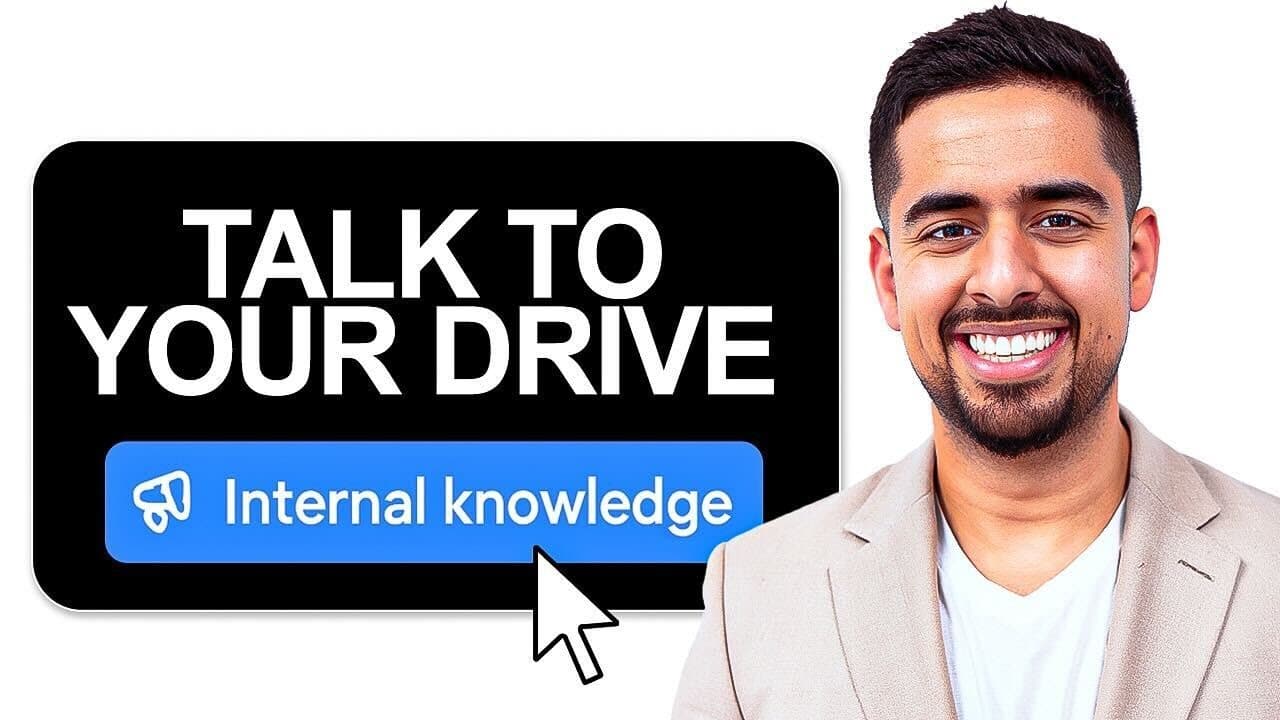
You can connect Google Drive to ChatGPT Teams using Internal Knowledge. After a quick OAuth connection and catalog creation, documents, Sheets, and Slides become queryable with four to five matching results. Management options include who can access what, with enterprise features for larger teams.
Transcript
I just hooked up my entire Google Drive to Chat GBT. And now I can speak to pretty much any of my files instantly. And unlike other tutorials, I didn't have to create a custom GPT with special custom actions. I didn't have to create a custom knowledge base or use chat projects. All I had to do was click a button, create a catalog of my entire Googl... Read More
Key Insights
- Internal Knowledge is a new setting in ChatGPT Teams that links Google Drive to create a continuously syncing catalog of files.
- OAuth authentication is required to connect Google Drive, after which a catalog is created that keeps itself updated with new and existing files.
- The system presents four to five potential document matches for a user query, pulling directly from the indexed Google Drive content.
- Supported file types include Google Docs, Google Sheets, Google Slides, PDFs, Word documents, PowerPoint, and plain text files.
- For enterprise users, the bottom of the settings shows features available only with the Enterprise plan, including more advanced integration options.
- Access control is configurable per workspace, allowing admins to decide who can access which components of the Google Drive catalog.
- Blocking specific items or URLs from syncing is possible to prevent them from appearing in search results.
- Setting up enterprise requires a Google Cloud service account and a project, with a private key and admin email to enable provisioning.
- More videos from this channel:
- More from this channel: Mark Kashef
Install to Summarize YouTube Videos and Get Transcripts
Explore YouTube Video Summarizer or Get YouTube Transcript Extractor
Questions & Answers
Q: A real search query question about the video (e.g. 'How to...', 'What is...', 'Why does...', 'When should...'). Question 1
How can I turn my Google Drive into an AI powered knowledge base with ChatGPT Teams, and what are the basic steps involved? The video shows you first log into ChatGPT Teams, locate the Internal Knowledge toggle, and decide whether to use OAuth to connect your Google Drive. After granting access, you create a catalog that will sync with your latest files, enabling you to ask questions and receive four to five matched results tied to the relevant documents. This workflow emphasizes speed and simplicity over building a separate knowledge base.
Q: Question 2
What files can be indexed and queried when using Internal Knowledge in ChatGPT Teams, and are there any limitations mentioned? The speaker confirms Google Docs, Sheets, and Slides, as well as PDFs, Word documents, PowerPoint files, and plain text can be indexed. The demo notes that images within PDFs may not be analyzed as well as some specialized tools, indicating there are some limitations in content extraction, particularly for complex PDFs.
Q: Question 3
How long does it take to sync a Google Drive with Internal Knowledge, and what factors influence the sync time? The video states the sync can take from 5 to 20 minutes depending on the size and structural complexity of your drive, including folder depth and number of files. In a personal drive with relatively fewer items, the time can be shorter, but it scales with drive thickness and layers.
Q: Question 4
What does the user see when they query a document, and how are the results presented? The example shows the system returning direct information from the documents, such as market size figures, and then links to the exact documents used as sources. It demonstrates an in document search within Google Drive to identify closest matches to the query.
Q: Question 5
What are the security and permission considerations discussed when using Internal Knowledge with Google Drive? The discussion highlights access management at the workspace level, the ability to block certain items from syncing, and cautions about sensitive data. It also contrasts small team usage with enterprise scale, suggesting careful consideration of who has access to the knowledge base.
Q: Question 6
What is the difference between standard and enterprise plans for this feature, as described in the video? The video explains that enterprise features are highlighted in the settings bottom, including broader integration and management options, and a higher recommended seat count. Enterprise deployments require more advanced setup, such as a Google Cloud service account and provisioning steps.
Q: Question 7
How does the system handle access control for different users within a workspace? Admins can manage who has access to specific components of the Google Drive integration, enabling differentiated permissions across team members. This is intended to help maintain security while enabling collaboration in small teams and larger organizations alike.
Q: Question 8
What final recommendations does the video offer regarding using Internal Knowledge for non sensitive use cases? For teams not dealing with highly sensitive data, the feature can save time and headaches by avoiding custom GPTs or dedicated vector databases, offering a streamlined path to instant, cited answers from Drive content.
Summary & Key Takeaways
-
The video explains enabling Internal Knowledge in ChatGPT Teams to connect Google Drive, authenticate with OAuth, and build a catalog that syncs with latest files for instant querying. It covers supported file types like Docs, Sheets, PDFs, and Slides and discusses setup time based on drive size.
-
The speaker demonstrates asking specific questions and getting four to five relevant document matches from Drive, with sources linked to exact documents for traceability, and notes the approach scales differently in small teams versus enterprise.
-
Security, permissions, and enterprise considerations are highlighted, including blocking certain items from syncing, and the recommended seat count for enterprise use, plus the need for a Google Cloud service account for large deployments.
Read in Other Languages (beta)
Share This Summary 📚
Summarize YouTube Videos and Get Video Transcripts with 1-Click
Try YouTube Summary with ChatGPT & Claude or YouTube Transcript Generator
Explore More Summaries from Mark Kashef 📚




Summarize YouTube Videos and Get Video Transcripts with 1-Click
Try YouTube Summary with ChatGPT & Claude or YouTube Transcript Generator