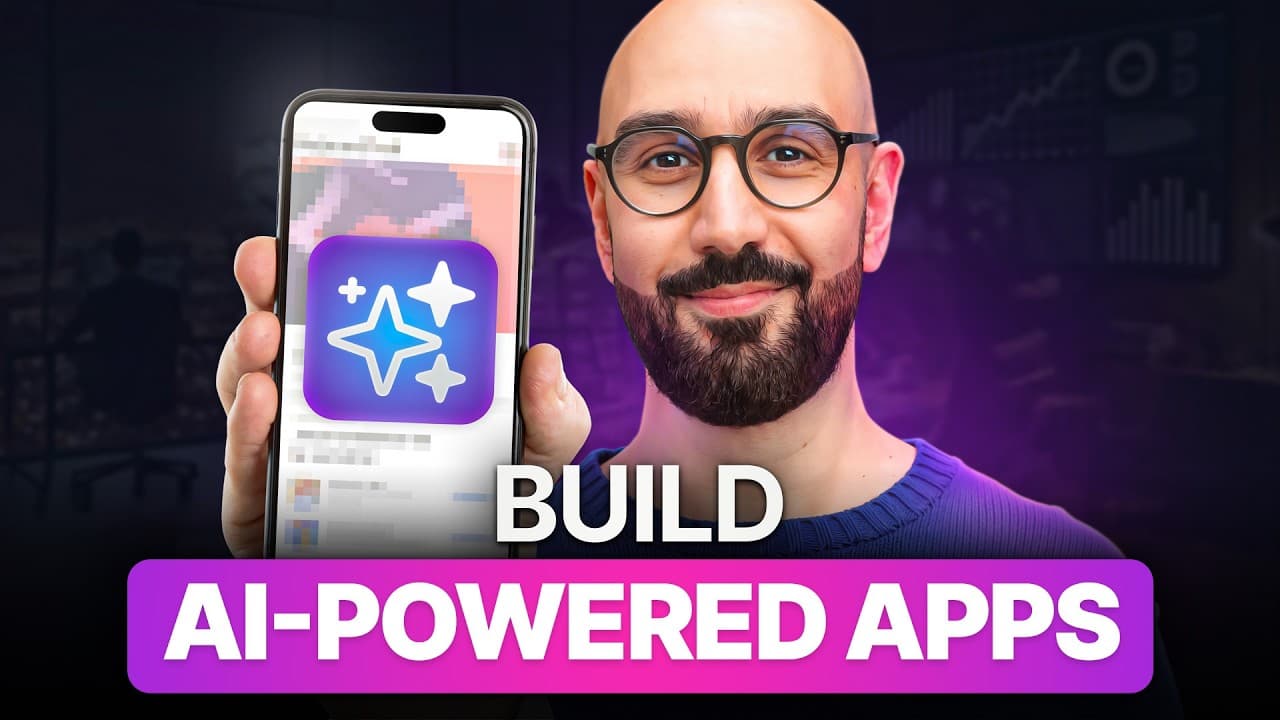
How to Build AI-Powered React Apps with LLMs
TL;DR
Build useful AI features by combining pretrained language models with a separate React frontend and Express backend, then improve reliability through model selection, settings, structured prompts, and clean architecture. The course develops these skills through a theme park chatbot, a product review summarizer with Prisma migrations, and integrations with open-source models that can run locally.
Transcript
AI is everywhere, but have you actually built something with it? In this course, you will learn how to build real AI powered features like the ones you see in apps from Google, Amazon, and beyond. We'll start by building a solid foundation, understanding language models, tokens, context windows, choosing the right models, model settings, and prompt... Read More
Key Insights
- AI engineering is the practice of using pretrained models, especially large language models, to build smarter applications. Unlike machine learning engineering, it focuses on integrating existing models into products rather than cleaning training data, tuning architectures, or optimizing model-training pipelines.
- Useful AI features are designed to solve specific user problems. Examples include summarizing product reviews, translating posts, generating email campaigns, moderating content, routing support tickets, answering property questions, and helping theme park visitors find information more quickly.
- Language model foundations include tokens, context windows, costs, model selection, temperature, and model calls. Understanding these concepts gives developers a practical mental model for choosing models and controlling their behavior before adding them to a full-stack application.
- The course requires basic modern JavaScript, TypeScript, and React knowledge. Learners should understand arrow functions, destructuring, promises, async and await, JSX, components, state, and effect hooks, while prior backend, database, and AI experience is helpful but not required.
- The project architecture separates the frontend and backend to make their communication easier to understand. The course uses Bun, Express, React, Tailwind, and ShadCN/UI, while emphasizing that the same principles can also be applied within a Next.js project.
- The theme park chatbot is the first major project and is developed from the backend forward. Its implementation is progressively refactored with clean architecture principles, followed by a frontend that receives new features, interface improvements, and chatbot refinements throughout the lessons.
- Effective prompt engineering involves supplying context, controlling the output format, using examples, handling errors, and reducing hallucinations. These techniques help developers produce responses that better match application requirements instead of relying on vague, uncontrolled model instructions.
- Open-source models provide an alternative to relying entirely on commercial APIs. The course covers why these models matter, how to find them, how to run them locally, and how to integrate them into applications that can operate in different environments.
Install to Summarize YouTube Videos and Get Transcripts
Explore YouTube Video Summarizer or Get YouTube Transcript Extractor
Questions & Answers
Q: What skills are required to build AI apps with React?
The intended learner should know the basics of modern JavaScript, TypeScript, and React. Relevant JavaScript and TypeScript concepts include arrow functions, destructuring, promises, async, and await. For React, learners should understand components, JSX, state hooks, and effect hooks. Backend development, database experience, and prior AI knowledge are not required because those topics are introduced step by step.
Q: What is the difference between AI engineering and machine learning engineering?
Machine learning engineers build and train models by cleaning data, tuning architectures, and optimizing training pipelines, making their work more mathematical and research focused. AI engineers use pretrained models, especially large language models, to create smarter applications. Their main responsibility is understanding how to integrate models into real products and apply them effectively to solve practical user problems.
Q: How is the full-stack AI project structured?
The project keeps the frontend and backend completely separate so learners can clearly observe how the two parts communicate. The backend uses Bun and Express, while the frontend uses React, Tailwind, and ShadCN/UI. Although the course does not use Next.js, its AI integration principles can still be applied to a Next.js project by developers who prefer that framework.
Q: What AI projects are built during the course?
The course centers on two full-stack projects. The first is a chatbot that answers questions about an imaginary theme park and helps visitors find information faster. The second is a product review summarizer that uses a database and Prisma migrations to produce concise review insights. The course also introduces open-source model integrations that can run locally.
Q: How does prompt engineering improve AI application responses?
Prompt engineering improves responses by giving the model relevant context, defining the required output format, and supplying examples of the desired behavior. The course also addresses error handling and techniques for reducing hallucinations. Together, these practices give developers more control over model output and help responses align more closely with the needs of a specific application feature.
Q: Why should developers understand tokens and context windows?
Tokens and context windows are foundational concepts for working with language models. The course connects them with cost, model selection, temperature, and model calls so developers understand how models process supplied information and how settings shape behavior. This mental model helps developers make informed implementation choices before they start building chatbots, summarizers, and other AI-powered product features.
Q: How should learners follow the hands-on AI course?
Learners are encouraged to watch every lesson in order and actively code along, especially during the full-stack projects. The lessons are short and focused, so someone who finds the pace fast can watch one lesson, take notes, and repeat it. The goal is to understand the code, identify the problems encountered, and understand why each solution was selected.
Q: How can open-source language models be used in applications?
Open-source models can be found, run locally, and integrated into the same kinds of applications built with commercial model APIs. The final course section explains why these models matter and demonstrates the steps for using them in applications. This approach gives developers a way to run model-powered features in different environments without being tied exclusively to commercial APIs.
Summary & Key Takeaways
-
The course begins with the foundations developers need to use language models effectively. It covers language model capabilities, tokens, context windows, costs, model selection, temperature, model calls, and prompt engineering. These concepts provide a practical mental model for understanding how AI behaves when integrated into real applications and useful product features.
-
The development setup keeps the React frontend and Express backend separate so learners can clearly see how the two parts communicate. The stack includes Bun, React, Express, Tailwind, ShadCN/UI, and formatting with Prettier. The initial requirements are Node.js version 22.17 or higher and a code editor, preferably VS Code.
-
Hands-on projects turn the foundations into working features. Learners build a theme park chatbot, refactor it with clean architecture, and create a product review summarizer backed by a database and Prisma migrations. Later lessons address prompt design, hallucination reduction, error handling, and open-source models that can run locally without dependence on commercial APIs.
Read in Other Languages (beta)
Share This Summary 📚
Summarize YouTube Videos and Get Video Transcripts with 1-Click
Try YouTube Summary with ChatGPT & Claude or YouTube Transcript Generator
Explore More Summaries from Programming with Mosh 📚


Summarize YouTube Videos and Get Video Transcripts with 1-Click
Try YouTube Summary with ChatGPT & Claude or YouTube Transcript Generator