How to Build Backend Services with Node.js
TL;DR
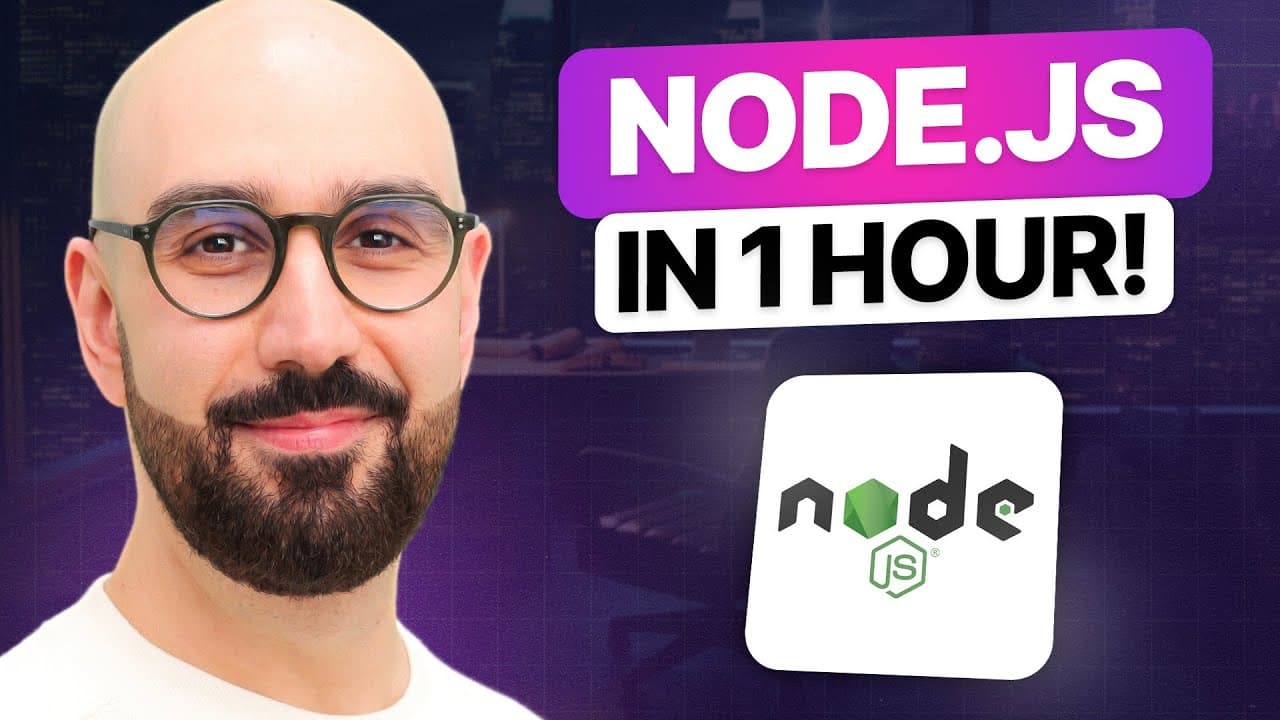
Node.js runs JavaScript outside a browser and is especially suitable for scalable, data-intensive, real-time backend services. Its asynchronous, non-blocking architecture lets one thread handle other requests while disk, database, or network operations complete, but CPU-intensive work can block clients. Beginners should install the latest stable release, verify it with the version command, and then study Node’s module system and core modules.
Transcript
node.js or node is an open source and cross-platform runtime environment for executing JavaScript code outside of a browser quite often we use node to build backend Services also called apis or application programming interfaces these are the services that power our client applications like a web app running inside of a web browser or a mobile app ... Read More
Key Insights
- Node.js is an open-source, cross-platform runtime environment for executing JavaScript outside a browser. It is commonly used to create backend services, also called APIs, that support web and mobile applications with data storage, email, notifications, workflows, and other server-side operations.
- Node combines Google’s V8 JavaScript engine with additional modules that provide capabilities unavailable in browsers. Chrome and Node share the same engine, but their runtime environments differ because browsers expose objects such as document, while Node supports file-system and network operations.
- Node is neither a programming language nor a web application framework. It executes JavaScript and supplies a server-oriented runtime environment, so comparisons with languages such as C or Ruby and frameworks such as .NET, Rails, or Django confuse tools that serve fundamentally different purposes.
- The key to Node’s scalability is its asynchronous, non-blocking architecture. A single thread can start a database operation and serve another client instead of waiting idly, allowing an application to handle many requests without allocating a separate waiting thread to every client.
- The event queue is how completed asynchronous operations return for processing. When a database finishes a query, it places a message in the queue, and Node continuously monitors that queue, removes available events, and processes them with its request-handling thread.
- Node is best suited to applications with substantial disk or network access, including scalable, data-intensive, and real-time services. Its architecture can serve more clients efficiently because the main thread remains available while external operations, such as database queries, are still running.
- CPU-intensive processing is a poor fit for Node’s single-threaded request model. Calculations for tasks such as video encoding or image manipulation can occupy the thread, forcing other clients to wait until that processing finishes and reducing the benefit of non-blocking input and output.
- Node allows JavaScript developers to reuse the same language across frontend and backend development. This can support more consistent naming conventions, tools, and practices, while Node’s large ecosystem of open-source libraries supplies reusable building blocks so developers can focus on their application’s core functionality.
Install to Summarize YouTube Videos and Get Transcripts
Explore YouTube Video Summarizer or Get YouTube Transcript Extractor
Questions & Answers
Q: What is Node.js and what is it used for?
Node.js is an open-source, cross-platform runtime environment that executes JavaScript code outside a web browser. It is commonly used to build backend services, also called APIs, that power web and mobile applications. Those services can store data, send emails or push notifications, start workflows, access files, communicate over networks, and perform other work unavailable to ordinary browser-based JavaScript.
Q: How is Node.js different from a browser?
Node.js and Chrome both use Google’s V8 JavaScript engine, but they provide different runtime environments. A browser exposes environment objects such as window and document so JavaScript can interact with web pages. Node does not provide the document object. Instead, it adds modules and objects for capabilities such as file-system access, network communication, and listening for requests on a port.
Q: Is Node.js a programming language or framework?
Node.js is neither a programming language nor a web application framework. JavaScript is the language being executed, while Node is the runtime environment that executes it outside a browser. It should therefore not be compared directly with languages such as C or Ruby, or with web frameworks such as .NET, Rails, and Django, because those categories describe different kinds of technology.
Q: How does Node.js handle multiple requests?
Node.js uses an asynchronous, non-blocking architecture with a single thread handling requests. When a request requires a database query, disk operation, or network operation, the thread starts that work without waiting for it to finish. It can then serve another client. When the external operation completes, its result enters an event queue, which Node monitors and processes.
Q: Why is Node.js suitable for scalable backend services?
Node.js is suitable for scalable backend services because its main thread does not remain idle while databases, disks, or networks complete operations. The thread can continue serving other clients during that waiting period. This non-blocking use of resources enables an application to support more concurrent clients without requiring a waiting thread for every request or immediately adding more hardware.
Q: When should Node.js not be used?
Node.js should not be used for CPU-intensive services dominated by calculations, with video encoding and image manipulation given as examples. Because Node applications use a single thread to handle requests, prolonged calculations for one client occupy that thread and make other clients wait. Node is a better match for data-intensive and real-time applications that perform substantial disk or network operations.
Q: Why can Node.js help JavaScript developers become full-stack developers?
Node.js lets frontend developers apply their existing JavaScript skills to backend development instead of first learning another programming language. Using JavaScript on both sides can also make source code more consistent because developers can apply the same naming conventions, tools, and best practices. The tutorial presents this reuse of skills as a path toward full-stack development and broader employment opportunities.
Q: How should a beginner install and start learning Node.js?
A beginner should first run the Node version command in Command Prompt on Windows or Terminal on Mac or Linux to see whether Node is installed. The tutorial recommends downloading the latest stable version from nodejs.org rather than the newer experimental release. After installation, the learning sequence covers a first program, the module system, core modules, events, and HTTP functionality.
Summary & Key Takeaways
-
Node.js is an open-source, cross-platform runtime environment that executes JavaScript outside browsers. It embeds Google’s V8 engine in a C++ program and adds capabilities for server-side work, including file-system and network access. It is neither a programming language nor a web application framework, but an environment for running JavaScript code.
-
Node achieves scalability through asynchronous, non-blocking request handling. A single thread can begin a database or network operation, serve another client while waiting, and later process the completed operation through an event queue. This architecture uses resources efficiently for applications involving substantial disk access, network access, concurrent clients, or real-time communication.
-
Node is appropriate for data-intensive and real-time backend services but not CPU-intensive workloads such as video encoding or image manipulation. The tutorial recommends installing the latest stable version from nodejs.org, checking the installation with the version command, and progressing through programs, modules, core utilities, events, and HTTP functionality.
Read in Other Languages (beta)
Share This Summary 📚
Summarize YouTube Videos and Get Video Transcripts with 1-Click
Try YouTube Summary with ChatGPT & Claude or YouTube Transcript Generator
Explore More Summaries from Programming with Mosh 📚





Summarize YouTube Videos and Get Video Transcripts with 1-Click
Try YouTube Summary with ChatGPT & Claude or YouTube Transcript Generator