How to Use the Shortcuts App on Your Mac
TL;DR
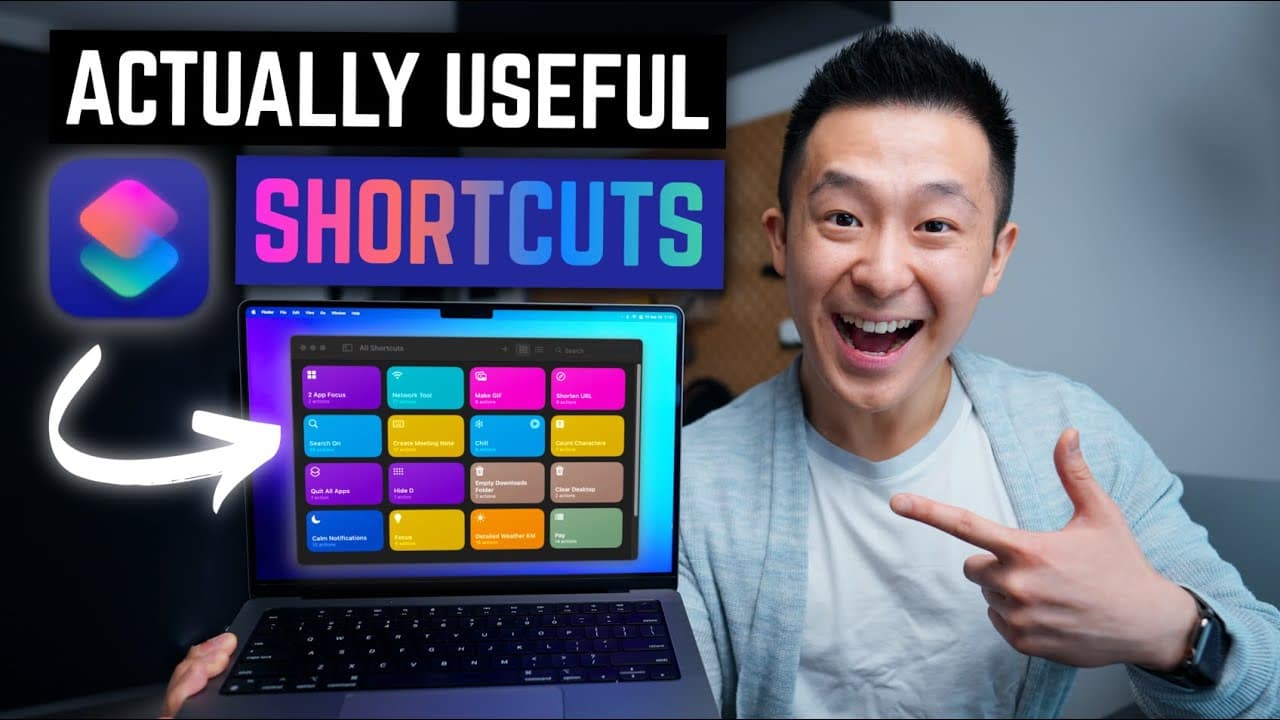
The Shortcuts app on Mac allows users to automate tasks with a single button press, boosting productivity. You can activate shortcuts through the menu bar, Spotlight search, quick actions, or the Alfred command bar for advanced users. This video highlights practical shortcuts like hiding desktop clutter and setting focus modes.
Transcript
foreign hey friends welcome back to the channel if you're new here my name is Jeff come from the MacBook tips and stay for the fake magic because all I did was run a shortcut I created using the shortcuts app on the Mac quick refresher these shortcuts are simply a series of actions that can be activated with a single button if you open the applicat... Read More
Key Insights
- 😬 Mac shortcuts can greatly enhance productivity by automating tasks and reducing the need for manual processes.
- 🤢 Activating shortcuts is possible through various methods, such as the menu bar, Spotlight search, quick actions, or the Alfred command bar.
- 😫 Some useful shortcuts mentioned in the content include hiding desktop clutter, setting focus mode, accessing network information, counting characters, and performing quick searches.
- 👻 Shortcuts can be customized to fit individual preferences, allowing users to personalize their workflow.
- 😒 Sharing shortcuts is easy by using iCloud links, making it convenient to distribute and use shortcuts created by others.
- 😫 Paid Alfred users have access to the com notifications shortcut, which allows for setting timers for do not disturb.
- 🪡 There are numerous other shortcuts available for download, catering to different needs and preferences.
Install to Summarize YouTube Videos and Get Transcripts
Explore YouTube Video Summarizer or Get YouTube Transcript Extractor
Questions & Answers
Q: How can I activate shortcut workflows on a Mac?
There are four methods: through the menu bar, using Spotlight search, using quick actions, or through the Alfred command bar for paid Alfred users.
Q: Are the provided shortcuts customizable?
Yes, the shortcuts can be customized. Users can change settings such as icon color, name, split screen ratios, and more.
Q: How can I share a shortcut I created with others?
The easiest way is to use the share button, copy the iCloud link, and share it with others. They can then open the link on their Mac and be prompted to open the shortcuts app.
Q: Are there any additional tips for Mac users?
Paid Alfred users can install the free com notifications shortcut to set timers for do not disturb. Additionally, there are more useful shortcuts available for download.
Key Insights:
- Mac shortcuts can greatly enhance productivity by automating tasks and reducing the need for manual processes.
- Activating shortcuts is possible through various methods, such as the menu bar, Spotlight search, quick actions, or the Alfred command bar.
- Some useful shortcuts mentioned in the content include hiding desktop clutter, setting focus mode, accessing network information, counting characters, and performing quick searches.
- Shortcuts can be customized to fit individual preferences, allowing users to personalize their workflow.
- Sharing shortcuts is easy by using iCloud links, making it convenient to distribute and use shortcuts created by others.
- Paid Alfred users have access to the com notifications shortcut, which allows for setting timers for do not disturb.
- There are numerous other shortcuts available for download, catering to different needs and preferences.
- Mac users can maximize productivity by exploring and leveraging the power of shortcuts to streamline their day-to-day tasks.
Summary & Key Takeaways
-
Mac shortcuts are a series of actions that can be activated with a single button, making tasks more efficient.
-
There are four ways to activate shortcut workflows: through the menu bar, Spotlight search, quick actions, or the Alfred command bar.
-
The content provides several useful shortcut examples, including hiding desktop clutter, setting focus mode, accessing network information, counting characters, and performing quick searches.
Read in Other Languages (beta)
Share This Summary 📚
Summarize YouTube Videos and Get Video Transcripts with 1-Click
Try YouTube Summary with ChatGPT & Claude or YouTube Transcript Generator
Explore More Summaries from Jeff Su 📚






Summarize YouTube Videos and Get Video Transcripts with 1-Click
Try YouTube Summary with ChatGPT & Claude or YouTube Transcript Generator