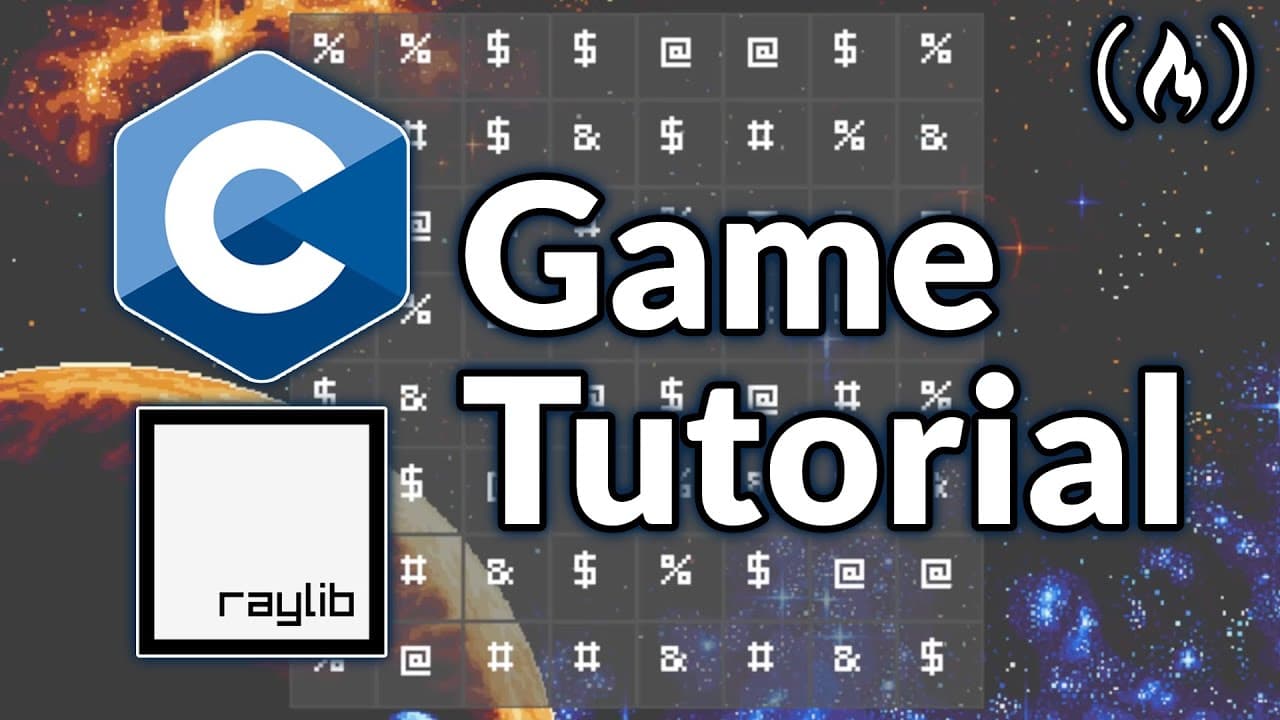
How to build a Match-3 game in C with Raylib
TL;DR
You can create a complete ASCII based match-3 game in C using Raylib by setting up a grid, random tiles, a game loop, and drawing code. The tutorial covers scoring, animations, background image, and audio, plus how to handle matches and score popups.
Transcript
Learn to build a complete match three game from scratch using C programming and the Rayb graphics library in this hands-on tutorial. You'll create a polished ASI based puzzle game with smooth animations, visual effects, sound integration, and responsive gameplay mechanics. The course covers everything from setting up the game loop and tile matching... Read More
Key Insights
- The board is defined as an 8 by 8 grid with a tile size of 42.
- Five distinct tile types are used to create variety in the board.
- The board is filled with random tiles at initialization.
- The grid is centered on the screen for visual appeal.
- A background image can be loaded and drawn behind the board.
- Score updates show a numeric burst and can trigger color changes on matches.
- Mouse input tracking is introduced to select and swap tiles.
- Tile animations and a simple state system are added after basic swapping is implemented.
- More videos from this channel:
- More from this channel: freeCodeCamp.org
Install to Summarize YouTube Videos and Get Transcripts
Explore YouTube Video Summarizer or Get YouTube Transcript Extractor
Questions & Answers
Q: How do you center the tile board on the screen?
The video explains centering the tile board by calculating a grid origin vector based on the screen size minus the grid width and height, then dividing by two. This origin is then used to offset each tile position by x times tile size and y times tile size so the entire board sits centered in the window. The approach ensures the board remains centered regardless of grid dimensions. It also allows dynamic resizing by recomputing the origin whenever the board size or tile size changes.
Q: What libraries and setup are used to build the game?
The setup uses the Raylib graphics library in a C program. The tutorial demonstrates including Raylib headers, defining board size and tile size, creating a 2D char board to hold tile types, and a small random tile generator function. It also covers window initialization, a game loop, and drawing routines to render the grid, tiles, and borders, providing a clear path from project creation to a working prototype.
Q: How many tile types are defined and why?
Five tile types are defined to provide variety and to ensure odd numbers work well for matching mechanics, which are common in match-3 style games. The tiles are stored in a char array with distinct symbols for each type, and a random function selects among them when initializing the board. This setup supports simple visualization while keeping the data structures lightweight in C.
Q: What is the initial state of the game board?
The initial state is a randomly populated grid where each cell is assigned one of the five tile types. This is achieved by a function that iterates over the board dimensions and fills each cell with a randomly chosen tile. The initialization leads to immediate gameplay opportunities as players can start making matches from the first rendered frame.
Q: How is the background visual implemented?
A background texture is loaded from an asset file and drawn behind the tile grid. The tutorial explains loading the texture, unloading it at cleanup, and drawing it with a texture drawing function that maintains the aspect ratio while fitting within the window. This provides a polished backdrop that enhances the visual presentation of the match-3 board.
Q: What is covered regarding score and visual feedback?
Score display is introduced, including showing a large score in the top left and enabling score popups as matches occur. The approach emphasizes updating the score when matches are found and providing immediate visual feedback such as popups and color highlights to signal successful matches, reinforcing the core gameplay loop.
Q: How are user interactions handled?
Mouse input tracking is introduced to select and interact with tiles. The tutorial walks through detecting mouse clicks, determining which tile is targeted, and preparing for tile swapping. This setup forms the basis for interactive gameplay, allowing the player to swap adjacent tiles to create matches while the code handles input timing and state changes.
Q: What are the later steps after basic swapping is introduced?
After swapping, the tutorial advances to implementing a tile state system, removing matched tiles, and adding animations. It also covers expanding visuals with a board background, adding music and sound effects, and introducing score related effects like bursts. These steps culminate in a more complete and responsive match-3 experience with richer feedback.
Summary & Key Takeaways
-
To build the project, start by configuring an 8x8 board with a tile size of 42 and five tile types. The tutorial guides you through initializing the board with random tiles and setting up the main game loop to render the grid each frame. Visual polish includes a background image, centered board, and score display.
-
Next steps focus on interaction, including mouse input handling, matching detection, removing matches, and adding tile animations and state tracking. The course then expands to swapping tiles, background layers, and integrating music and sound effects to enhance feedback.
-
Finally the tutorial wraps with adding score popups and score bursts, tying together animation, audio, and scoring mechanics to deliver a polished end product, while maintaining accessible code structure and clear development steps.
Read in Other Languages (beta)
Share This Summary 📚
Summarize YouTube Videos and Get Video Transcripts with 1-Click
Try YouTube Summary with ChatGPT & Claude or YouTube Transcript Generator
Explore More Summaries from freeCodeCamp.org 📚



![The Most Important Skills Going Forward with CTO + Homebrew Maintainer Mike McQuaid [Podcast #204] thumbnail](/_next/image?url=https%3A%2F%2Fi.ytimg.com%2Fvi%2F58Tn2xB8kIE%2Fhqdefault.jpg&w=750&q=75)


Summarize YouTube Videos and Get Video Transcripts with 1-Click
Try YouTube Summary with ChatGPT & Claude or YouTube Transcript Generator