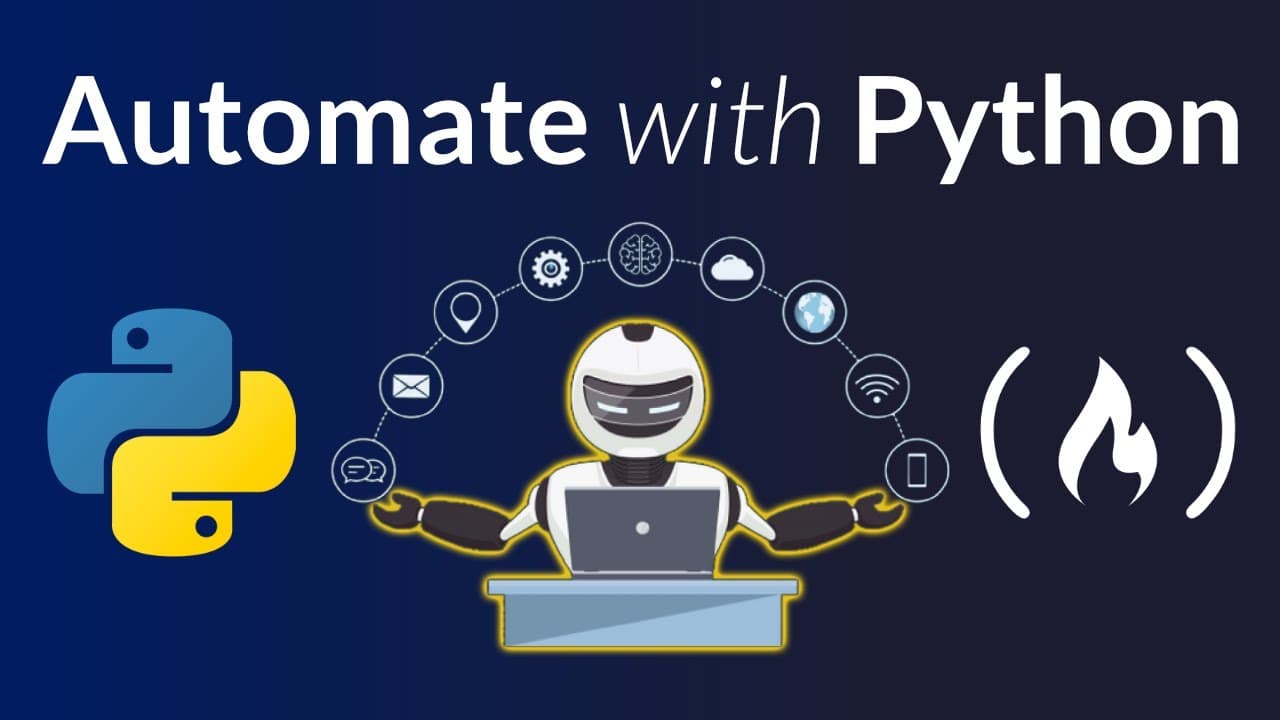
How to automate tasks with Python for beginners
TL;DR
Python automation helps you handle repetitive tasks like creating Excel reports, sending messages, and scraping tables from websites. The course covers using libraries to automate data extraction, CSV handling, and basic web interaction, with hands on projects such as table extraction, CSV download automation, and PDF table scraping. It also introduces HTML basics to aid scraping and web automation.
Transcript
in this course you will learn how to use python to automate everyday tasks such as creating an excel report sending text messages extracting tables from websites interacting with websites and more you will learn how to use a few python automation libraries over a series of projects frank andrade created this course frank is a data scientist and an ... Read More
Key Insights
- Automation with Python enables everyday task handling by combining multiple libraries for data handling, web scraping, and browser interaction, turning manual steps into repeatable code driven processes.
- The course emphasizes practical projects such as extracting tables from websites and downloading CSV files via Python, showcasing real world workflows rather than abstract concepts.
- Pandas read_html and read_csv are used to fetch table data and CSV content from online sources, illustrating how to pull structured information without manual downloads.
- Web scraping is taught alongside HTML basics to improve reliability and accuracy when locating data on websites, including understanding tags and page structure.
- PDF data extraction is introduced using a library that reads tables from PDFs, enabling conversion to CSV for easier analysis and reuse.
- XPath and tree structure concepts are provided to navigate web pages programmatically, enhancing automation reliability across different sites.
- The course also covers how to install and manage Python libraries in a notebook or IDE, ensuring learners can reproduce experiments and projects.
- Franks course format blends theory with practical coding sessions, guiding beginners from installation to executing automation tasks.
- More videos from this channel:
- More from this channel: freeCodeCamp.org
Install to Summarize YouTube Videos and Get Transcripts
Explore YouTube Video Summarizer or Get YouTube Transcript Extractor
Questions & Answers
Q: How can I start automating simple tasks with Python for beginners
To start, install Python and set up a basic development environment like Jupyter notebooks or PyCharm. Learn to import simple libraries such as pandas and use read_html to fetch tables from a website. Practice by extracting a table from a site you know, then print the first few rows to verify results.
Q: What is the primary purpose of read_html in the course
read_html is used to extract tables from web pages into a Python data structure, typically a list of data frames. This enables quick data collection from multiple tables on a site, so you can select the relevant one (for example the first season of a show) and manipulate it with pandas for analysis.
Q: How does the course approach downloading multiple CSV files from a site
The course demonstrates reading a CSV from a URL using read_csv with a direct link. It then suggests iterating over a list of links to download each file automatically, setting up a loop to fetch all available series or seasons and store them as separate data frames for analysis.
Q: What is the role of pandas in web data extraction shown in the video
Pandas acts as the core data handling tool, providing methods like read_html and read_csv to pull tabular data from web pages or CSV URLs. It allows renaming columns, selecting specific rows, and performing subsequent data cleaning, shaping, and analysis within a single workflow.
Q: What should a beginner learn about HTML to improve scraping
A beginner should learn basic HTML concepts such as tags, elements, and the document tree. Understanding how a page is structured helps identify where data resides, making it easier to write selectors or XPath expressions to reliably locate tables and other data during scraping tasks.
Q: Which Python library helps extract tables from PDFs in the course
The course introduces a library capable of reading tables from PDFs and exporting them to CSV. It demonstrates choosing between lattice and stream parsing methods, showing how to select the first page and then export the extracted table to a CSV file for further analysis.
Q: How does the course handle installation of required libraries
The course provides guidance on installing Python libraries via the terminal or notebook environments, including commands like pip install for pandas and other tools. It also notes prerequisites for certain tasks, such as additional dependencies needed to work with specific PDF extraction libraries.
Q: What is the value of learning XPath in the context of automation
XPath provides a powerful syntax to navigate the HTML tree, enabling precise location of elements when scraping or automating interactions with websites. Learning XPath helps you write more robust selectors, especially on dynamic pages, which improves reliability and reduces errors in automated data extraction workflows.
Summary & Key Takeaways
-
This section outlines the course structure and learning outcomes, focusing on automating everyday tasks with Python and introducing key libraries for data handling and web interaction. It highlights practical projects like extracting tables, downloading CSVs, and scraping PDFs, providing a practical path for beginners to automate work.
-
The summary emphasizes hands on learning through projects that demonstrate how to extract data from websites, handle CSV files, and parse PDFs, while also covering essential HTML concepts to improve scraping effectiveness.
-
The third point reinforces that the course includes orientation on web automation, tree structure and XPath, enabling learners to apply automation techniques to real world data extraction tasks.
Read in Other Languages (beta)
Share This Summary 📚
Summarize YouTube Videos and Get Video Transcripts with 1-Click
Try YouTube Summary with ChatGPT & Claude or YouTube Transcript Generator
Explore More Summaries from freeCodeCamp.org 📚




Summarize YouTube Videos and Get Video Transcripts with 1-Click
Try YouTube Summary with ChatGPT & Claude or YouTube Transcript Generator