How to Use Unity Catalog in Azure Databricks
TL;DR
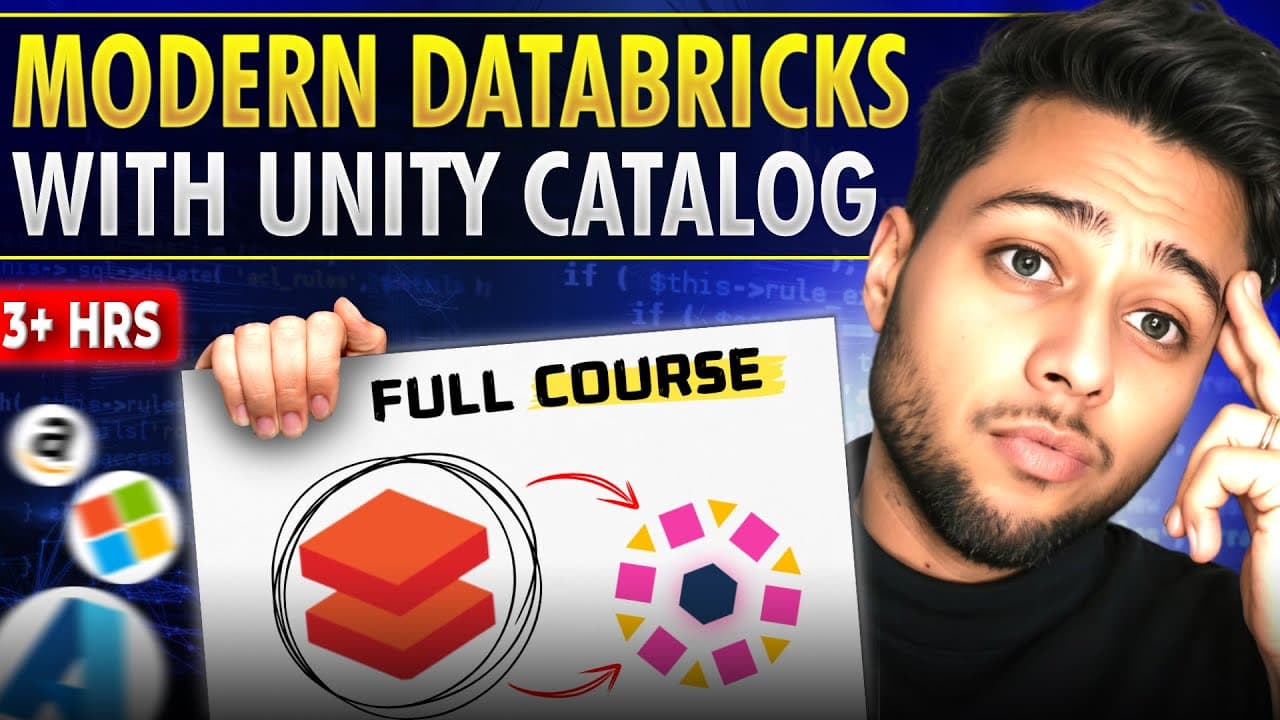
Unity Catalog in Azure Databricks provides a unified data governance solution, allowing users to manage metadata across multiple workspaces with a single metastore. It simplifies data management by enabling the creation of managed and external tables, and facilitates seamless access to data using external locations and storage credentials. The tutorial covers the setup of Unity Catalog, creation of catalogs, schemas, tables, and the use of Delta Lake features.
Transcript
this 4 hours long special data break session will make you an outlier in the crowd how because the Dynamics of the T bres are totally changed and upgraded so in this video you will gain strong handson with unity catalog external location Unity meta store storage credentials external Delta table versus managed Delta table external volume versus mana... Read More
Key Insights
- Unity Catalog is a unified data governance solution for managing metadata across multiple Databricks workspaces.
- Databricks uses a metastore to store metadata, which can be unified across workspaces using Unity Catalog.
- External locations and storage credentials facilitate secure access to data stored in cloud storage.
- Managed tables store data in the default location specified by the metastore, while external tables use specified locations.
- Delta Lake provides features like data versioning, time travel, and optimization for efficient data management.
- Magic commands in Databricks allow the use of multiple programming languages within the same notebook cell.
- Databricks clusters are responsible for computation and can be configured to automatically terminate after inactivity.
- The tutorial demonstrates real-time scenarios and interview questions to deepen understanding of Databricks features.
Install to Summarize YouTube Videos and Get Transcripts
Explore YouTube Video Summarizer or Get YouTube Transcript Extractor
Questions & Answers
Q: How to set up Unity Catalog in Azure Databricks?
To set up Unity Catalog in Azure Databricks, create a Unity metastore and link it to your Databricks workspace. This allows you to manage metadata across multiple workspaces. You will need to create storage credentials and external locations to access data securely. The tutorial provides a step-by-step guide on setting up Unity Catalog and creating catalogs, schemas, and tables.
Q: What is the difference between managed and external tables in Databricks?
Managed tables store data in the default location specified by the metastore, and when dropped, both metadata and data are deleted. External tables, on the other hand, use specified locations for data storage. When an external table is dropped, only the metadata is deleted, while the data remains intact in the specified location.
Q: How does Delta Lake enhance data management in Databricks?
Delta Lake enhances data management in Databricks by providing features like data versioning, time travel, and optimization. Data versioning allows tracking changes over time, time travel enables querying previous data versions, and optimization improves query performance by compacting files and removing deleted data. These features make data management more efficient and reliable.
Q: What are magic commands in Databricks?
Magic commands in Databricks are special commands that allow the use of multiple programming languages within the same notebook cell. For example, %python, %sql, %scala, and %r enable users to write code in Python, SQL, Scala, and R, respectively. Magic commands like %md allow adding markdown comments and headings, enhancing the readability and organization of notebooks.
Q: How to create an external location in Databricks?
To create an external location in Databricks, first create a storage credential using the access connector ID, which provides the necessary permissions to access cloud storage. Then, define the external location using the ABFSS path to the desired container or folder in your cloud storage. This setup allows secure access to external data sources from Databricks.
Q: What is the role of clusters in Databricks?
Clusters in Databricks are groups of virtual machines responsible for computation. They can be configured to automatically terminate after a period of inactivity, optimizing resource usage and cost. Clusters can be created with different node types and runtimes, and they execute the code in notebooks, processing data and performing analytics tasks efficiently.
Q: How to use Delta Lake's time travel feature?
Delta Lake's time travel feature allows querying previous versions of data by specifying a timestamp or version number. This feature is useful for auditing, debugging, and recovering from accidental data modifications. Users can use SQL commands like SELECT to access historical data, providing flexibility and control over data analysis and management.
Q: Why use Unity Catalog in Databricks?
Unity Catalog in Databricks provides a unified data governance solution, allowing centralized management of metadata across multiple workspaces. It simplifies data access and security by enabling the use of external locations and storage credentials. Unity Catalog supports creating multiple catalogs, schemas, and tables, enhancing data organization and collaboration across teams.
Summary & Key Takeaways
-
Unity Catalog in Azure Databricks provides a unified data governance solution, allowing users to manage metadata across multiple workspaces with a single metastore. It simplifies data management by enabling the creation of managed and external tables, and facilitates seamless access to data using external locations and storage credentials.
-
The tutorial covers the setup of Unity Catalog, creation of catalogs, schemas, tables, and the use of Delta Lake features. Delta Lake provides advanced capabilities like data versioning, time travel, and optimization, enhancing data management and analysis in Databricks.
-
Magic commands in Databricks allow the use of multiple programming languages within the same notebook cell, facilitating diverse data processing tasks. The video also demonstrates real-time scenarios and interview questions to help users deepen their understanding of Databricks features.
Read in Other Languages (beta)
Share This Summary 📚
Summarize YouTube Videos and Get Video Transcripts with 1-Click
Try YouTube Summary with ChatGPT & Claude or YouTube Transcript Generator
Explore More Summaries from Ansh Lamba 📚
![Apache Spark - The Ultimate Guide [From ZERO To PRO] thumbnail](/_next/image?url=https%3A%2F%2Fi.ytimg.com%2Fvi%2FFNJze2Ea780%2Fhqdefault.jpg&w=750&q=75)
Summarize YouTube Videos and Get Video Transcripts with 1-Click
Try YouTube Summary with ChatGPT & Claude or YouTube Transcript Generator