How can I automate workflows with AI using n8n?
TL;DR
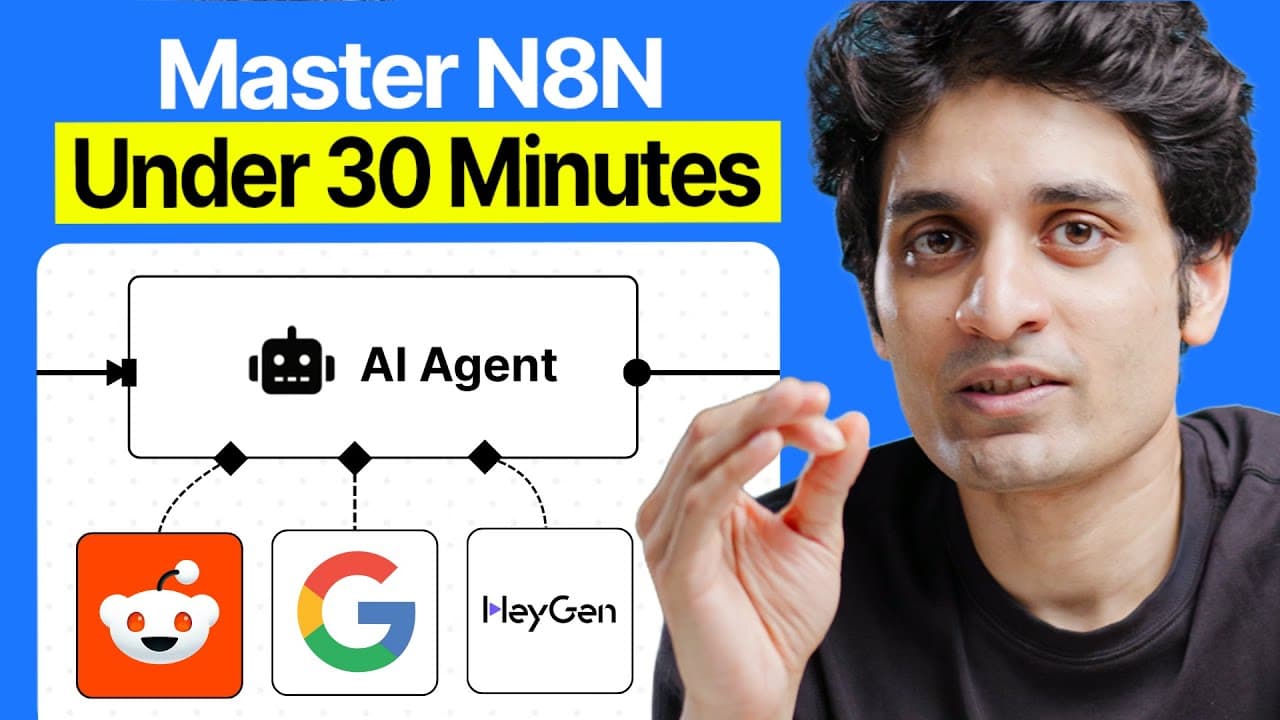
n8n is a visual workflow tool that connects apps, services, and APIs without coding. It supports linear and nonlinear workflows, including AI decision making, and can be self hosted on Hostinger for unlimited workflows. The video covers a simple starter workflow and a more advanced setup with Telegram, calendar services, and AI agents, plus debugging and templates.
Transcript
So, I recently did a video on Chad GBD agents and a lot of people in the DM said, "Hey, Vun, I think you should do a video on NAT." To be very honest, about five or six years ago when I was trying to automate some of the workflows at my company back then, we used to use this tool called Zapier that used to connect different tools and you'd be able ... Read More
Key Insights
- n8n is a visual, no code workflow platform that lets you drag and drop nodes to automate tasks across apps and services.
- Workflows in n8n can be linear or nonlinear, enabling simple sequential actions or AI driven decisions based on user input.
- JSON is the underlying data format for n8n workflows and templates, allowing easy sharing and importing of entire automations.
- Templates and community resources are available on the n8n website and GitHub, enabling users to reuse proven automations.
- Self hosting with Hostinger is presented as a cost effective way to run many workflows with no cloud execution limits.
- The video demonstrates a practical first workflow using a Telegram trigger to schedule meetings and handle different input types.
- A second, more complex workflow integrates Telegram, Google Calendar, and AI agents to automate meeting scheduling end to end.
- The tutorial emphasizes debugging steps and how to interpret data payloads and variables coming from messaging apps.
- More videos from this channel:
- More from this channel: Varun Mayya
Install to Summarize YouTube Videos and Get Transcripts
Explore YouTube Video Summarizer or Get YouTube Transcript Extractor
Questions & Answers
Q: How do I start with n8n for automation, and what is the first step in setting up a workflow?
To start with n8n you install the platform and access a visual canvas where you add nodes representing actions and connect them with lines to form a workflow. The first step in the example is setting up a Telegram trigger to listen for messages, then configuring credentials and output paths to ensure input data is properly routed. This approach makes it easy to test and iterate on the workflow before adding more nodes.
Q: What makes n8n suitable for AI driven workflows compared to traditional code based approaches?
n8n removes the need to write code by letting you drag and drop nodes that perform actions, call APIs, and integrate AI services. This enables rapid prototyping and collaboration among team members who may not code. The nonlinear capability supports AI agents deciding what to do with user input, enabling dynamic, responsive automations.
Q: How does hosting the automation server on Hostinger affect workflow limits and costs?
Hosting on Hostinger is presented as cost effective because it provides a self hosted option to run unlimited workflows, contrasting with cloud execution limits and higher expenses of managed cloud services. The plan highlighted includes two CPU cores and 8GB RAM, with a stated monthly cost of 549 rupees, making it feasible to scale automation without cloud constraints.
Q: What are the two types of workflows described in the video, and how do they differ?
The video describes linear workflows as a straightforward sequence of actions where each step leads to the next. It also describes nonlinear workflows where an AI agent can be consulted to decide the next action based on user input. This distinction allows simple automation as well as smarter, decision driven processes that adapt to data.
Q: What role do JSON templates play in n8n workflows?
JSON templates in n8n represent reusable workflow definitions that can be copied and pasted as JSON to reproduce a workflow. Templates facilitate sharing proven automations within the community and allow teams to quickly deploy complex workflows by importing a ready made structure rather than building from scratch.
Q: How are different data types like text and audio handled in the example workflow?
In the example, a Telegram trigger provides data which is routed using a switch node to distinguish between text and audio. Audio data is processed to extract a file or transcription, while text data proceeds to direct actions without extra handling. This routing enables appropriate processing paths for each data type.
Q: What is the purpose of using Google Gemini and Vertex AI in the workflow?
Google Gemini via Vertex AI is used to transcribe audio recordings in the workflow, turning voice messages into text that can be processed and used to schedule meetings or trigger other actions. This demonstrates how AI transcription integrates with automation to convert non textual inputs into actionable data.
Q: What additional workflow example is mentioned beyond meeting scheduling, and what does it illustrate?
Beyond scheduling meetings, the video mentions a workflow that turns Reddit posts into automated AI generated videos with avatars, voiceovers, and auto publishing. This illustrates the broader potential of n8n to automate complex content creation pipelines and publishing processes using AI.
Summary & Key Takeaways
-
This section explains n8n as a visual, code-free workflow platform where nodes represent actions and can be connected on a canvas for automation, making it easy for teams to share and modify workflows. It also introduces hosted and self hosted deployment options and emphasizes JSON based templates and community resources.
-
The video demonstrates building a basic workflow to trigger events, parse inputs, and route data between Telegram and other services, then scales to a more complex example that showcases AI driven decision making and transcriptions, using Google Gemini and Vertex AI for processing.
-
Viewers learn debugging practices, how to work with JSON templates, and how to set up APIs and credentials, highlighting the benefits of a self hosted server for cost efficiency and unlimited workflow execution.
Read in Other Languages (beta)
Share This Summary 📚
Summarize YouTube Videos and Get Video Transcripts with 1-Click
Try YouTube Summary with ChatGPT & Claude or YouTube Transcript Generator
Explore More Summaries from Varun Mayya 📚





Summarize YouTube Videos and Get Video Transcripts with 1-Click
Try YouTube Summary with ChatGPT & Claude or YouTube Transcript Generator