Raspberry Pi 2 Windows 10 Install - It's not what you think
TL;DR
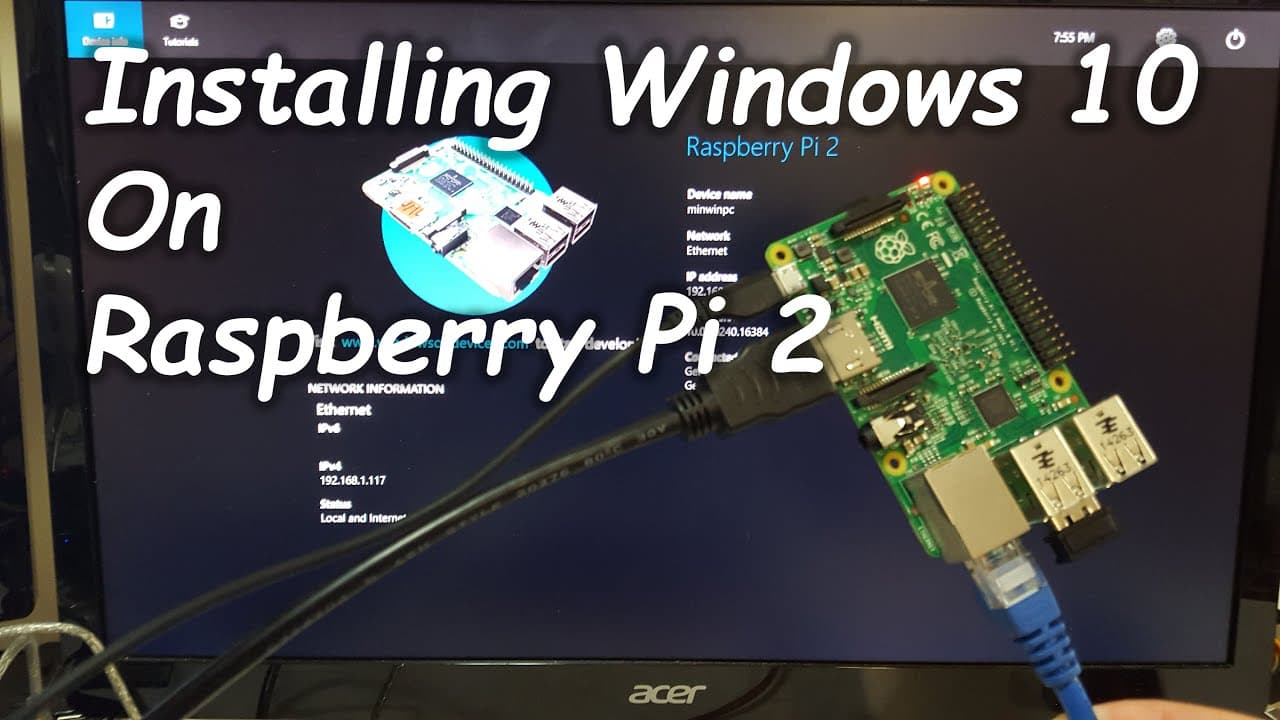
A step-by-step guide on installing Windows 10 IoT Core on Raspberry Pi.
Transcript
hey what's going on YouTube today we're going to be installing Windows 10 on the Raspberry Pi for those of you who doesn't know what a Raspberry Pi is it's a credit card size computer that allows you to plug into a monitor or a TV you could also plug keyboard and mouse into this device uh there's some general purpose uh input output pins that you c... Read More
Key Insights
- 🛟 Raspberry Pi serves as an accessible platform for programming and connecting various electronic components.
- 👻 Windows 10 IoT Core is focused on Internet of Things applications, allowing for specialized device control and monitoring.
- ☠️ Installing Windows 10 IoT Core involves specific steps such as downloading, flashing an SD card, and basic configuration.
- 💦 Users should recognize that working with Windows 10 IoT Core is different, as there is no traditional desktop interface available.
- 👤 The installation process requires careful attention to details, such as network settings and user access.
- 👀 The system is suitable for users looking to prototype applications without needing a full-fledged Windows experience.
- 🤩 Programming in C is a key feature of Windows 10 IoT Core, facilitating accessibility for developers familiar with that language.
Install to Summarize YouTube Videos and Get Transcripts
Explore YouTube Video Summarizer or Get YouTube Transcript Extractor
Questions & Answers
Q: What is a Raspberry Pi and why is it significant?
The Raspberry Pi is a compact credit card-sized computer that can connect to monitors, TVs, and peripherals like keyboards and mice. It serves as a versatile platform for programming and connecting various devices, making it popular among hobbyists, educators, and professionals for projects in electronics and computing.
Q: What are the key steps in installing Windows 10 IoT Core on a Raspberry Pi?
Key steps include downloading the Windows 10 IoT Core ISO file, using an application to flash this file onto an 8 GB SD card, and booting the Raspberry Pi with the card. After booting, users can configure network settings and access the device using its IP address for further management.
Q: How does the user access and manage the Raspberry Pi after installation?
After installation, users can access the Raspberry Pi by entering its IP address in a web browser and logging in with the administrator credentials. This interface allows users to manage applications, monitor performance, and modify settings, providing a necessary connection point for development.
Q: What limitations should users be aware of when using Windows 10 IoT Core?
Users should understand that Windows 10 IoT Core does not offer a complete Windows GUI experience; instead, it is tailored towards prototyping and development projects. It supports programming in C and is mainly intended for use in IoT device applications like sensors and automation systems.
Summary & Key Takeaways
-
The guide walks through the installation process of Windows 10 IoT Core on a Raspberry Pi, including downloading necessary files and preparing an SD card.
-
It highlights the connection process and basic setup needed to access and control the Raspberry Pi running Windows 10 from a PC.
-
The content emphasizes that Windows 10 IoT Core is designed for prototyping and programming devices rather than providing a full Windows GUI experience.
Read in Other Languages (beta)
Share This Summary 📚
Summarize YouTube Videos and Get Video Transcripts with 1-Click
Try YouTube Summary with ChatGPT & Claude or YouTube Transcript Generator
Explore More Summaries from Novaspirit Tech 📚






Summarize YouTube Videos and Get Video Transcripts with 1-Click
Try YouTube Summary with ChatGPT & Claude or YouTube Transcript Generator